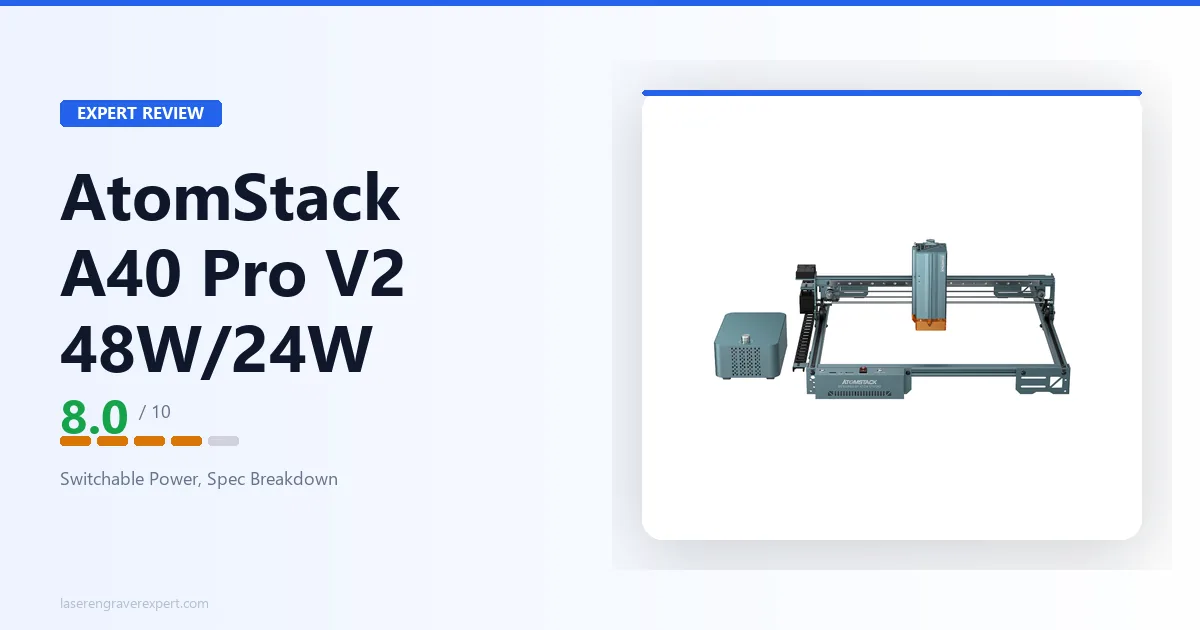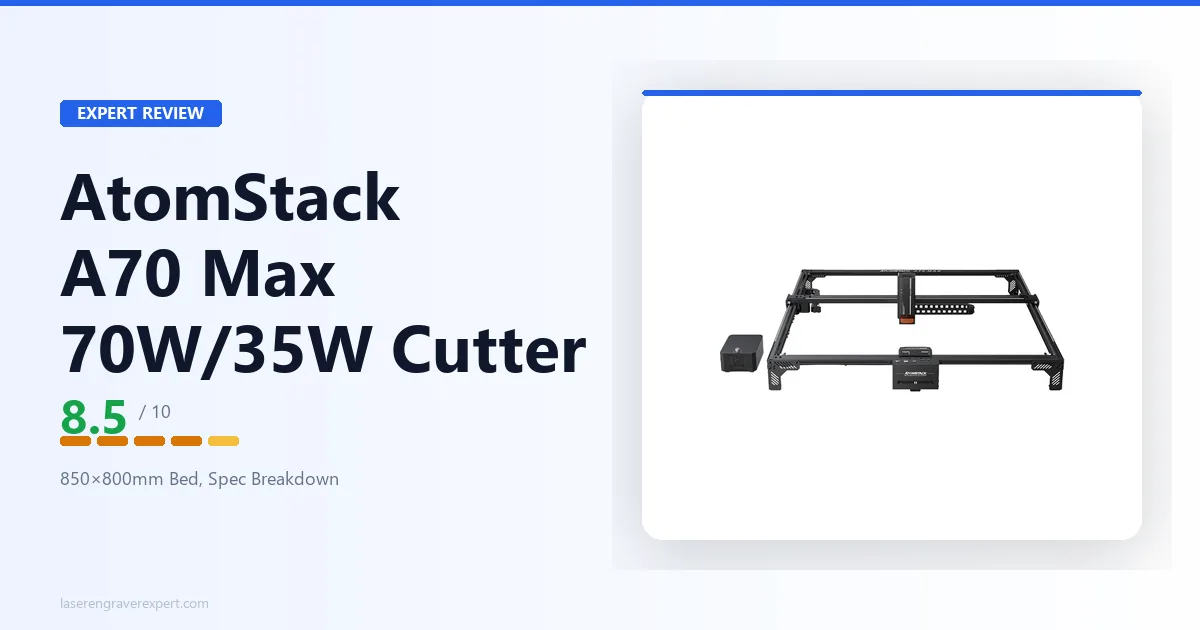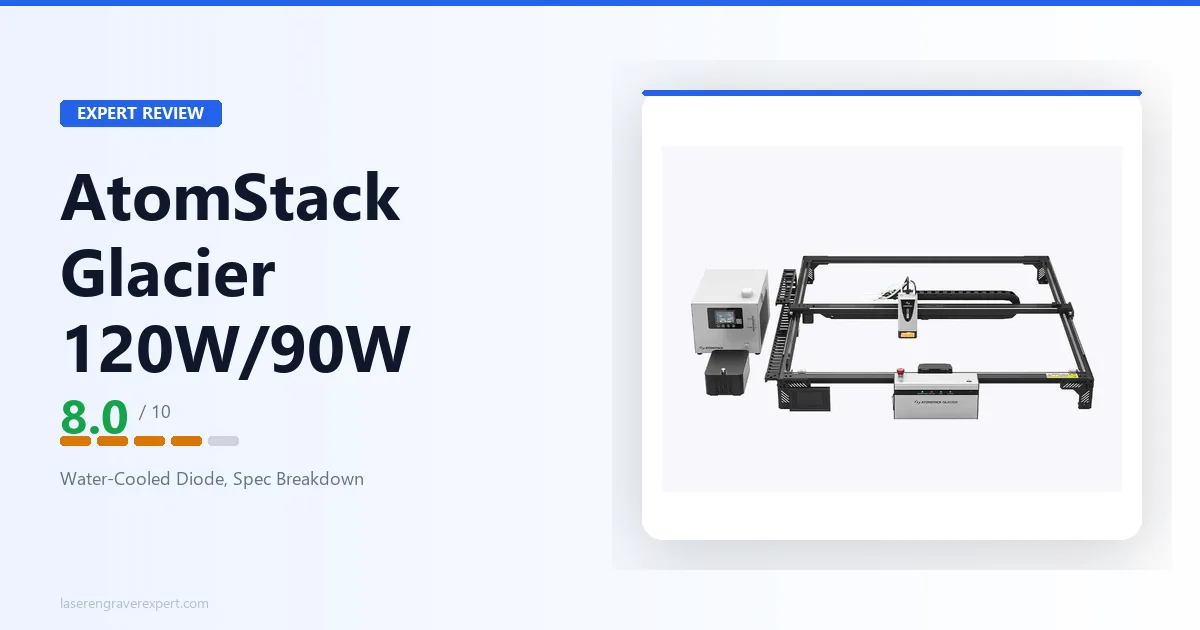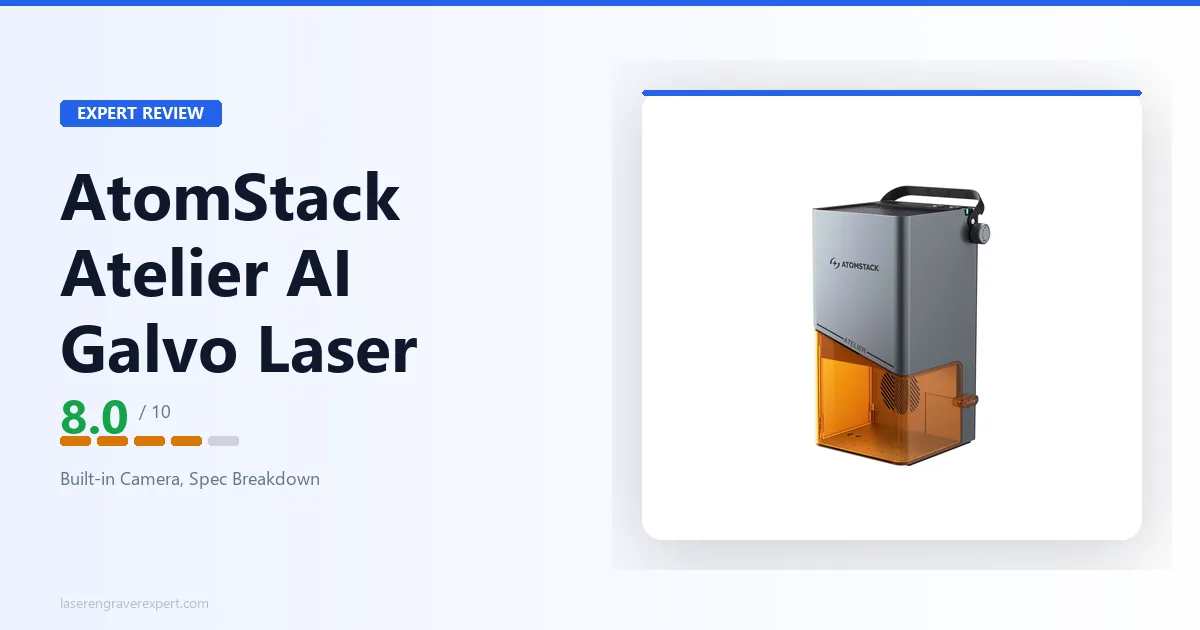
This AtomStack Atelier AI review looks at a machine that doesn’t fit the usual AtomStack mold. Where the brand is known for moving-gantry diode engravers like the AtomStack A24 Pro , the Atelier AI is a galvo machine: a 12W diode whose beam is steered by fast-moving mirrors instead of a carriage. That single design choice is why it’s rated up to a remarkable 4,000mm/s yet works within a small 120×120mm field, the exact opposite tradeoff from AtomStack’s large-bed machines. Add a built-in camera for positioning and an enclosed, portable body, and you get a tool aimed squarely at fast, repeatable small-item marking.
This article contains affiliate links. If you purchase through our links, we may earn a commission at no extra cost to you.
AtomStack Atelier AI Specs at a Glance
AtomStack’s listing for the Atelier AI leads with headline capability rather than a full structured spec sheet, so this table reflects only what AtomStack confirms. Where a figure isn’t stated, it’s marked Not listed rather than guessed, and we’ll update this review as more specs are confirmed.
| Specification | Value |
|---|---|
| Laser Type | Diode (galvo beam-steered) |
| Laser Power | 12W |
| Beam Delivery | Galvo scan head (mirror-steered) |
| Max Engraving Speed | Up to 4,000mm/s |
| Work Area | 120 × 120mm |
| Camera | HD built-in, for visual positioning |
| Motion Accuracy | 0.01mm |
| Enclosure | Enclosed, all-in-one body |
| Assembly | None required (pre-assembled) |
| Portability | Lightweight and portable |
| Safety Class | Class 1 |
| Configurations | Machine Only, plus Conveyor, Purifier, Rotary, and All-In-One bundles |
| Warranty | 12 months on new products |
| Availability | In stock |
| Laser Wavelength | Not listed in AtomStack’s published data |
| Spot Size | Not listed in AtomStack’s published data |
| Connectivity | Not listed in AtomStack’s published data |
| Compatible Software | Not listed in AtomStack’s published data |
| Supported File Types | Not listed in AtomStack’s published data |
| Operating System | Not listed in AtomStack’s published data |
| Machine Dimensions | Not listed in AtomStack’s published data |
| Weight | Not listed in AtomStack’s published data |
| Full Certifications | Not listed beyond Class 1 safety |
A note on the gaps: this is a machine AtomStack markets on its headline strengths, speed, work area, camera, and enclosed format, rather than an exhaustive datasheet. The confirmed numbers (12W galvo diode, up to 4,000mm/s, 120×120mm, 0.01mm motion accuracy, Class 1, built-in camera) are enough to say a great deal about what this machine is and who it’s for. Where a decision-critical detail like software or connectivity isn’t published, confirm it directly with AtomStack before buying rather than assuming.
Why the Atelier AI Is Different: Galvo, Not Gantry
If you’ve shopped AtomStack before, almost everything you’ve seen has been a gantry diode engraver: a laser head that physically travels along rails over the work. The A24 Pro , the A20 Pro V2, the A70 Max, all of them move a carriage to move the beam. The Atelier AI works on a completely different principle, and that difference explains every one of its headline specs.
The Atelier AI is a galvo laser. Instead of moving the laser head, a galvo machine keeps the head fixed and steers the beam using two tiny, extremely fast mirrors called galvanometers. Those mirrors tilt to deflect the beam across the work area, and because mirrors have almost no mass compared to a laser carriage, they can redirect the beam astonishingly quickly. That’s the whole reason AtomStack rates the Atelier AI up to 4,000mm/s, a speed no moving-gantry diode engraver can approach.
But that speed comes with a hard geometric constraint. A galvo can only address the area its mirrors can sweep through the focusing lens, a fixed field determined by the optics. That field is the Atelier AI’s 120×120mm work area. It’s not an arbitrary limitation AtomStack chose to save money; it’s inherent to how galvo scanning works. You get speed and precision in exchange for a small, fixed field.
So the Atelier AI’s profile is the mirror image of AtomStack’s gantry machines:
- Gantry diode engravers (like the A24 Pro): large beds (hundreds of millimeters), moderate top speeds (a few hundred mm/s), good for big pieces and cutting.
- The galvo Atelier AI: a small 120×120mm field, but up to 4,000mm/s, built for fast, precise, repeatable marking of small items.
Understanding that one distinction is the key to knowing whether this machine is right for you. If your instinct is “faster is always better,” remember that the speed only applies within a 120mm square.
Galvo Diode vs Galvo Fiber: An Important Distinction
Here’s a point worth being precise about, because it’s an easy place to get confused. Galvo beam-steering is the same architecture used in most fiber marking machines, the fast, small-field markers you see engraving serial numbers on metal parts. So it’s tempting to assume that any galvo laser is a fiber laser. The Atelier AI is not a fiber laser.
It’s a diode laser that happens to use a galvo scan head. The laser source is the same diode technology as AtomStack’s gantry engravers; only the beam delivery is galvo. That matters a great deal for what the machine can do:
- A fiber galvo marker emits infrared light (typically 1064nm) that’s absorbed by bare metal, which is why fiber lasers are the go-to for marking bare steel, aluminum, brass, and precious metals.
- A diode galvo like the Atelier AI uses a diode source in the blue-light range, which follows diode material rules, great on wood, leather, paper, dark and coated surfaces, but not a bare-metal marker.
So while the Atelier AI looks like a fiber marker in form factor and speed, it behaves like a diode engraver in terms of materials. If bare-metal marking is your actual goal, a true fiber laser is the correct tool, and our best fiber laser engraver guide covers the machines built specifically for that job. The Atelier AI sits in an interesting middle space: galvo speed and a galvo form factor, but diode material behavior.
What the 120×120mm Field and 4,000mm/s Speed Mean in Practice
Two of the Atelier AI’s confirmed numbers define its entire use case: the 120×120mm field and the up to 4,000mm/s speed. Taken together, they tell you exactly what this machine is for.
The small field means small items. A 120mm square is roughly the size of a coaster or a small badge. That’s plenty for logos, name tags, jewelry blanks, keychains, small gifts, pet tags, hardware marking, and similar work. It is not enough for large signage, cutting boards, full plywood sheets, or oversized panels. This is a small-item machine by design, and trying to use it for large-format work would be using the wrong tool.
The high speed means throughput. Up to 4,000mm/s is in a completely different league from a gantry engraver’s few-hundred-mm/s top speed. Within that small field, the Atelier AI can lay down marks and fills extremely fast. That’s where galvo machines earn their keep: not on any single large job, but on repeating the same mark across many small items quickly. If you’re personalizing a run of identical tags or marking a batch of parts, a galvo’s speed turns a tedious queue into a fast one.
Put those two together and the pattern is clear: this is a small-item, high-throughput marking machine. It rewards workflows where you’re doing a lot of fast, repeatable marks on small objects, and it’s a poor fit for workflows that need a big bed or deep cutting.
The 0.01mm motion accuracy AtomStack lists reinforces that positioning: fine, precise marks are the point here, not brute-force material removal. Combined with the built-in camera (more on that next), the Atelier AI is clearly tuned for precision small-item work rather than general-purpose cutting.
The Built-in Camera and Camera-Assisted Positioning
One of the Atelier AI’s genuinely useful confirmed features is its HD built-in camera for visual positioning. On a small-item marker, this is more than a nice-to-have.
Camera positioning solves the single most annoying problem in marking pre-made objects: alignment. Without a camera, placing a design exactly where you want it on a physical item, centered on a badge, aligned to the edge of a tag, positioned on an existing product, means measuring, test-framing, and guessing. With a camera, you see the actual work area on screen and drop your design precisely onto the object in front of you.
For the Atelier AI’s intended use, aligning logos on finished items and repeating marks across a batch, that camera is a workflow multiplier. It’s the difference between a machine you fight with on every alignment and one where you place-and-go. Camera-assisted positioning is a feature AtomStack’s gantry diode engravers like the A24 Pro don’t have, and it’s one of the clearest signs the Atelier AI is designed around a specific precision-marking workflow rather than general engraving.
What AtomStack’s listing doesn’t detail is the exact camera resolution, the software that drives the positioning, or the connectivity behind it. Those are unconfirmed in the published data. The presence and purpose of the camera are clear; the fine details aren’t published, so if a specific positioning accuracy or software feature is decision-critical, confirm it with AtomStack directly.
Enclosed, No-Assembly, Portable: The Form Factor
Beyond the laser mechanism, the Atelier AI’s physical design is a deliberate part of its pitch. AtomStack describes it as an all-in-one enclosed design that requires no assembly and is lightweight and portable.
Each of those matters:
- Enclosed is the right call for a desktop marker. An enclosure contains the beam and helps manage light and debris, which makes a machine safer and tidier to run in a home or shared workspace than an open frame. It also supports the Class 1 safety certification AtomStack lists, Class 1 meaning the machine is safe to operate as sold under normal use, in contrast to the open-frame Class 4 machines that require you to supply your own eye protection and containment.
- No assembly lowers the barrier to getting started. Many of AtomStack’s gantry machines ship as kits you build; the Atelier AI is pre-assembled and ready to run.
- Portable fits the small-item use case. A compact, movable machine suits someone who wants to set it up on a desk, tuck it away, or move it between spaces, rather than a large fixed installation.
This form factor reinforces the whole positioning: the Atelier AI is a tidy, self-contained, grab-and-go precision marker, not a workshop centerpiece. For the small-batch personalization and marking work it targets, that’s exactly the right design.
Materials: What the Atelier AI Can and Can’t Do
Because the Atelier AI is a diode laser (galvo delivery notwithstanding), its material capability follows standard diode behavior, not fiber behavior. That’s a useful anchor even though AtomStack’s listing doesn’t publish a detailed material chart for this specific model.
What a 12W diode galvo is well suited to:
- Wood and bamboo — clean engraving and marking, a diode staple.
- Leather — marking and light engraving with good contrast.
- Paper and card — fast, precise marking.
- Dark and opaque acrylic — engraving and light marking (not clear acrylic; see below).
- Coated and anodized metals — marking painted, powder-coated, or anodized surfaces, where the coating gives the diode beam something to act on.
What it can’t do, inherent to diode lasers:
- Bare metal — a diode laser can’t engrave bare steel or aluminum the way a fiber laser can. The galvo form factor doesn’t change this; it’s a diode, so it needs a coating to mark metal. For bare-metal work, see our best fiber laser engraver guide .
- Clear acrylic and glass cutting — diode light passes through clear material rather than being absorbed, so clear acrylic doesn’t cut and glass isn’t engraved cleanly on any diode laser.
- Heavy or deep cutting — at 12W within a small galvo field, this is a marking-and-engraving machine, not a thick-stock cutter. If cutting is your goal, a higher-power gantry diode machine or a CO2 cutter is the right tool.
That capability profile is consistent with the Atelier AI’s whole design: it’s a precise, fast surface-marking and engraving machine for diode-friendly small items, not a cutter and not a metal marker.
AtomStack Atelier AI Pros and Cons
A fair read on the Atelier AI means separating what’s genuinely well-targeted from what the thin spec sheet leaves unknown.
Pros:
- Galvo beam-steering delivers an exceptional rated top speed (up to 4,000mm/s), far beyond any gantry diode engraver, ideal for fast, repeatable small-item marking.
- Built-in HD camera for visual positioning makes aligning marks on physical objects genuinely easy.
- Enclosed, Class 1, no-assembly, portable body is a tidy, safe, grab-and-go desktop format.
- 0.01mm motion accuracy suits the fine, precise marking the machine is built for.
- Multiple bundle configurations (Conveyor, Purifier, Rotary, All-In-One) let you extend the machine toward batch feeding, rotary work, or fume filtration.
Cons:
- Small 120×120mm field (inherent to galvo): no large-format, full-sheet, or oversized work.
- A marking-and-engraving machine, not a cutter: 12W and a small field mean it’s not for deep or thick-stock cutting.
- Diode, not fiber: despite the galvo form factor, it can’t mark bare metal the way a true fiber marker can.
- Thin published spec sheet: wavelength, spot size, connectivity, software, and OS are not listed, so confirm decision-critical details (especially software/LightBurn support) before buying.
The speed, camera, and enclosed precision-marking design are the real strengths; the small field and the unpublished details are the trade-offs to weigh.

AtomStack Atelier AI
8.0/10- Galvo beam-steering: rated up to 4,000mm/s, far faster than any gantry diode engraver
- Built-in HD camera for easy visual positioning on physical objects
- Enclosed, Class 1, no-assembly, portable desktop body
- 0.01mm motion accuracy for fine, precise marking
- Conveyor, Purifier, Rotary, and All-In-One bundle options
- Small 120×120mm field (inherent to galvo): no large-format work
- Marking/engraving machine, not a deep cutter
- Diode not fiber: can't mark bare metal
- Thin published spec sheet: software, connectivity, wavelength not listed
AtomStack Atelier AI vs AtomStack A24 Pro
The most useful in-brand comparison is against the AtomStack A24 Pro , because it makes the galvo-vs-gantry tradeoff concrete. These two machines are almost opposites, and seeing them side by side is the clearest way to understand which one you actually need.
| AtomStack Atelier AI | AtomStack A24 Pro | |
|---|---|---|
| Beam delivery | Galvo (mirror-steered) | Gantry (moving head) |
| Laser power | 12W diode | 20–24W diode |
| Work area | 120 × 120mm | 365 × 305mm |
| Max speed | Up to 4,000mm/s | 600mm/s |
| Camera | Built-in HD positioning | None |
| Enclosure | Enclosed (Class 1) | Open frame |
| Assembly | Pre-assembled | Kit build |
| Best for | Fast small-item marking | Larger engraving & cutting |
The difference isn’t “which is better,” it’s “which job.” The A24 Pro is a larger-bed gantry engraver with more optical power and the ability to cut diode-friendly materials across a 365×305mm area, the right choice for signs, plaques, larger blanks, and light cutting. The Atelier AI gives all of that up in exchange for a galvo scan head: a tiny field, but blistering speed and camera-assisted precision on small items.
If you need a larger work area instead, the A24 Pro (or another gantry machine in the range) is the clear pick, there’s simply no way to make a galvo’s 120×120mm field bigger. If your work is small, fast, and repetitive, the Atelier AI does something the A24 Pro can’t come close to on throughput and alignment. They’re complementary tools, and a busy workshop could reasonably want both: a gantry machine for size, a galvo for small-item speed.
Bundles and Accessories
AtomStack offers the Atelier AI in several configurations beyond machine-only, and the bundle lineup reinforces its small-item, production-minded positioning:
- Conveyor bundle — adds a conveyor for feeding items through, useful for running longer batches of small pieces without reloading one at a time.
- Rotary bundle — adds a rotary attachment for marking cylindrical objects like tumblers, rings, and pens, a natural fit for a precise small-item marker.
- Purifier bundle — pairs the machine with a fume-filtration unit, sensible for an enclosed desktop machine run indoors.
- All-In-One bundle — combines the add-ons for a complete small-item production setup.
The presence of conveyor and rotary options in particular signals that AtomStack sees this as a batch-and-production marker, not just a one-off hobby engraver. The machine-only configuration is in stock; some regional and bundle variants show limited availability, so check the current listing for the exact configuration you want. All new configurations carry AtomStack’s standard 12-month warranty.
Who Should Buy the AtomStack Atelier AI?
The small-item personalizer. If your work is logos, name tags, jewelry blanks, keychains, pet tags, and small gifts, the Atelier AI’s small field is a non-issue and its speed and camera are a direct benefit. This is the machine’s core audience.
The batch marker. If you repeat the same mark across many small items, a galvo’s speed turns a slow queue into a fast one, and the conveyor and rotary bundles extend that into genuine small-scale production.
The buyer who values a tidy, safe desktop setup. The enclosed, Class 1, no-assembly, portable body is ideal for someone who wants a self-contained machine on a desk rather than an open-frame kit that needs its own ventilation and eye protection.
The maker who already has a gantry machine. If you run an A24 Pro or similar for larger work, the Atelier AI adds fast, camera-guided small-item marking that your gantry machine handles slowly and without camera alignment.
Who Should Skip It?
Anyone who needs a larger work area. The 120×120mm field is a hard galvo limit. Large signs, cutting boards, full sheets, and oversized panels simply don’t fit. For those, a gantry machine like the A24 Pro is the right tool.
Buyers who need to cut, not just mark. At 12W in a small field, this is an engraving-and-marking machine. If deep or thick-stock cutting is central to your work, a higher-power gantry diode machine or a CO2 cutter is the correct direction.
Bare-metal engravers. Despite the galvo form factor, this is a diode, not a fiber laser. It can mark coated and anodized metal but not bare steel or aluminum. For bare-metal work, see our best fiber laser engraver guide .
Buyers who need every spec confirmed up front. AtomStack’s listing doesn’t publish wavelength, spot size, connectivity, or software path. If you require a complete, published spec sheet, and especially confirmed LightBurn or specific-software support, before committing, confirm those directly with AtomStack for this exact model first.
AtomStack Atelier AI Review: Final Verdict
Rating: 8.0/10. A focused, well-targeted small-item marker whose galvo speed and built-in camera are real strengths, held back only by the inherent small field and a thin published spec sheet. For the fast, repeatable small-item work it’s built for, it’s a genuinely different and capable tool in AtomStack’s lineup.
Ready to buy?
See the AtomStack Atelier AI on Amazon →Still mapping out the right machine? Our AtomStack A24 Pro review covers the larger gantry alternative from the same brand, and our best fiber laser engraver guide explains where a true fiber marker fits if bare-metal work is on your list.