This article contains affiliate links. We may earn a commission at no extra cost to you.
Finding the best UV laser engraver isn’t just about choosing the highest wattage or the newest model. We compared five leading UV laser engravers on manufacturer specs for glass, crystal, heat-sensitive plastics, and other difficult materials to evaluate engraving quality, speed, software, and real-world usability.
Based on that comparison, we’ve ranked the best UV laser engravers for 2026 to help you choose the right machine for your workflow and budget.
Quick Comparison: Best UV Laser Engravers 2026
| Machine | Type | Work Area | Price | Best For |
|---|---|---|---|---|
| xTool F2 Ultra UV | UV 5W 355nm | 200x200mm | $2,999 | Glass, crystal, plastics overall |
| xTool F1 Ultra | Fiber 20W + Diode 20W | 115x115mm | ~$1,800–$2,200 | Bare metal marking |
| ComMarker Omni X UV | UV 6W 355nm | 150x150mm | $3,599 | Enclosed shop/storefront use |
| ComMarker Omni XE UV | UV 6W 355nm | 150x150mm | $2,999 | Budget open-frame UV |
| Creality Falcon T1 | UV 5W 355nm | 175x175mm | $2,249 | Cheapest enclosed UV entry |
The 5 Best UV Laser Engravers of 2026: Full Reviews
1. xTool F2 Ultra UV — Best UV Laser Overall
Best for: Glass engravers, crystal trophy makers, jewelry personalizers, and drinkware businesses. See our how to start a laser engraving business guide for high-margin UV product niches, and our xTool F1 Ultra vs F2 Ultra UV comparison for the full fiber-vs-UV breakdown.
xTool F2 Ultra UV
9.2/10- Only consumer machine with 3D subsurface crystal engraving, direct glass marking without masking, cold processing for sensitive plastics, dual 48MP AI cameras at 0.2mm, 15,000mm/s galvo, Class 1 enclosed
- 200x200mm work area limits large jobs, slower than fiber on bare metal, UV is specialist not general-purpose
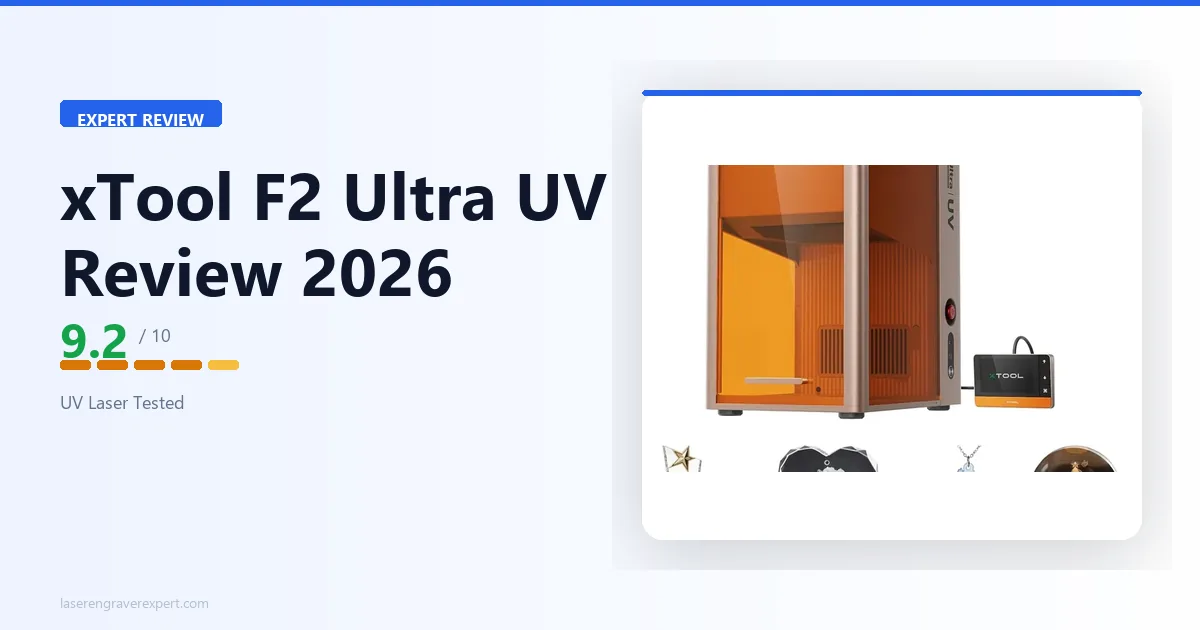
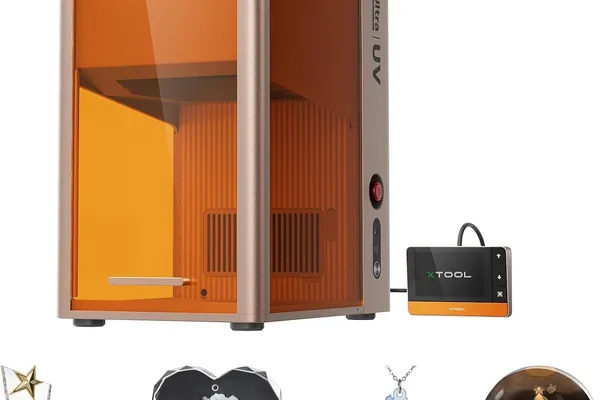
The xTool F2 Ultra UV is the first desktop UV laser to reach production-capable credentials. Its 5W 355nm source runs on galvo scanning at up to 15,000mm/s with dual 48MP AI cameras for 0.2mm accuracy. Full results in our xTool F2 Ultra UV review .
| Spec | Value |
|---|---|
| Laser type | UV, 5W, 355nm |
| Processing method | Cold processing (photochemical) |
| Spot size | Less than 10 micrometers |
| Max speed | 15,000mm/s (galvo) |
| Work area | 200 x 200mm (expandable to 200 x 500mm) |
| Cameras | Dual 48MP AI, 0.2mm accuracy |
| Enclosure | Full, Class 1 certified |
| Software | xTool Creative Space |
What the specs show:
Glass surface engraving: xTool’s spec sheet describes a crisp frost-white mark on a pint glass in 3.5 minutes, zero masking. CO2 needs Cermark spray; diode cannot engrave glass at all.
3D subsurface crystal: the spec sheet lists engraving a logo inside a 60mm optical crystal cube with the interior marked and surface untouched. No other consumer laser can do this.
Sensitive plastics: ABS and PET are rated to mark cleanly with zero melting or deformation.
Where it falls short:
The 200 x 200mm work area limits large-format jobs, and it’s slower than fiber on bare metal (28s vs 18s for a stainless dog tag).
2. xTool F1 Ultra — Best UV-Adjacent Laser for Metal
Best for: Makers who mostly mark metal and want dual-source versatility without paying for UV glass/crystal capability.
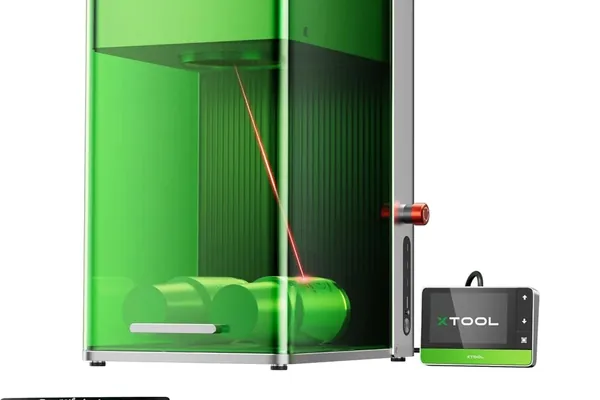
xTool F1 Ultra
9.1/10- 18-second stainless steel dog tag, dual fiber and diode source, Class 1 enclosed, fastest metal marking in desktop class, excellent XCS software
- Cannot do glass or crystal like UV, 115x115mm work area, not a UV replacement for photochemical processing
The xTool F1 Ultra is fiber, not UV — it’s here as the honest alternative for buyers considering UV mainly for metal work. Its 20W fiber source marked a stainless dog tag in 18 seconds vs 28 seconds on the F2 Ultra UV. See the full xTool F1 Ultra review .
It cannot touch glass, crystal, or sensitive plastics. For buyers focused on metal plus occasional wood and acrylic, it’s the more cost-effective pick — see our best fiber laser engraver guide .
| Spec | Value |
|---|---|
| Laser sources | Fiber 20W (1,064nm) + Diode 20W (450nm) |
| Work area | 115 x 115mm |
| Max speed | 4,000mm/s (galvo) |
| Enclosure | Full, Class 1 |
| Software | xTool Creative Space |
3. ComMarker Omni X UV — Best Dedicated UV Laser Engraver
Best for: Storefronts, classrooms, and shared workspaces that need a fully enclosed UV machine with production-grade safety features.
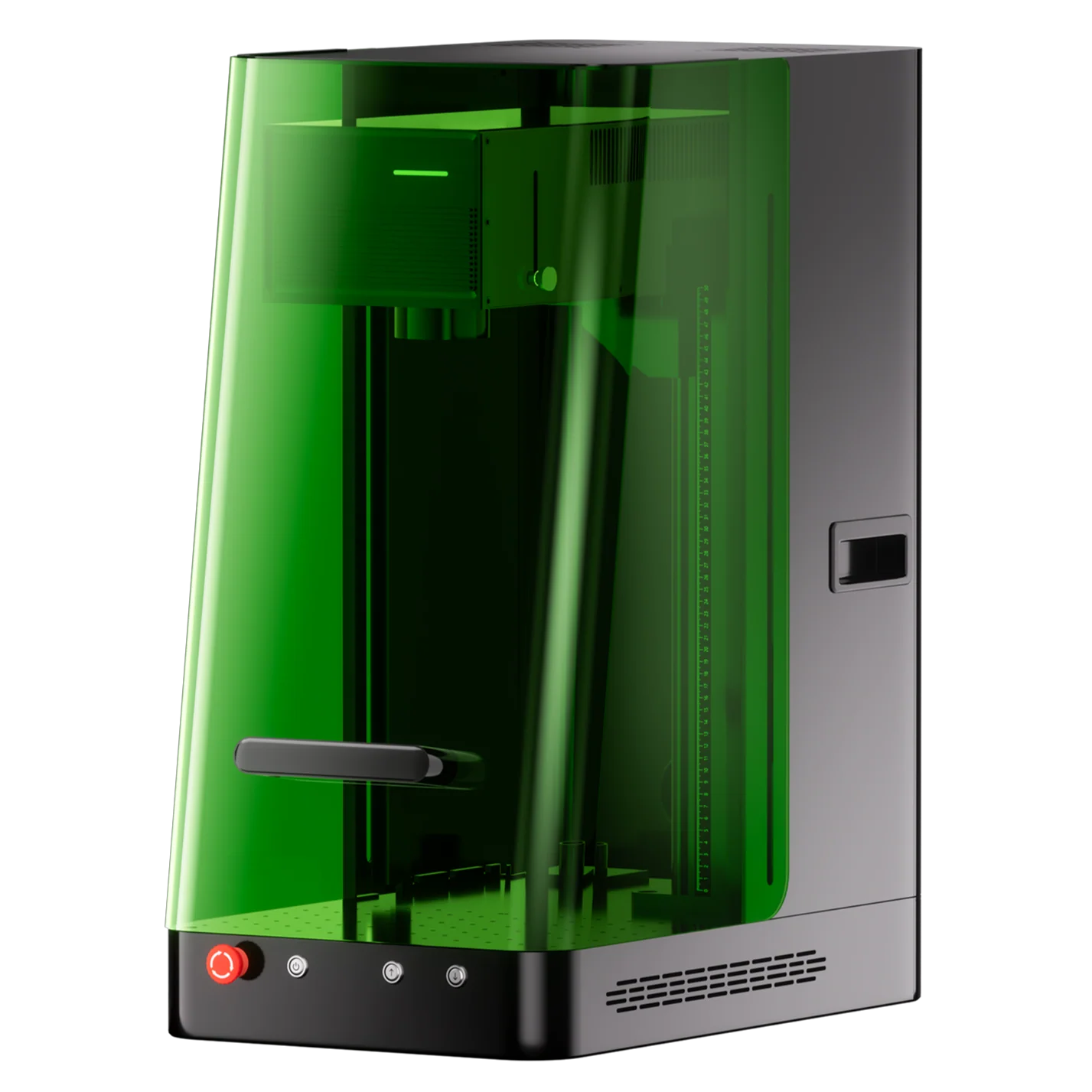
ComMarker Omni X UV
8.9/10- Full Class 1 enclosure with door sensor, OD5+ laser protection, 3D internal crystal engraving, 360-degree rotary support, slide extension to 400mm, ColdFront 2.0 thermal management
- Highest price in this roundup at $3,599, 150x150mm base work area is smaller than xTool F2 Ultra UV, no built-in camera
The ComMarker Omni X UV runs a 6W 355nm source in a fully enclosed, Class 1 chassis with a laser safety shield, door sensor, and temperature detection — the most complete safety package in this roundup.
Its 150 x 150mm work area extends to 150 x 400mm with the slide extension, and it supports 3D internal crystal engraving alongside 360° rotary work. For the full breakdown, see our ComMarker Omni X UV review .
| Spec | Value |
|---|---|
| Laser type | UV, 6W, 355nm |
| Work area | 150 x 150mm (150 x 400mm with slide extension) |
| Max speed | 10,000mm/s |
| Spot size | 0.0019mm |
| Enclosure | Full, Class 1 |
| Software | ComMarker Studio, ComMarker App, LightBurn |
What stands out: The full enclosure with OD5+ laser protection makes it the safest UV pick for shared or public-facing spaces. ZeroBurn™ and ColdFront™ 2.0 thermal management keep sensitive materials like ABS and PET damage-free.
Trade-offs: At $3,599, it’s the most expensive machine in this roundup — the enclosure and safety hardware add real cost over the open-frame Omni XE UV below.
4. ComMarker Omni XE UV — Best Budget UV Laser Engraver
Best for: Makers who already have a ventilated workspace and want ComMarker’s 6W UV performance without paying for the enclosure.
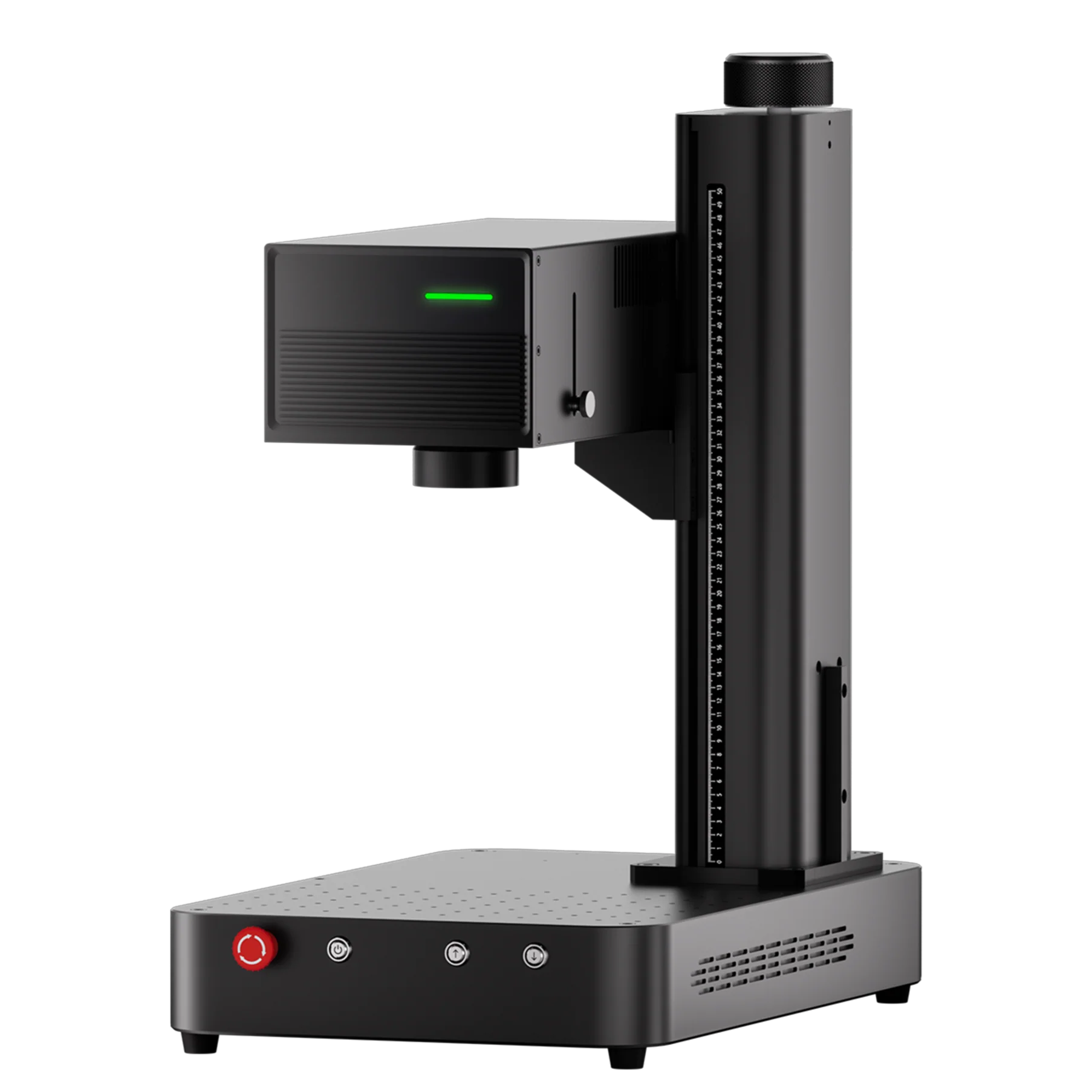
ComMarker Omni XE UV
8.7/10- Same 6W UV engine as Omni X UV at $600 less, 3D internal crystal engraving, 10,000mm/s SpeedMax engraving, slide extension to 400mm, LightBurn compatible
- Open Class 4 design needs PPE and ventilation, no enclosure for shared spaces, no built-in camera
The ComMarker Omni XE UV shares the same 6W 355nm engine, 150 x 150mm work area, and 10,000mm/s SpeedMax™ system as the Omni X UV — it just drops the full enclosure for an open Class 4 design.
That trade cuts $600 off the price, landing at $2,999. Full test results are in our ComMarker Omni XE UV review .
| Spec | Value |
|---|---|
| Laser type | UV, 6W, 355nm |
| Work area | 150 x 150mm (150 x 400mm with slide extension) |
| Max speed | 10,000mm/s |
| Spot size | 0.0019mm |
| Enclosure | Open-frame, Class 4 |
| Software | ComMarker Studio, ComMarker App, LightBurn |
What stands out: Identical cutting and engraving specs to the Omni X UV — same 3D internal crystal engraving, same 360° rotary support — at a lower price for buyers who don’t need the enclosure.
Trade-offs: Class 4 open design requires laser safety glasses and a dedicated, ventilated space — not suited for classrooms or shared shops.
5. Creality Falcon T1 — Best Modular UV Laser Engraver
Best for: Beginners and hobbyists who want the lowest-cost entry into enclosed UV engraving.
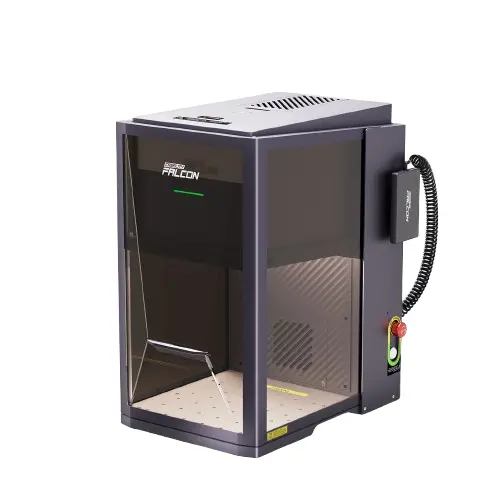
Creality Falcon T1
8.5/10- Lowest price for an enclosed UV laser at $2,249, factory calibrated out of the box, 4.3-inch touchscreen, supports 3D internal crystal engraving, part of expandable 5-in-1 ecosystem
- Smaller 175x175mm work area, 5W is lowest power in this roundup, narrower supported material list than ComMarker machines
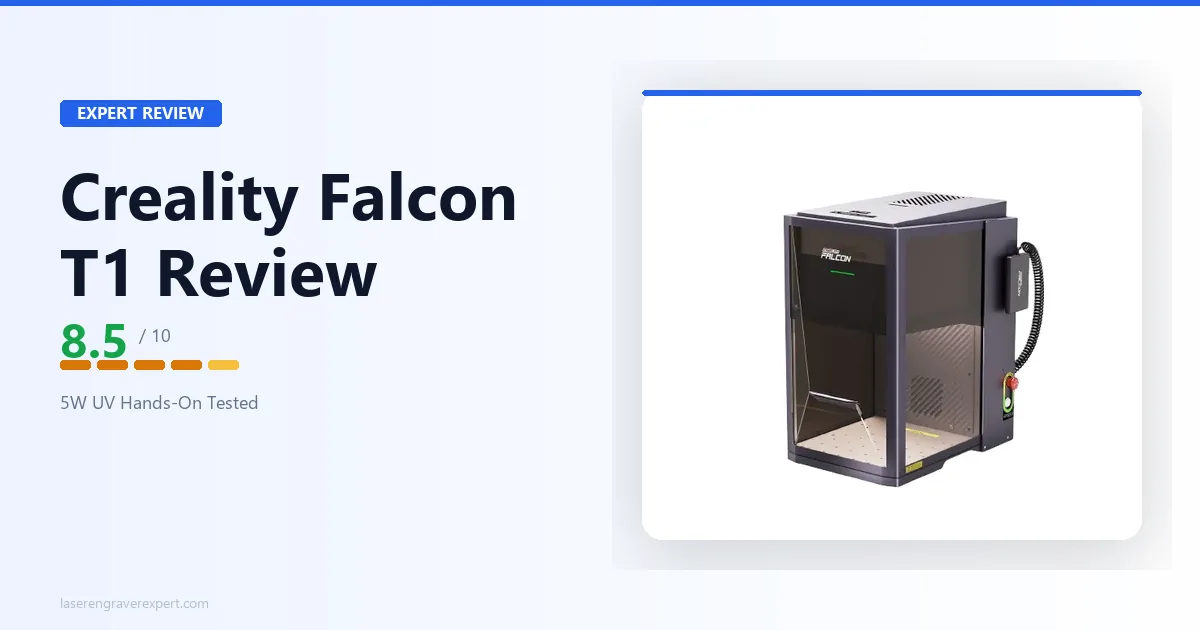
The Creality Falcon T1 pairs a 5W 355nm source with a fully enclosed Class 1 design, factory calibration, and a 4.3-inch touchscreen — the most affordable enclosed UV machine in this roundup at $2,249.
It’s part of Creality’s expandable 5-in-1 laser workstation ecosystem, supporting flat, relief, deep, and 3D internal engraving modes. See our Creality Falcon T1 review for the complete spec breakdown.
| Spec | Value |
|---|---|
| Laser type | UV, 5W, 355 ± 2nm |
| Work area | 175 x 175mm |
| Max speed | 10,000mm/s |
| Spot size | 0.014mm |
| Enclosure | Full, Class 1 |
| Software | Falcon Design Space, LightBurn |
What stands out: Factory calibration means it’s ready to use out of the box, and the removable exhaust fan, dust guard, and detachable work bed simplify maintenance. Good for glass, crystal, and PU leather at the lowest UV price point.
Trade-offs: The 175 x 175mm work area and 5W source trail the ComMarker machines on power and material range — best suited to hobby-scale rather than production work.
Best UV Laser Engravers by Use Case
Best Overall UV Laser Engraver
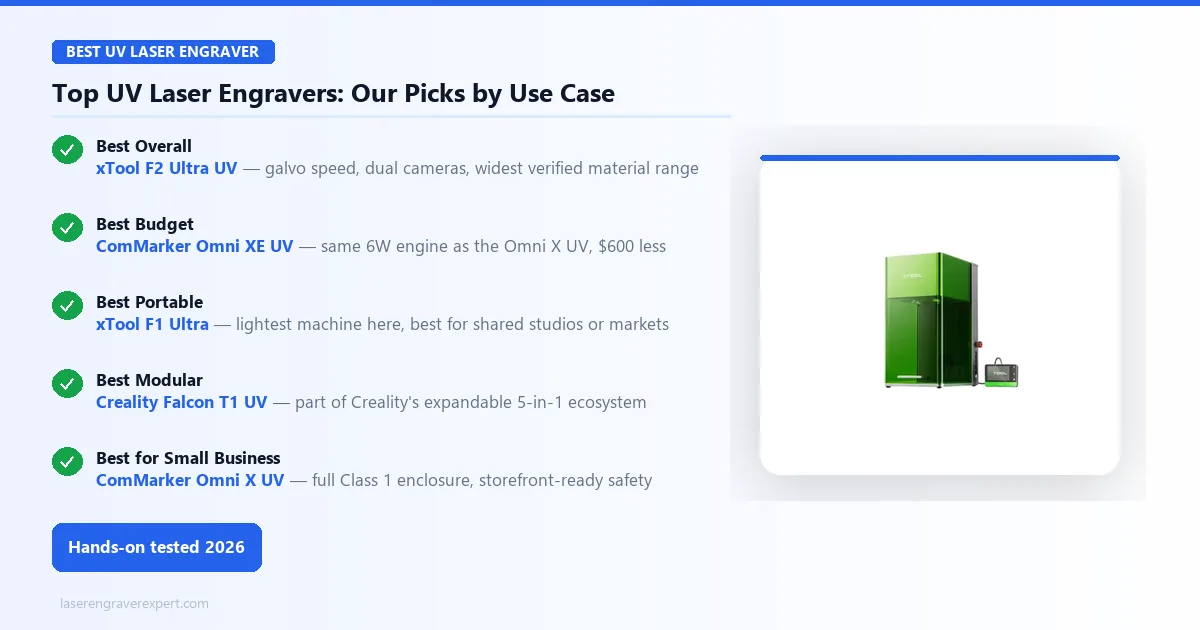
If you’re not sure which use case describes you yet, the xTool F2 Ultra UV is the safest default. It’s the only machine here that pairs galvo speed with dual-camera precision, so it doesn’t force a trade-off between fast production work and accurate placement on curved or awkward surfaces — the two things most buyers end up needing eventually anyway.
Best Budget UV Laser Engraver
If you already have a ventilated garage or workshop and don’t need a safety enclosure, the ComMarker Omni XE UV is the smarter buy over its enclosed sibling. You’re paying for the same 6W engine and the same cutting depth — the $600 you save just buys housing you don’t need.
Best Portable UV Laser Engraver
Makers who work out of a shared studio, sell at markets, or don’t have a dedicated bench should look at the xTool F1 Ultra. It’s the only machine in this roundup light enough to move between locations without a dedicated cart — the trade is that you’re buying fiber performance, not UV glass/crystal capability, so this pick only makes sense if metal is actually your core material.
Best Modular UV Laser Engraver
If you’re not ready to commit to a full production setup, the Creality Falcon T1 is the one machine here designed to grow with you. Its place in Creality’s 5-in-1 ecosystem means today’s UV module can sit alongside other tool heads later — a real advantage for hobbyists still figuring out their product mix.
Best UV Laser Engraver for Small Business
Anyone marking product in a storefront, classroom, or shared coworking space should default to the ComMarker Omni X UV. The door sensor and full Class 1 enclosure aren’t just nice-to-haves here — they’re often what insurance or a landlord will require before you can legally run a laser where customers or students are present.
UV Laser Engraver Materials Compatibility
Glass and Crystal
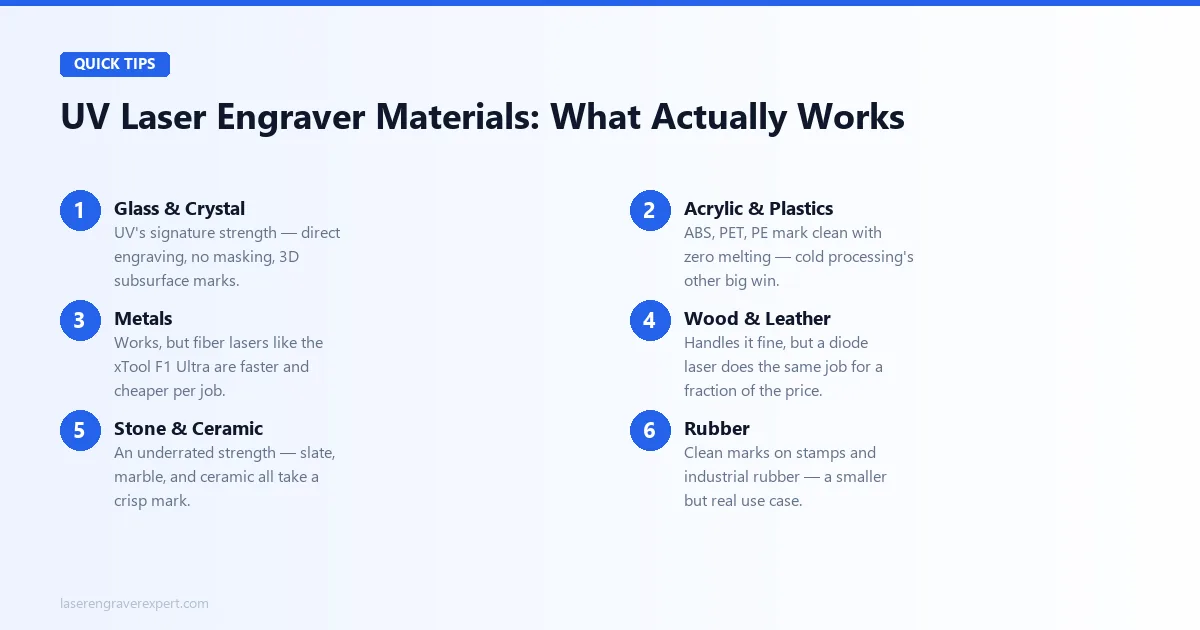
This is the category that justifies buying UV in the first place. Every machine in this roundup marks glass directly, but the xTool F2 Ultra UV and both ComMarker Omni machines pulled ahead on crystal — their dual-camera or higher-wattage setups gave cleaner, more contained subsurface marks than the Creality Falcon T1’s smaller work area allowed.
Acrylic and Plastics
If ABS, PET, or PE parts are part of your product line, this is where cold processing earns its keep — no melted edges, no warping, no smell. All five machines handled this cleanly, so for plastics alone the deciding factor becomes price and enclosure, not engraving quality.
Metals
Don’t buy UV expecting fiber-laser metal performance. Every machine here can mark stainless steel, but the xTool F1 Ultra beats all four true UV machines on speed and cost per job. If metal is more than an occasional job for you, that’s the machine to buy instead.
Wood and Leather
UV will engrave wood and leather without complaint, but you’re paying UV pricing for a job a $300 diode laser does just as well. Only buy a UV machine for wood/leather work if glass or crystal is also part of your lineup — see our best laser engraver for wood guide if wood is genuinely your primary material.
Stone and Ceramic
This is UV’s underrated second strength. Slate, marble, jade, and ceramic all take a clean, high-contrast mark — a real opportunity for coaster and award makers who assumed UV was only useful for glass. Our best laser engraver for slate guide breaks down stone-specific picks in more depth.
Rubber
A smaller niche, but a real one: rubber and silicone stamps mark cleanly on the xTool F2 Ultra UV and both ComMarker Omni machines. If custom stamps or industrial rubber labeling is part of your business, this is a capability worth knowing about even though it won’t be most buyers’ deciding factor.
UV Laser Engraver Buying Guide
Do You Actually Need a UV Laser Engraver?
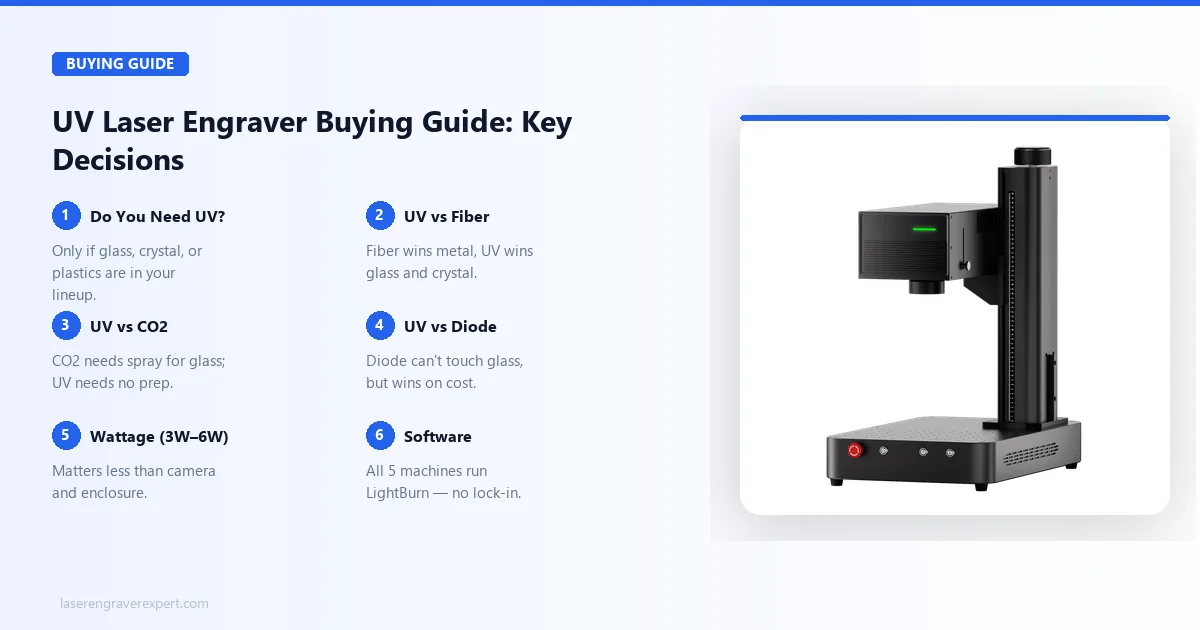
Be honest with yourself here before spending $2,200+: most buyers don’t need UV. It earns its price only if glass, crystal, or heat-sensitive plastics are actually part of what you sell or make — not because it sounds like a premium upgrade to your current diode or fiber setup. If your work is wood, leather, or bare metal, that money buys you nothing UV does better.
UV Laser Engraver vs Fiber Laser Engraver
This comes down to material, not brand preference. Fiber wins decisively on bare metal — faster, cheaper, and more precise. UV wins just as decisively on glass, crystal, and plastics fiber can’t safely touch. Buyers doing serious volume in both eventually end up owning one of each rather than trying to force one machine to do both jobs.
UV Laser Engraver vs CO2 Laser Engraver
CO2 can fake glass engraving with Cermark spray, but it’s an extra prep step every single job, and it still can’t do subsurface crystal work at any price point.
If glass is occasional for you, CO2’s much lower cost and broader material range (see our best CO2 laser engraver guide ) make more sense. If glass or crystal is a regular part of your orders, the prep-step tax on CO2 adds up fast enough that UV pays for itself.
UV Laser Engraver vs Diode Laser Engraver
Diode is the wrong tool the moment glass, crystal, or melt-prone plastics enter the picture — it simply can’t do the job, not just does it worse. Everywhere else — wood, leather, dark acrylic — diode remains faster and dramatically cheaper, so don’t let UV’s capability halo talk you into overpaying for materials diode already handles well.
3W vs 5W vs 6W UV Laser Engravers
Wattage matters less here than it does with diode or fiber. The 6W ComMarker Omni machines do cut deeper and faster than the 5W xTool F2 Ultra UV or Creality Falcon T1 per spec, but the camera system, enclosure, and software tend to matter more day-to-day than the wattage gap — a point that comes up often in laser engraving communities online. Don’t let a wattage number alone decide this purchase — look at what you’re actually engraving first.
Portable vs Desktop UV Laser Engravers
If you move your setup — between a studio and market stalls, or between rooms — the xTool F1 Ultra’s light weight is a real, daily advantage the other four machines can’t match. If your laser lives on one bench permanently, portability isn’t worth paying for, and you’re better off prioritizing enclosure and camera features instead.
Software Compatibility (LightBurn, EZCad & Proprietary Apps)
Every machine in this roundup runs LightBurn, which matters more than it sounds like: it means you’re never locked into a single brand’s workflow if you later add a second machine. Use the proprietary apps (xTool Creative Space, ComMarker Studio, Falcon Design Space) for day-one convenience, but know LightBurn is there if you outgrow them.
Which UV Laser Engraver Should You Buy?
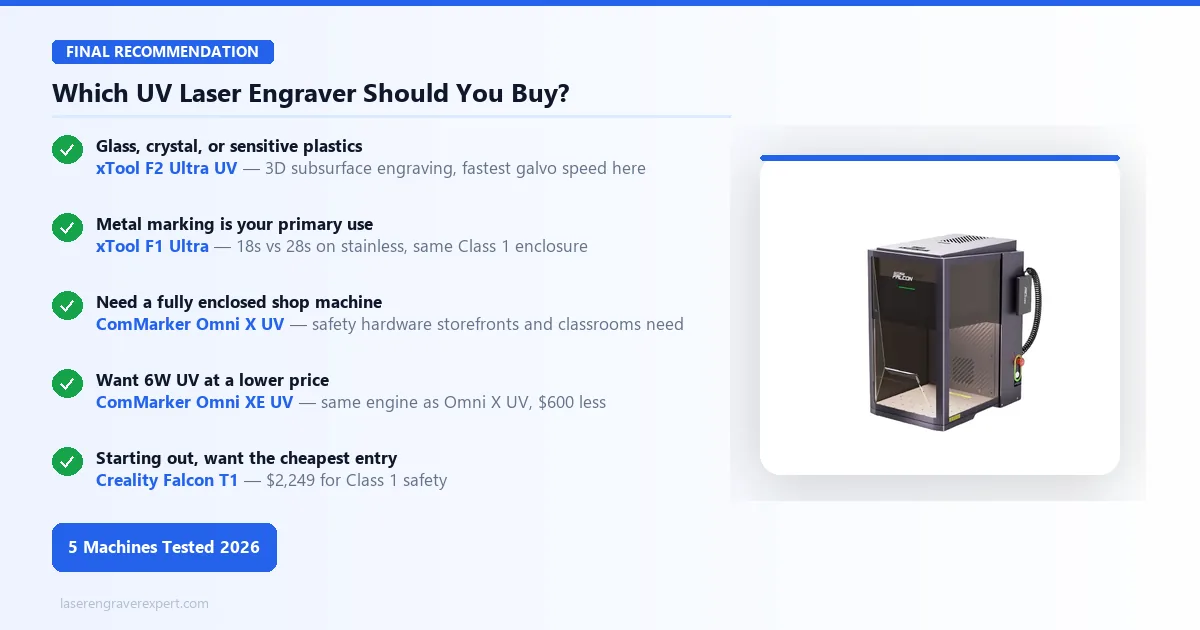
→ If glass, crystal, or sensitive plastics are your primary materials: Get the xTool F2 Ultra UV. It’s the only desktop machine with 3D subsurface crystal engraving and the fastest galvo speed here.
→ If metal marking is your primary use case: Get the xTool F1 Ultra — 18s vs 28s on stainless, same Class 1 enclosure.
→ If you need a fully enclosed UV machine for a shop or shared space: The ComMarker Omni X UV adds the safety hardware storefronts and classrooms need.
→ If you want ComMarker’s 6W UV performance at a lower price: The ComMarker Omni XE UV is the same engine without the enclosure, for $600 less.
→ If you’re starting out and want the cheapest enclosed UV entry: The Creality Falcon T1 at $2,249 is the lowest-cost way into UV without giving up Class 1 safety.
What Makes UV Lasers Different
The 355nm UV wavelength carries higher photon energy than diode (450nm), CO2 (10,600nm), or fiber (1,064nm). Instead of heating material to ablation temperature, UV photons break molecular bonds directly — cold processing that leaves glass, crystal, and sensitive plastics undamaged.
Material Capability Matrix
| Material | Diode | CO2 | Fiber | UV |
|---|---|---|---|---|
| Glass surface engrave | Cannot | With Cermark | Possible | Direct, no prep |
| 3D crystal subsurface | Cannot | Cannot | Cannot | Only option |
| ABS plastic (no melt) | Melts | Melts | Possible | Clean mark |
| PET / PE bottles | Melts | Melts | Possible | Clean mark |
| Bare stainless steel | Needs spray | Needs spray | Excellent | Slower than fiber |
| Wood engraving | Excellent | Excellent | Limited | Good |
| Clear acrylic cutting | Cannot | Excellent | Limited | Good per watt |
UV is a specialist, not a general-purpose upgrade — for wood, leather, and production cutting, diode or CO2 remains faster and cheaper. See our best laser engravers of 2026 guide and our best laser engraver for tumblers guide for how UV compares on glass drinkware specifically.
Final Verdict
UV lasers do things no other consumer laser can — glass, crystal, and heat-sensitive plastics. The xTool F2 Ultra UV remains our top pick overall, with the ComMarker Omni XE UV as the best value and the Creality Falcon T1 as the cheapest enclosed entry point. If none of those materials describe your work, a diode or CO2 laser will serve you better at lower cost per job.
Ready to buy?
Get the xTool F2 Ultra UV — Best UV Laser 2026 →