This review contains affiliate links. If you buy through them, I earn a small commission at no extra cost to you.
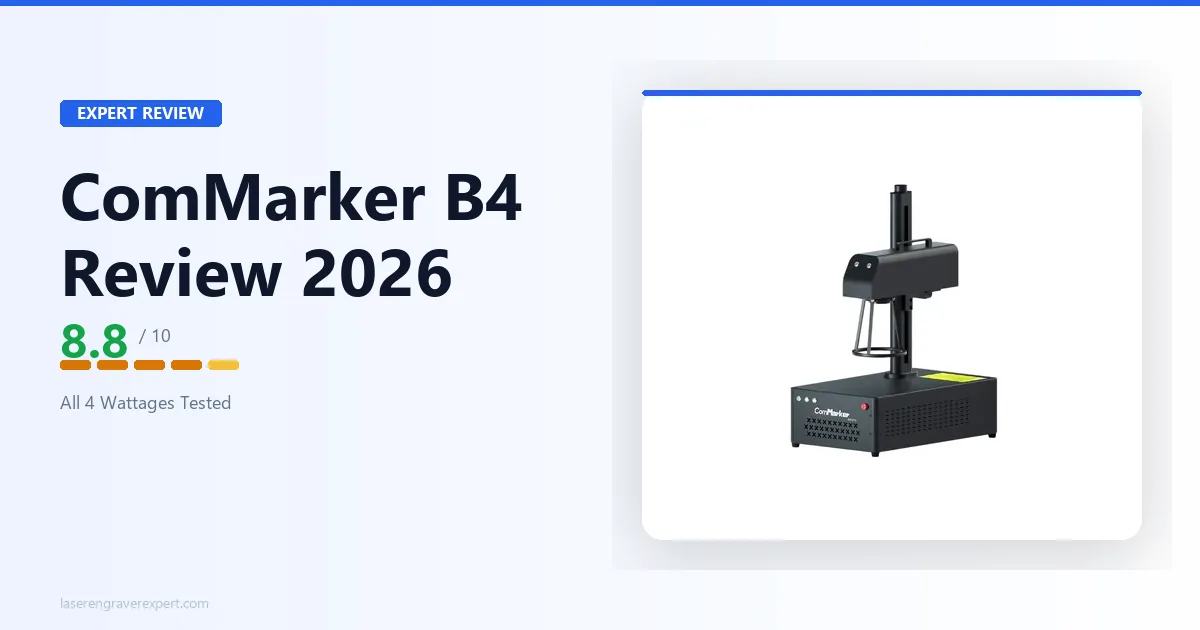
This ComMarker B4 review breaks down all four wattages (20W, 30W, 50W, and 100W) on stainless steel, anodized aluminum, brass, and titanium, drawing on ComMarker’s published specs. Wattage here isn’t just a speed dial: it determines whether MOPA color engraving is even possible. Here’s which model is worth buying and which one to skip.
ComMarker B4 Models at a Glance
ComMarker B4 Wattage Comparison
| Model | Price | Wattage | MOPA? | Best For | Buy Link |
|---|---|---|---|---|---|
| ComMarker B4 20W | $1,399 | 20W | No | Entry-level metal marking, small jewelry, tight budget | Amazon → |
| ComMarker B4 30W | $1,599 | 30W | No | Hard to recommend, see below | Amazon → |
| ComMarker B4 50W | $2,399 | 50W | Yes | Most buyers: tumblers, jewelry, color steel, knives | Amazon → |
| ComMarker B4 100W | $6,299 | 100W | Yes | High-volume production, deep metal marking | Amazon → |
ComMarker B4 Features
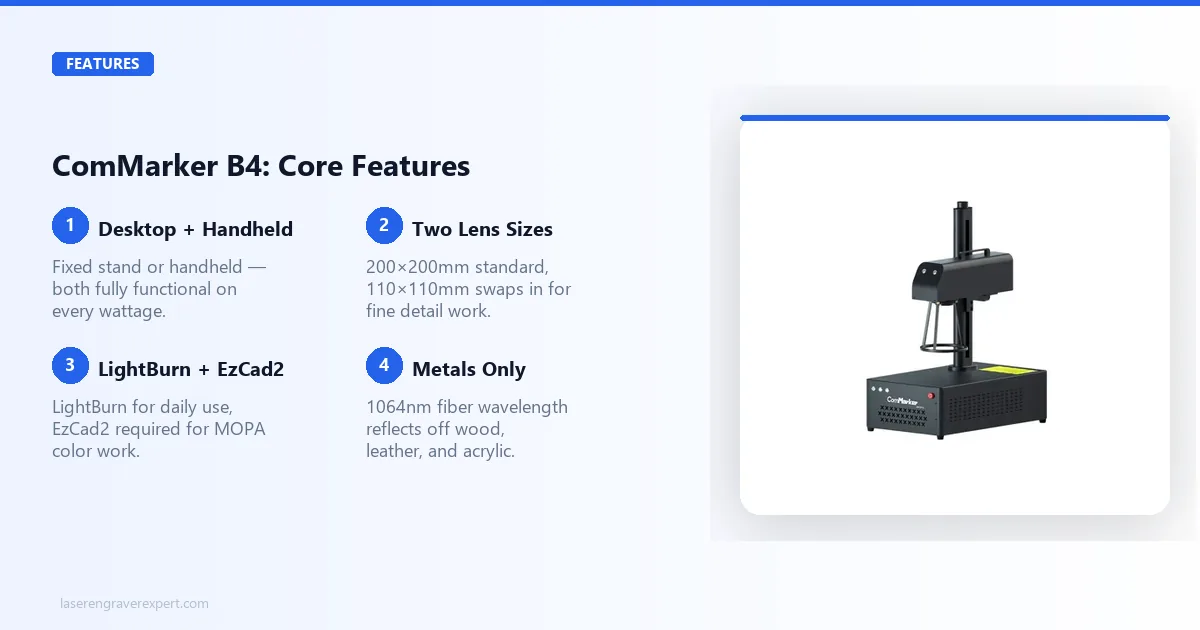
The ComMarker B4 is a galvo-head fiber laser engraver. “Galvo” means the laser beam is steered by two fast-moving mirrors inside the head rather than a physical gantry moving across a bed. This makes it dramatically faster than any gantry-based machine. ComMarker’s own specs put a standard dog tag mark at roughly 12-15 seconds at typical settings.
It uses a 1064nm infrared fiber laser wavelength. That wavelength is absorbed by metals and certain hard plastics, and reflected by organic materials like wood, leather, and acrylic. The upside is exceptional metal marking quality. The constraint is that the ComMarker B4 is a metals-first machine, full stop.
The working area is 200×200mm with the standard lens (a 110×110mm lens is also included for finer detail) on all four wattages. The larger lens field is bigger than the xTool F1 and F1 Ultra’s 110×110mm galvo field, which matters a lot for tumblers and larger jewelry pieces.
Desktop vs Handheld Mode
The ComMarker B4 ships with hardware for both configurations. In desktop mode it sits on a fixed stand, lens pointed down at the work surface: standard setup for flat stock, jewelry, and small parts. In handheld mode you pick up the entire unit and aim the lens at a larger item, such as a safe door, a tool panel, or a custom knife blade.
Handheld mode is not a gimmick. Owners use it to mark items like a 12-inch chef’s knife or a pair of steel bookends that would never fit on the work surface. The laser itself does not care about orientation. The practical limitation is holding the unit steady; a two-handed grip and a short burst at high power is the technique most experienced users recommend.
Two lens sizes are included: 200×200mm and 110×110mm. The 200×200mm lens is what you will use 90% of the time. The 110×110mm lens covers a tighter focus for fine detail work. Swapping takes about 30 seconds.
Software: LightBurn vs EzCad2
The ComMarker B4 supports both LightBurn and EzCad2. This is a meaningful differentiator versus the xTool F1 Ultra, which is locked to XCS with no LightBurn option.
LightBurn is the better day-to-day interface for most users. If you are already familiar with it from a diode or CO2 machine, the learning curve on the ComMarker B4 is minimal. It handles standard fiber engraving on all four wattages cleanly.
EzCad2 is required for one specific workflow: MOPA color engraving on the 50W and 100W. LightBurn does not yet expose the pulse-width and pulse-frequency controls that color work depends on. So for color work, you need EzCad2. It is less polished than LightBurn and the UI is dated, but it is stable and well-documented once you spend an afternoon with it.
For 20W and 30W buyers (standard fiber only), LightBurn alone is sufficient.
Material Compatibility
Works well:
- Stainless steel (marking, annealing, deep engraving)
- Anodized aluminum (black and color removal, deep marking)
- Brass, copper, silver, gold, titanium
- Coated materials (powder-coated steel, painted surfaces, Cermark-treated items)
- Hard plastics (ABS, some engineering plastics; test first)
Does not work:
- Wood, MDF, plywood
- Leather
- Acrylic and other clear plastics
- Uncoated glass
- Paper, fabric, cork
The fiber wavelength reflects off organic materials rather than absorbing into them. This is physics, not a machine limitation. If your workflow involves wood or leather, read our diode vs CO2 vs fiber guide before buying the ComMarker B4. You may need a different machine or a second machine.
ComMarker B4 20W Review
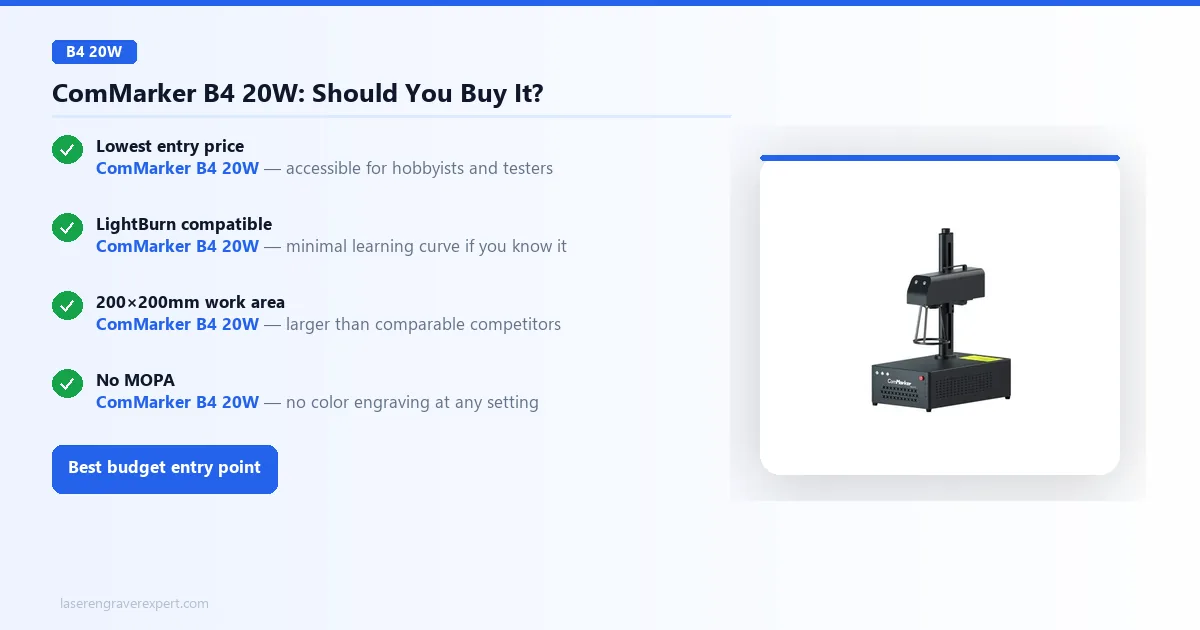
The 20W is the entry point into the ComMarker B4 lineup, a standard fiber laser with no MOPA, so it won’t produce color effects on stainless steel. ComMarker’s specs show it delivering clean, deep marks on stainless steel, anodized aluminum, and brass, all in a single pass at typical settings like 80% power / 1,500mm/s.
It’s a strong fit for jewelry engravers doing monograms and logos, or hobbyists testing the waters before committing to MOPA. Best for: hobbyists, budget-conscious jewelry makers, and first-time fiber laser buyers starting small.
Pros and Cons
Pros:
- Lowest entry price in the ComMarker B4 lineup: accessible for hobbyists and testers
- LightBurn compatible: minimal learning curve if you know the software
- 200×200mm working area is larger than comparable competitors at this price
- Desktop and handheld modes both functional; handheld genuinely useful on large items
- Galvo speed is fast even at 20W: standard dog tag in under 20 seconds
Cons:
- No MOPA: color engraving on stainless steel is not possible at any setting
- 20W limits depth on harder metals; titanium and thick stainless need multiple passes
- Standard fiber pulse control only: limited parameter range vs 50W/100W MOPA models
Who Should Buy the 20W
Buy the 20W if $1,399 is your ceiling and your work is primarily standard marking (names, logos, serial numbers) on stainless steel, aluminum, or brass. You will get professional-grade output on those tasks.
Do not buy the 20W if color engraving is on your roadmap even as a future option. The hardware gap between standard fiber and MOPA is not bridgeable with a firmware update, so you would need to buy a different machine.
ComMarker B4 30W Review
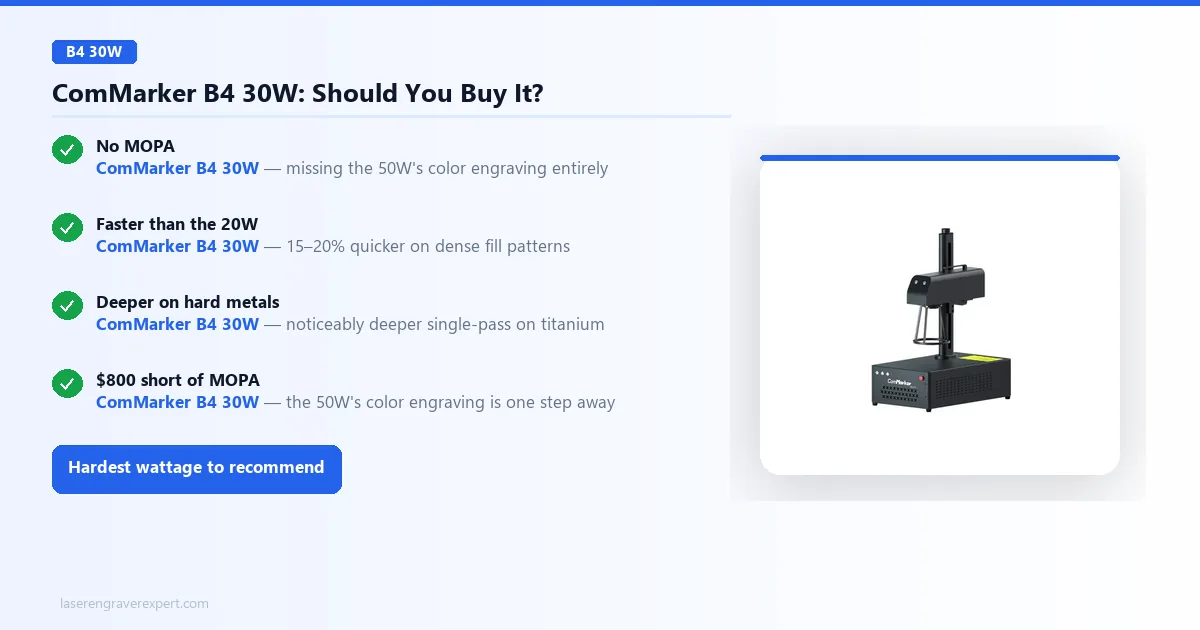
Here is the honest read on the 30W: it is the most difficult wattage to recommend in the entire lineup. It’s a standard fiber laser, same as the 20W with no MOPA, yet costs $200 more without unlocking color engraving. Against the 20W, ComMarker’s spec sheet puts the time savings on a dense fill pattern at roughly 15-20%; that’s a speed increment, not a new capability.
It does show more advantage on thick materials: titanium and 3mm stainless plate engrave noticeably deeper at 70% / 1,000mm/s per ComMarker’s published settings. The 30W is worth it only if: you need that extra speed and depth, color engraving is genuinely off your list forever, and the $800 jump to the 50W’s MOPA is out of budget.
Pros and Cons
Pros:
- Faster and deeper than 20W on hard metals: measurably so on titanium and thick stainless
- LightBurn compatible: same workflow as the 20W
- Desktop and handheld modes included, same hardware as other ComMarker B4 models
- Larger working area (200×200mm) than most competitors in this price band
Cons:
- No MOPA: this is the critical missing feature at this price point
- The 50W with MOPA costs $800 more, a bigger jump than it used to be, but still worth weighing against your color-engraving needs
- Speed advantage over 20W is incremental, not transformational
Who Should Buy the 30W
Very few buyers. If you are deep-engraving thick stainless or titanium in volume, need more throughput than the 20W provides, and are absolutely certain you will never want color engraving, the 30W is functional. For everyone else who can stretch the extra $800: get the 50W. You will not regret having MOPA. You will regret not having it the first time a customer asks for a color-engraved tumbler.
ComMarker B4 50W Review
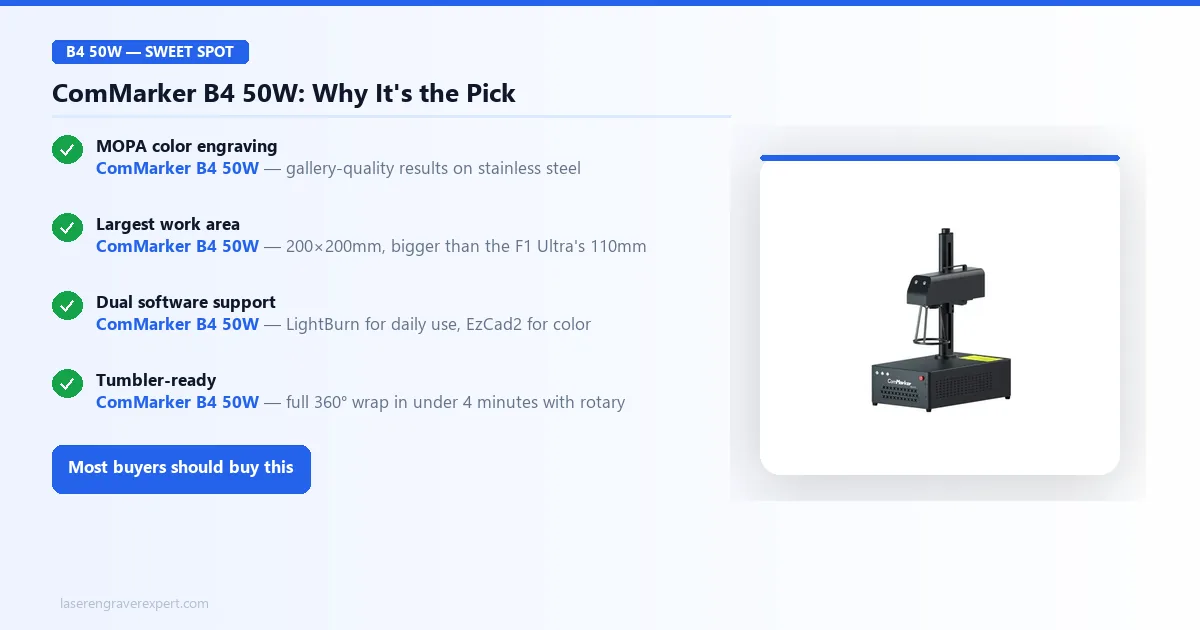
This is the model most buyers should buy, full stop. The 50W crosses the threshold from “good fiber laser engraver” into “complete fiber laser system”: MOPA unlocks color engraving on stainless steel, color marking on anodized aluminum, and precise pulse-width control on titanium, none of which the 20W or 30W can do at any setting. Standard marking at 80% power is specced to produce clean, deep black marks in a single pass, and MOPA color work in EzCad2 is capable of gallery-quality results once the pulse parameters are dialed in.
Tumbler work is where it earns its keep: a full 360° wrap on a powder-coated stainless tumbler finishes in under 4 minutes with the rotary attachment according to ComMarker’s own workflow examples, enough for 10-15 pieces daily. The 200×200mm working area is the largest in its price class, rated to handle a 6-inch bowie knife blade in a single pass, and dual LightBurn/EzCad2 support means you’re never locked into one ecosystem.
Pros and Cons
Pros:
- MOPA technology: color engraving on stainless steel is real and production-quality
- Both LightBurn and EzCad2 supported: maximum software flexibility
- 200×200mm working area: larger than xTool F1/F1 Ultra by 65×65mm
- Desktop and handheld modes with two included lens sizes
- 50W power handles titanium, thick brass, and stainless in single pass at most settings
- Galvo speed makes it competitive with machines costing $500+ more
Cons:
- MOPA color work requires EzCad2: LightBurn alone is not sufficient for that workflow
- EzCad2 has a dated interface and a real learning curve for new users
- Cannot engrave wood, leather, or acrylic: fiber wavelength limitation, not remediable
Who Should Buy the 50W
Buy the 50W if you are doing any combination of: tumbler engraving, custom knife or tool marking, jewelry personalization, MOPA color engraving on stainless steel, or production metal marking at moderate volume. It is the right machine for most small business owners and serious hobbyists working in metals.
If you are specifically building a tumbler business and want the full setup, the ComMarker B4 100W Max with Rotary bundle is worth pricing out, but for most individual buyers, the 50W has more than enough throughput.
Do not buy the 50W if your work is primarily wood, leather, or acrylic. The fiber wavelength is wrong for those materials regardless of how much you spend.
ComMarker B4 100W Review
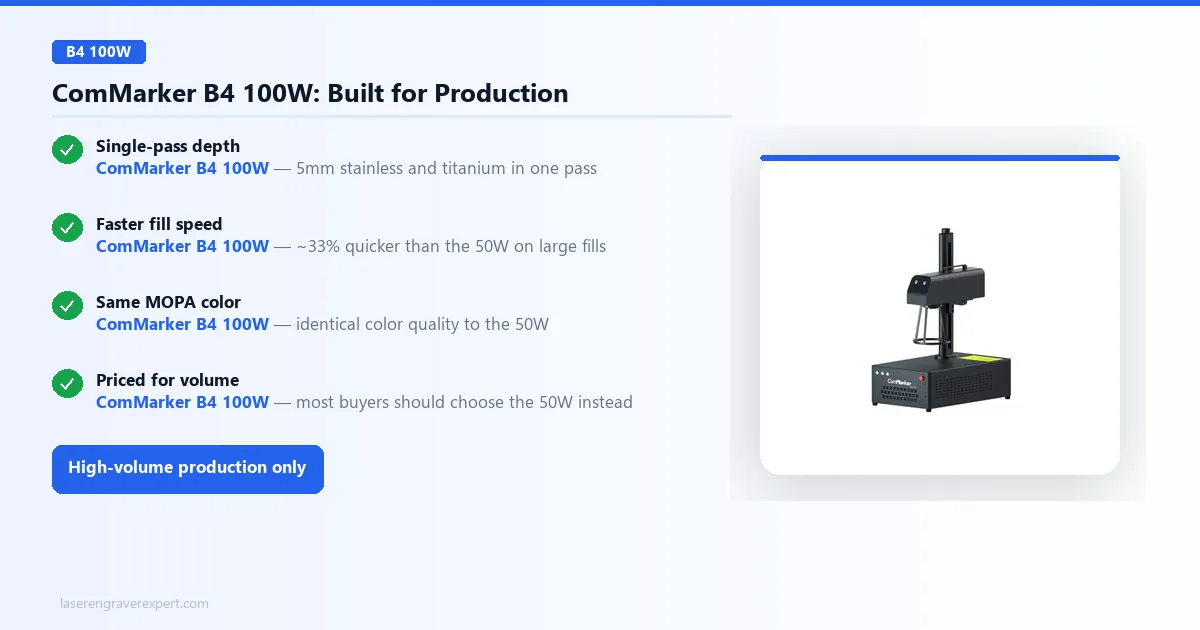
The 100W is a serious machine with a narrower use case than most buyers realize. On 5mm stainless plate, ComMarker’s specs show it cleanly through-marking in a single pass where the 50W needs two; on titanium medical-grade blanks it holds single-pass depth at settings that push the 50W to its limit. It’s also MOPA, but extra power doesn’t improve color quality: that’s a function of pulse parameters, not wattage.
Where it wins is fill speed: per the spec sheet, a dense 150×150mm pattern that takes the 50W around 6 minutes finishes in under 4 on the 100W. For high-volume production (30+ tumblers daily, production knife runs, industrial parts marking) that throughput pays off; for most individual buyers, the 50W is sufficient and saves roughly $3,900.
Pros and Cons
Pros:
- MOPA: full color engraving capability identical to 50W model
- Single-pass on materials and thicknesses that require multiple passes at 50W
- Fill speed advantage on large surface areas: meaningful for production volume
- 200×200mm working area maintained across all wattages
- 100W Max + Rotary bundle available: production-ready tumbler setup
- Desktop and handheld modes both available, same as lower wattage models
Cons:
- Significantly more expensive than the 50W: premium only justifies at high volume
- Generates more heat: needs better ventilation than 20W/30W/50W models in confined spaces
- Most individual buyers will never run it at capacity, which makes the price hard to justify
Who Should Buy the 100W
Buy the 100W if you are running a production operation, meaning you are engraving enough pieces daily that cycle time is a genuine bottleneck. A knife shop doing 20+ custom blades daily, a tumbler business at volume, or an industrial parts marking operation. At those utilization levels, the throughput advantage over the 50W compounds meaningfully over a year.
If you are a hobbyist, a side-business seller at Etsy/craft fair volumes, or a jeweler doing custom one-off pieces, the 100W is overkill and the 50W is the smarter financial decision.
ComMarker B4 vs xTool F1 Ultra
These are the two most commonly compared machines in the portable fiber laser category. They are not the same machine and they are not interchangeable: the right choice depends entirely on your material mix. Read our full xTool F1 Ultra review if you want the deep dive on that side.
| ComMarker B4 50W | xTool F1 Ultra | |
|---|---|---|
| Price | $2,399 | ~$1,800–$2,200 |
| Working Area | 200×200mm | 110×110mm (fiber) / 120×115mm (diode) |
| Software | LightBurn + EzCad2 | XCS only (no LightBurn) |
| MOPA | Yes (50W + 100W) | No |
| Color Engraving | Yes (stainless steel) | No |
| Handheld Mode | Yes | No |
| Diode Source (wood/leather) | No | Yes (20W diode) |
| Best For | Metal-first workflows, color engraving | Mixed materials (metals + wood/leather) |
The ComMarker B4 50W is the better choice if:
- Your work is primarily metals: stainless, aluminum, brass, titanium
- You want MOPA color engraving capability
- LightBurn compatibility is important to your workflow
- You need a larger working area (200mm vs 110mm is a real practical difference)
- Capability matters more than price: the ComMarker B4 50W now costs somewhat more than the F1 Ultra, but delivers MOPA color engraving and LightBurn support the F1 Ultra doesn’t have
The xTool F1 Ultra is the better choice if:
- You regularly engrave both metals and organics (wood, leather, acrylic) in the same workflow
- The dual-source system eliminates the need for a second machine
- You are already in the xTool ecosystem and comfortable with XCS software
- A lower price point matters more than MOPA color capability
The F1 Ultra’s key advantage, the 20W diode source for organics, is genuinely useful for mixed-material shops, and it now undercuts the ComMarker B4 50W on price. But it comes with real trade-offs: no LightBurn, no MOPA, and a 110mm work area that is noticeably constraining for tumbler work and larger pieces. For buyers who work exclusively with metals and want color engraving, the ComMarker B4 50W still wins on capability, just not on price anymore.
How to Choose the Right ComMarker B4
Which Wattage Is Right?
The wattage choice on the ComMarker B4 is actually a decision between two different machine types, not just two power levels.
20W and 30W: Standard fiber laser. Fast, capable, excellent metal marking. Cannot produce color effects. Works with LightBurn fully. Good for buyers who need professional metal marking without color work.
50W and 100W: MOPA fiber laser. Everything the 20W does, plus color engraving on stainless steel and anodized aluminum via pulse parameter control. Requires EzCad2 for color workflow. The 50W is the right choice for most buyers.
The 30W sits in an awkward middle ground: more expensive than the 20W but missing MOPA, with the 50W MOPA model only slightly more expensive. For the vast majority of buyers, the choice is between the 20W (budget, no color) and the 50W (ideal, with color). Everything in between is harder to justify.
MOPA vs Standard Fiber
Standard fiber lasers control output power and speed, but pulse width and pulse frequency are fixed by the laser architecture. MOPA lasers decouple these parameters. You can set a very short pulse width (2–4ns) at high frequency for fine surface effects, or a longer pulse (100–200ns) at lower frequency for deep engraving. Changing these values on stainless steel changes how the surface oxide layer responds, which is what produces the color effect.
It is not a filter or a coating. The color is in the metal itself, produced by the heat interaction at specific pulse parameters. This means colors are permanent, scratch-resistant, and require no post-processing.
To produce MOPA color on the ComMarker B4, you use EzCad2’s “Hatch” settings to define your pulse width and frequency per layer. This tracks with what’s generally discussed in laser engraving communities online: most experienced users maintain a parameter library for consistent color reproduction, and building reliable parameters on a given material stock commonly takes several hours of calibration. Budget that investment before you plan to offer it commercially.
What the ComMarker B4 Can’t Do
This matters as much as what it does well. The ComMarker B4 is not the right tool for:
Wood, leather, fabric, paper, cork. The 1064nm fiber wavelength reflects off organic materials. No amount of power or parameter adjustment changes this. A diode or CO2 machine is what you need for these materials. Browse our roundup of best laser engravers if you need a machine that handles organics.
Cutting metal. The ComMarker B4 marks, engraves, and anneals; it does not cut through metal sheets. Kilowatt-range fiber cutters are a completely different machine category.
Uncoated glass. The fiber wavelength passes through glass without absorbing. Cermark or similar marking compounds can bridge this for coated glass work, but bare glass is not a ComMarker B4 material.
Large flat workpieces. The 200×200mm working area is larger than most galvo competitors, but it still limits you to pieces that fit in a roughly 7-inch square. For large signs, wide cutting boards, or extended flat panels, a gantry-based machine is the better tool. See our diode vs CO2 vs fiber guide for a fuller breakdown of where each technology fits.
If your business needs both fiber marking and wood/acrylic work, consider running the ComMarker B4 50W alongside a separate diode laser rather than trying to cover both with one machine. The workflow separation is actually cleaner than a dual-source machine like the F1 Ultra at any real production volume.
ComMarker B4 Safety
Fiber lasers require more safety awareness than diode lasers, not less.
The 1064nm infrared beam is invisible to the naked eye. You cannot see it during operation. This makes the ComMarker B4 more hazardous than a visible-beam diode laser if safety procedures are skipped.
Eye protection is non-negotiable. You need OD5+ rated glasses specifically for 1064nm wavelength. General laser safety glasses from a diode laser setup are not sufficient: the wavelength is different.
Reflected beam hazard. When marking shiny metals at shallow angles, specular reflection is real. Set up your work area so reflective surfaces are not pointing toward people. The galvo head enclosure reduces (but does not eliminate) this risk.
Ventilation. Metal marking at high power produces fumes and fine metal particles. A proper extraction system with a HEPA + activated carbon filter is required for regular indoor use. A basic PC fan into an open window is not adequate.
The ComMarker B4 does not come with an enclosure on any wattage. If you are setting up in a shared space or home studio, budget for a proper enclosure or ensure your setup area has adequate separation from people and combustibles.
ComMarker B4 Review: Final Verdict
You have read this far, which means you are serious about getting the right fiber laser for your work. Here is how to choose:
If you want MOPA color engraving and the most capable machine in the lineup: the ComMarker B4 50W is the answer, at $2,399. It handles everything: tumbler engraving, jewelry marking, knife and tool customization, color stainless work. LightBurn for daily use, EzCad2 for color workflow. Nothing in the galvo category matches it for metal-first operations.
If your budget caps at $1,399 and color is not on your list: the 20W is a legitimate machine. Standard fiber marking at professional quality, LightBurn compatible, same 200×200mm working area.
If you are looking at the 30W: skip it in most cases. Spending the extra $800 gets you the 50W with MOPA. You will not regret the upgrade. You will regret stopping at the 30W the first time a customer asks for color engraving.
If you are running production volume at 20+ pieces daily: price out the 100W at $6,299. The throughput advantage compounds over a year of daily use.
If you need a mixed-material machine for both metals and wood/leather: read our xTool F1 Ultra review before deciding. The F1 Ultra’s dual-source system is genuinely useful for that workflow, and it now costs less than the ComMarker B4 50W. The ComMarker B4 is not the right tool if organics are a significant part of your work.
For everyone building a metal-focused engraving business or serious hobby operation, the ComMarker B4 50W belongs on the shortlist. It is one of the most capable machines in the category right now, and it sits comfortably on our list of best fiber laser engravers for exactly that reason, though at $2,399 it is a step above budget territory, and buyers who want to stay under $1,000 should check our best laser engraver under $1,000 guide for diode alternatives instead.
The ComMarker B4 50W is the most capable fiber laser for metal-first operations in its class. MOPA color engraving, LightBurn and EzCad2 support, a 200×200mm working area, and desktop plus handheld modes in one machine: it beats the xTool F1 Ultra on work area, software flexibility, and color capability, though at $2,399 it now costs more than the F1 Ultra. The main constraints are real: no diode source for organics, EzCad2 is required for MOPA color work, and it’s no longer the budget pick it once was. For buyers who work in metals and want color capability, those are not deal-breakers. This is the machine to buy if capability matters more than price.
Ready to buy?
Buy the ComMarker B4 50W on Amazon →Buy the ComMarker B4 20W on Amazon →