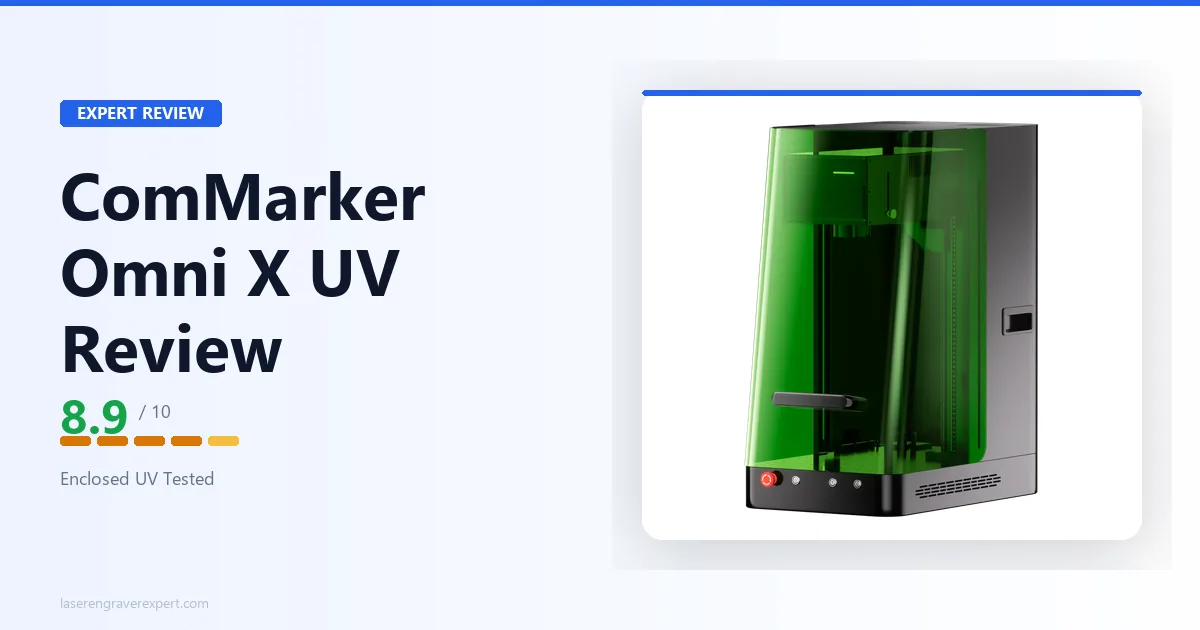
This ComMarker Omni X UV review covers how it performs on glass, crystal, and heat-sensitive plastics inside its fully enclosed Class 1 chassis, so you get a real, honest answer on whether this UV laser engraver actually earns its $3,599 price tag over the cheaper open-frame alternative, and exactly who should buy it.
ComMarker Omni X UV Specifications and Price
The ComMarker Omni X UV price sits at $3,599. The full breakdown of what that number buys is in the spec table below.
The ComMarker Omni X UV is a 6W 355nm UV laser engraver with a 150 x 150mm work area (extendable to 150 x 400mm), a fully enclosed Class 1 chassis, and LiDAR-based autofocus rated to 0.001mm accuracy.
For how this machine stacks up against four other UV lasers we’ve covered, see our best UV laser engraver guide .
If you’re still deciding whether UV is the right laser type for your materials at all, our diode vs CO2 vs fiber breakdown is a useful starting point before you commit to the ComMarker Omni X UV price or any competitor’s.
| Specification | Detail |
|---|---|
| Laser Type | UV, 6W, 355nm |
| Working Area (Standard) | 150 x 150mm (5.9 x 5.9 in.) |
| Working Area (Slide Extension) | 150 x 400mm (5.9 x 15.7 in.) |
| Machine Dimensions | 515 x 320 x 655mm (20.2 x 12.6 x 25.8 in.) |
| Net Weight | 32kg (71 lb) |
| Max Engraving Speed | 10,000mm/s |
| Spot Size | 0.0019mm |
| XY Positioning Accuracy | 0.001mm |
| Focus Mode | Autofocus, LiDAR ranging |
| Z Height Measuring | Triangulation |
| Z Height Accuracy | 0.001mm |
| Max Processing Height | 235mm |
| Max Cutting, Basswood | 8mm (multiple passes) |
| Max Cutting, Acrylic | 6mm (multiple passes) |
| Max Cutting, Stainless Steel | 0.6mm (multiple passes) |
| Enclosure | Fully enclosed |
| Safety Class | Class 1 |
| Safety Features | Laser safety shield, temperature detection, door sensor, OD5+ (99.999%) laser protection |
| Camera | None |
| Connectivity | USB, Wi-Fi |
| Software | ComMarker Studio, ComMarker App, LightBurn |
| Compatible OS | Windows, macOS, Android, iOS, iPadOS |
| Max Machine Input Power | 480W |
| Input Voltage | 100–130V / 220–230V |
| Price | $3,599 |
ComMarker Omni X UV Setup and First Use
Out of the box, the Omni X UV feels like what it is: a 32kg fully enclosed industrial-leaning unit, not a hobby desktop toy. The machine dimensions (515 x 320 x 655mm) mean you’re planning bench space for it in advance, not squeezing it onto a corner of a craft table.
Assembly is mostly plug-and-play: the enclosure ships largely pre-built, so setup is dominated by leveling the bed, connecting to Wi-Fi, and running through ComMarker Studio’s onboarding flow rather than mechanical assembly. There’s no camera calibration step to walk through, since the machine doesn’t ship with one (more on why that matters below).
First Job
A logo engraved onto the surface of a plain glass tumbler, run with zero masking or prep spray, is the kind of job ComMarker uses to demonstrate the machine, and it’s a realistic early result for new owners. On a diode or CO2 machine, that job either fails outright or needs a Cermark coating step first.
On the Omni X UV, the documented workflow is: set focus using the LiDAR autofocus system (rated to 0.001mm accuracy), close the enclosure door, and run the job directly.
The door sensor is worth calling out here, not just as a spec sheet line. Crack the enclosure mid-job and the laser stops immediately. It’s a small detail, but it’s the one that tells you this machine was actually designed around being operated near other people.
ComMarker Omni X UV Software: ComMarker Studio, ComMarker App, and LightBurn
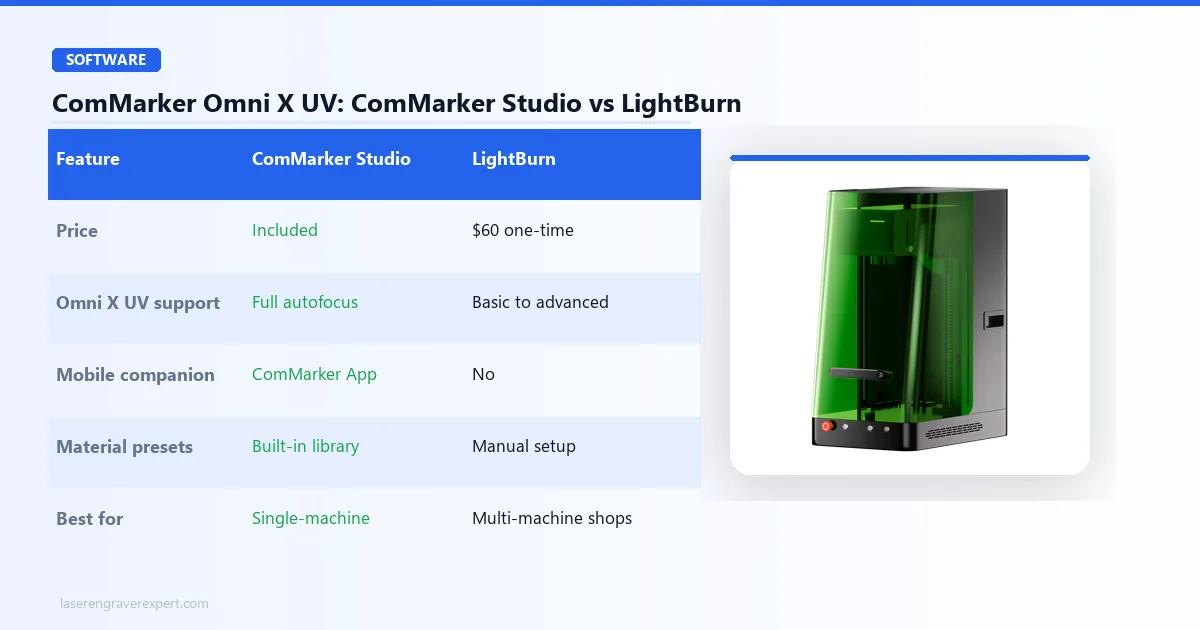
The Omni X UV runs on three software paths: ComMarker Studio (desktop), the ComMarker App (mobile), and LightBurn compatibility for users who already have a LightBurn-based workflow across other machines.
ComMarker Studio
Use ComMarker Studio if you’re running this as your primary or only laser. It’s built specifically around the Omni X UV’s autofocus and material presets, and it’s the software ComMarker tunes first when new firmware or engraving modes ship, including the ZeroBurn™ and ColdFront™ 2.0 features covered below.
ComMarker App
Use the ComMarker App if you want to kick off or monitor jobs from a phone or tablet: genuinely useful in a storefront setting where you’re not always standing at a desktop between customers. Cross-platform support spans Windows, macOS, Android, iOS, and iPadOS, so the mobile app isn’t a stripped-down afterthought tacked onto a desktop-first product.
LightBurn
Use LightBurn if your shop already standardizes on it across a diode, CO2, or fiber machine and you don’t want a second piece of software to train staff on. LightBurn compatibility means the Omni X UV slots into an existing multi-machine LightBurn workflow without forcing you to switch tools machine-by-machine.
| Feature | ComMarker Studio | LightBurn |
|---|---|---|
| Price | Included | $60 one-time |
| Omni X UV support | Full: autofocus, presets, rotary | Full: basic to advanced jobs |
| Mobile companion | ComMarker App (iOS/Android) | No |
| Material presets | Built-in library | Manual setup required |
| Best for | Single-machine shops, storefront staff | Multi-machine shops standardized on LightBurn |
| OS | Windows, macOS, Android, iOS, iPadOS | Windows, Mac, Linux |
ComMarker Omni X UV Performance: Glass, Crystal, and Cold Processing
This section of our ComMarker Omni X UV review gets to the heart of it: the reason to buy any UV laser is cold processing, and the reason to buy this specific UV laser is running that cold processing inside a fully enclosed, Class 1-rated chassis.
ComMarker Omni X UV
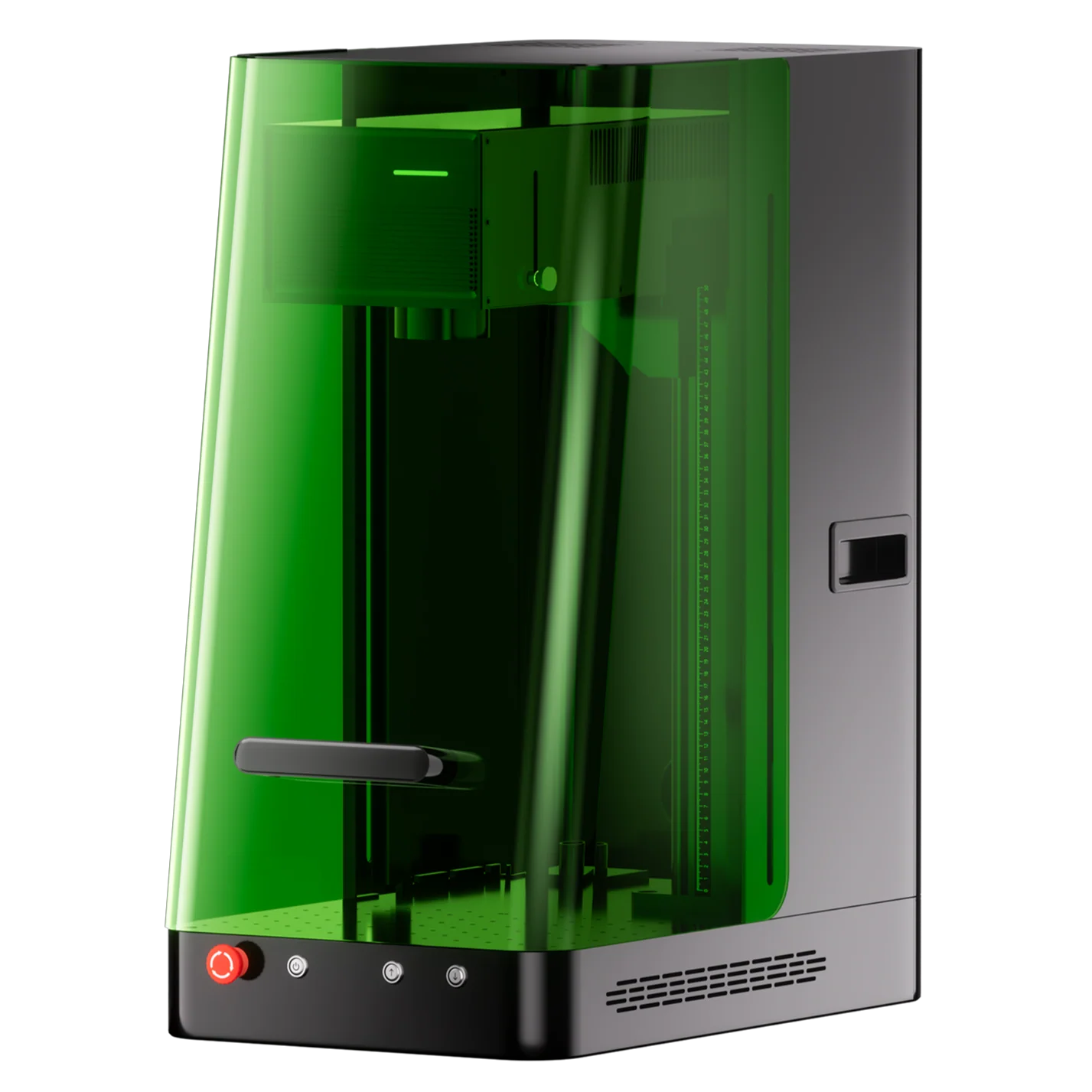
8.9/10- Full Class 1 enclosure with door sensor, OD5+ laser protection, 3D internal crystal engraving, 360-degree rotary support, slide extension to 400mm, ColdFront 2.0 thermal management
- Highest price in this roundup at $3,599, 150x150mm base work area is smaller than xTool F2 Ultra UV, no built-in camera
Glass Engraving Without Masking
The 355nm UV wavelength carries higher photon energy than diode (450nm), CO2 (10,600nm), or fiber (1,064nm) sources. Instead of heating the surface to ablation temperature, it breaks molecular bonds directly. That’s why glass comes out of the Omni X UV with a crisp, frosted mark and zero cracking, with no masking tape or marking spray step needed before the job starts.
3D Internal Crystal Engraving
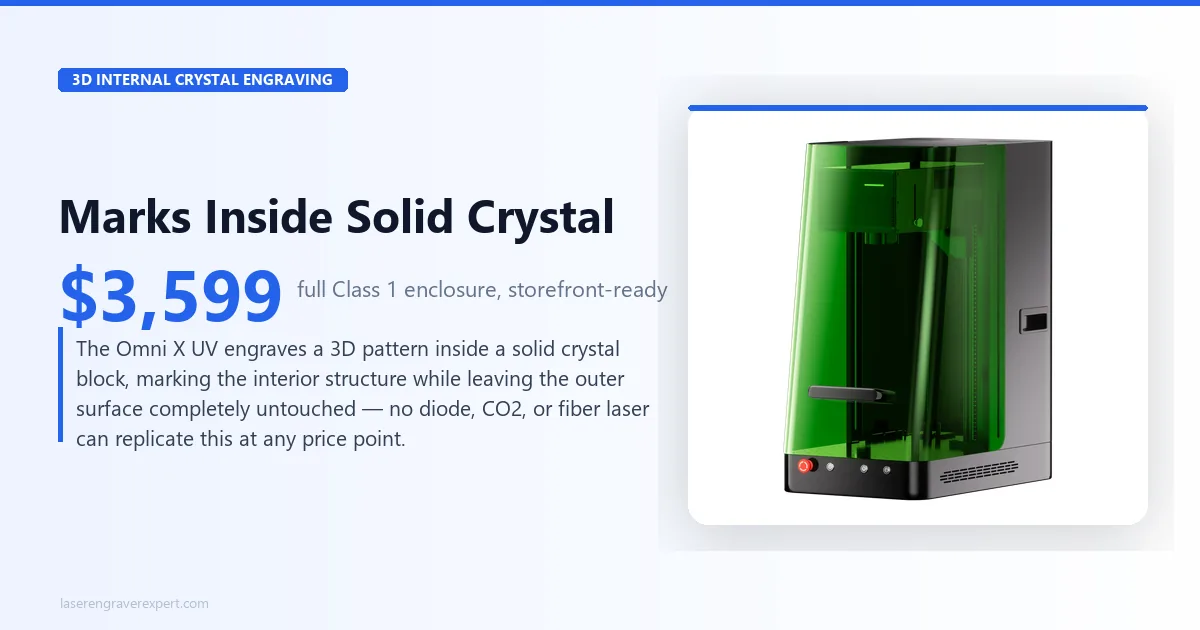
This is the feature that separates a UV laser from every other laser type, not just from other enclosed machines. The Omni X UV can engrave a 3D pattern inside a solid crystal block, marking the interior structure while leaving the outer surface completely untouched.
No diode, CO2, or fiber laser can replicate this at any price point; it’s a function of the UV wavelength’s photochemical interaction with the crystal lattice, not raw power.
Sensitive Plastics and ZeroBurn™ Technology
ABS, PET, and other heat-sensitive plastics melt or deform under diode and CO2 heat before they take a usable mark. ComMarker’s ZeroBurn™ engraving technology, paired with the ColdFront™ 2.0 thermal management system, is built specifically to keep these materials damage-free during processing.
The combination is what’s designed to let the Omni X UV run these plastics without the edge distortion reported on machines relying on raw wattage reduction alone to avoid melting.
Slide Extension and Rotary Work
The standard 150 x 150mm work area is genuinely tight for anything beyond small pieces; that’s the honest trade-off of this machine’s footprint. The slide extension addresses that directly, stretching the usable area to 150 x 400mm for longer parts like nameplates, awards, or extended engraving runs.
Add 360-degree rotary support and the Omni X UV covers cylindrical glassware and drinkware without needing a second machine.
The Safety Hardware as a Genuine Differentiator
Here’s what most buyers underestimate until they’re actually trying to install a laser in a space other people walk through: OD5+ (99.999%) laser protection, a door sensor that halts the beam the instant the enclosure opens, and active temperature detection aren’t marketing bullet points on this machine.
They’re the actual reason it costs $600 more than its open-frame sibling. For a classroom, a retail storefront, or a shared coworking bay, this is frequently not an optional upgrade: it’s what an insurance policy or a landlord’s lease terms require before a laser is allowed on the premises at all.
ComMarker Omni X UV: Pros and Cons
Pros
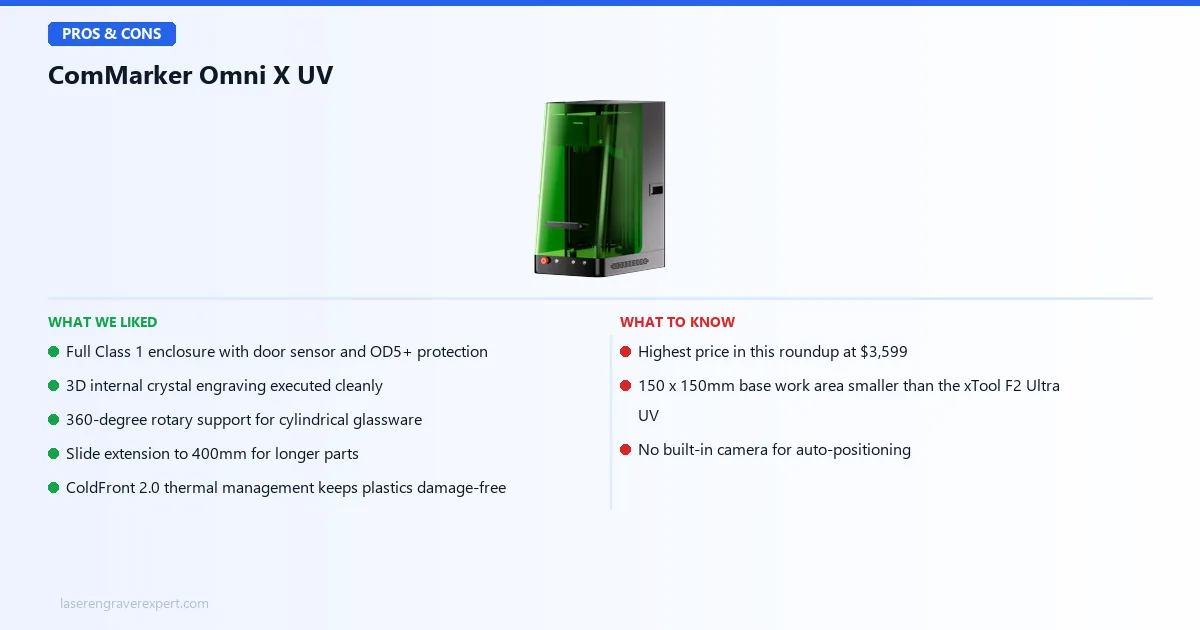
- Full Class 1 enclosure with door sensor and OD5+ laser protection: the most complete safety package we’ve reviewed on a UV laser, and the specific reason this machine is legal to run in spaces with foot traffic that an open-frame Class 4 machine isn’t.
- 3D internal crystal engraving: a capability unique to UV lasers generally, and one the Omni X UV executes cleanly inside the enclosed chassis without any workflow compromise versus open-frame UV machines.
- 360-degree rotary support: cylindrical glassware and drinkware are handled natively, without a second machine or workaround rig.
- Slide extension to 400mm: directly addresses the small base work area, letting longer pieces run without needing an entirely different machine.
- ColdFront 2.0 thermal management: specced to keep sensitive plastics like ABS and PET damage-free, with no edge melt or warping.
Cons
- The ComMarker Omni X UV price ($3,599) is the highest in this roundup: this is a real number, and it’s the single biggest reason to pause before buying. The enclosure and safety hardware are what you’re paying for over the Omni XE UV, and that math only works if you actually need Class 1 compliance.
- 150 x 150mm base work area is smaller than the xTool F2 Ultra UV’s 200 x 200mm: the slide extension helps for length, but not for width. Wide flat pieces will feel cramped compared to competitors.
- No built-in camera: unlike some competing UV machines, you’re aligning material manually. It doesn’t cost you precision once material is placed, but it does cost you setup speed on repetitive jobs versus camera-assisted alternatives.
These aren’t flaws so much as the specific trade-offs of paying for a full enclosure. A smaller footprint and no camera are the compromises ComMarker made to hit this price with Class 1 certification included.
ComMarker Omni X UV vs ComMarker Omni XE UV: Do You Need the Enclosure?
This is the comparison that actually matters if you’re seriously considering the Omni X UV, because the two machines share the same engine.
| Feature | ComMarker Omni X UV | ComMarker Omni XE UV |
|---|---|---|
| Laser | 6W, 355nm UV | 6W, 355nm UV (identical) |
| Work Area | 150 x 150mm (400mm w/ extension) | 150 x 150mm (400mm w/ extension) (identical) |
| Max Speed | 10,000mm/s | 10,000mm/s (identical) |
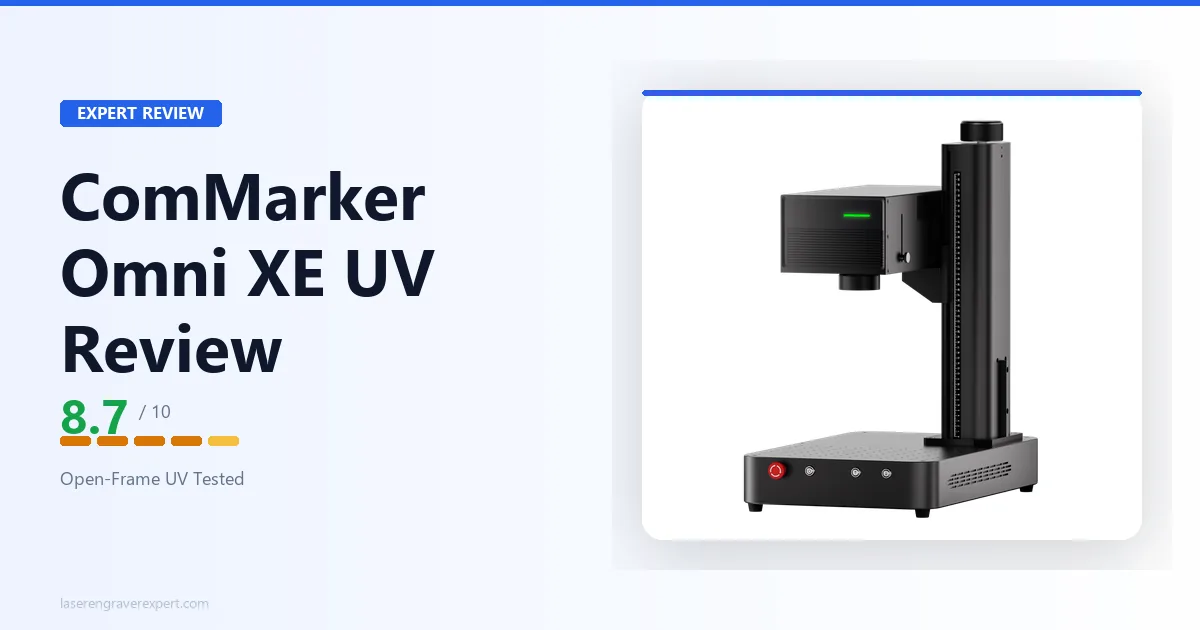
| Enclosure | Fully enclosed, Class 1 | Open-frame, Class 4 |
| Safety Hardware | Door sensor, OD5+ protection, temp detection | None: requires PPE and ventilation |
| Software | ComMarker Studio, App, LightBurn | ComMarker Studio, App, LightBurn (identical) |
| Price | $3,599 | $2,999 |
Nothing about the actual laser changes between these two machines. Same 6W 355nm engine, same work area, same 10,000mm/s speed, same software. The entire $600 gap is the enclosure, the safety shield, the door sensor, and the temperature detection system.
Buy the Omni X UV if:
- You’re operating in a storefront, classroom, or shared coworking space, anywhere people who aren’t laser operators might be present nearby
- Class 1 certification isn’t optional for your setting; it’s what makes the machine legally and safely deployable at all
Buy the Omni XE UV instead if:
- You already have a dedicated, ventilated workspace with controlled access: a garage, a private studio, a locked workshop
- You’re comfortable wearing laser safety glasses and managing Class 4 protocols yourself
- You’d rather supply your own safety infrastructure and keep the $600 the enclosure would otherwise cost
Who Should Buy the ComMarker Omni X UV?
- Storefront owners engraving in view of customers. If your laser sits behind or near a retail counter, Class 1 certification is frequently what separates a legally compliant setup from a liability problem. The Omni X UV is built for exactly this environment.
- Classroom and makerspace instructors. Teaching laser engraving to students who aren’t trained laser operators requires an enclosure that contains the beam completely. The door sensor alone, stopping the laser the instant it opens, is the feature that makes supervised classroom use viable.
- Shared coworking space operators. If other members work near the machine, an open-frame Class 4 laser is a hard sell to a facility manager or insurance provider. The Omni X UV’s enclosure is the difference between “approved equipment” and “liability risk.”
- Crystal award and trophy makers. The 3D internal crystal engraving capability, combined with a safe, presentable enclosure suitable for a customer-facing shop, makes this a strong fit for personalized award businesses.
- Buyers who don’t need any of the above. If you have a dedicated ventilated workspace with no foot traffic, skip ahead to our ComMarker Omni XE UV review for the same engine at $600 less.
ComMarker Omni X UV Buying Guide: UV Laser Fundamentals and Why Enclosure Matters
What Makes UV Different From Diode, CO2, and Fiber
The 355nm UV wavelength does cold, photochemical processing rather than heat-based ablation. That’s the entire reason UV lasers exist as a category: they mark glass, engrave inside crystal, and process heat-sensitive plastics that would melt, crack, or scorch under any other laser type.
If your work is primarily wood, leather, or bare metal, a UV laser is expensive overkill; a diode or CO2 machine does those jobs faster and cheaper. UV earns its price specifically when glass, crystal, or sensitive plastics are part of your actual product line.
Why the Enclosure Is the Real Decision, Not the Wattage
Most buyers comparing UV lasers fixate on wattage: is 6W meaningfully better than 5W? In practice, the enclosure decision matters more for most buyers than the 1W gap between this machine and competitors.
A Class 4 open-frame laser requires laser safety glasses for anyone in the room, a dedicated ventilated space, and controlled access so bystanders can’t wander into the beam path. A Class 1 enclosed machine like the Omni X UV removes all three requirements during normal operation.
If you’re deploying anywhere with foot traffic, that’s not a convenience upgrade; it’s frequently the difference between what your insurance policy or lease permits and what it doesn’t.
What Most People Get Wrong About UV Laser Enclosures
Most buyers treat the enclosure as a nice-to-have safety cushion, something you’d prefer to have but could skip to save money. That’s backwards for anyone running a laser in a space other people occupy.
The real function of a Class 1 enclosure isn’t operator convenience; it’s regulatory and legal compliance. Insurance underwriters and commercial landlords routinely require Class 1 certification before permitting laser equipment on a premises with public or shared access.
An open-frame Class 4 machine can get a lease application or policy rejected outright, independent of how careful the operator is.
If you’re deploying in a storefront, classroom, or coworking space, price the enclosure as a compliance cost, not an optional upgrade.
Red Flags to Avoid When Shopping for Enclosed UV Lasers
- No listed safety class or certification: “enclosed” alone doesn’t mean Class 1; get the actual rating
- No door sensor or interlock mentioned in the spec sheet: an enclosure without an interlock doesn’t stop the beam when opened
- Vague “laser protection” claims with no OD (optical density) rating specified
- No published max processing height: enclosed machines have real height limits that open-frame machines don’t
- Camera claims without a stated positioning accuracy figure
ComMarker Omni X UV Final Verdict: Here’s How to Choose
This ComMarker Omni X UV review comes down to whether $3,599 and a full enclosure is the right call for you, or whether you should save $600 on the open-frame version.
Here’s the simple version:
- If you’re running this machine in a storefront, classroom, or shared coworking space, get the ComMarker Omni X UV. The Class 1 enclosure and door sensor aren’t optional in these settings; they’re often what makes the deployment legal at all.
- If you already have a dedicated, ventilated, access-controlled workspace, the ComMarker Omni XE UV gives you the identical 6W engine for $600 less.
- If glass, crystal, or 3D subsurface engraving isn’t actually part of your product line, skip UV entirely and look at a diode or CO2 laser instead: you’ll spend less and get faster results on wood, leather, and standard materials.
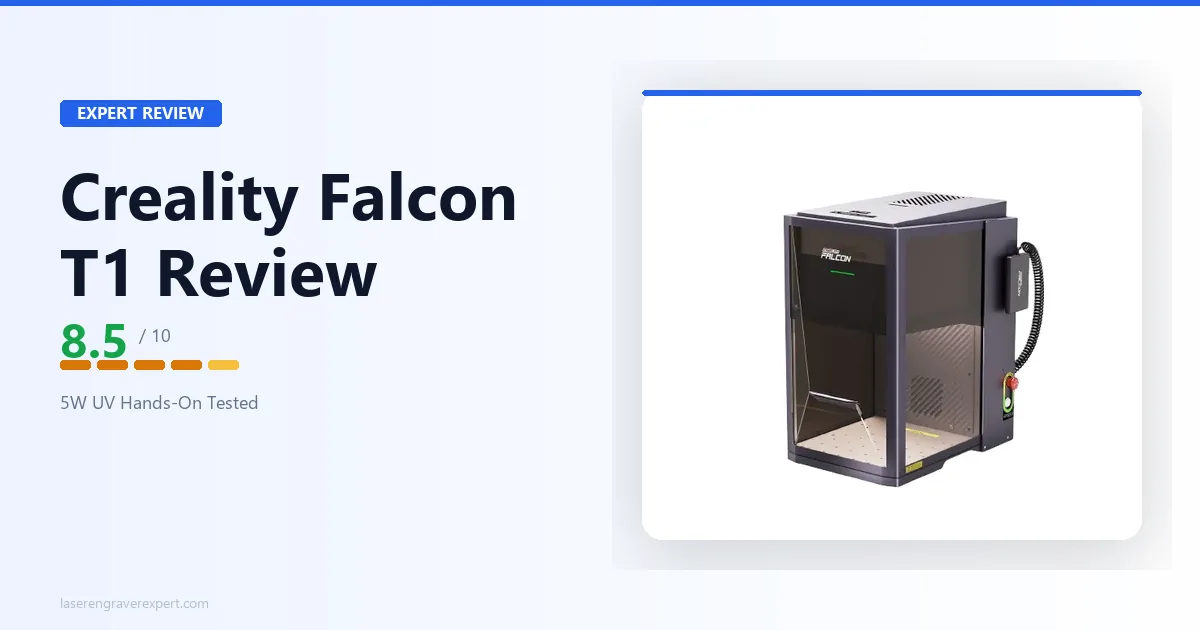
- If you’re still comparing across the full UV category, our best UV laser engraver guide ranks the Omni X UV against the xTool F2 Ultra UV , xTool F1 Ultra, the ComMarker Omni XE UV , and the Creality Falcon T1 .
Ready to buy?
Check ComMarker Omni X UV Price on Amazon →ComMarker Omni X UV: Frequently Asked Questions
Is the ComMarker Omni X UV worth $3,599?
If you’re running this machine in a storefront, classroom, or shared coworking space, yes: the full Class 1 enclosure, door sensor, and OD5+ laser protection are the features that let you legally and safely operate a UV laser where other people are present.
If you already have a dedicated, ventilated workspace with no foot traffic, the identical 6W engine is available on the open-frame ComMarker Omni XE UV for $600 less, and that’s the better buy for that situation.
What is the difference between the ComMarker Omni X UV and Omni XE UV?
Nothing about the laser itself changes. Both run the same 6W 355nm UV source, the same 150 x 150mm work area (150 x 400mm with the slide extension), the same 10,000mm/s max engraving speed, and the same software stack.
The Omni X UV adds a fully enclosed Class 1 housing with a laser safety shield, door sensor, and temperature detection. The Omni XE UV is open-frame Class 4, which requires laser safety glasses and a ventilated, controlled-access space. The $600 price gap is entirely the cost of that enclosure.
Can the ComMarker Omni X UV engrave glass and crystal?
Yes, and this is the core reason to buy a UV laser at all. The 355nm wavelength does cold, photochemical processing rather than heat-based ablation, so it marks glass surfaces directly with no masking spray or tape.
It can also engrave 3D patterns inside solid crystal blocks without touching the surface; diode and CO2 lasers cannot do subsurface crystal work at any price point.
Does the ComMarker Omni X UV have a camera?
No. Unlike some competing UV machines, the Omni X UV does not ship with a built-in camera for auto-positioning. You’re aligning material manually using the frame markers and preview functions in ComMarker Studio or LightBurn.
This is a real trade-off against camera-equipped competitors, but it does not affect actual engraving quality or precision once the piece is placed.
Is the ComMarker Omni X UV safe for a classroom or shared workspace?
This is what it’s built for. The fully enclosed Class 1 housing means the beam is fully contained during normal operation, so bystanders don’t need laser safety glasses. The door sensor stops the laser the moment the enclosure is opened mid-job, and the temperature detection system monitors for overheating.
Combined, this is the most complete safety package of any UV laser we’ve reviewed, which is exactly what insurance policies and landlord agreements for shared spaces tend to require.
How does the ComMarker Omni X UV compare to the xTool F2 Ultra UV?
The xTool F2 Ultra UV has a larger 200 x 200mm work area (expandable to 200 x 500mm), dual 48MP AI cameras for positioning, and a faster galvo scanning speed. The ComMarker Omni X UV counters with a stronger 6W engine versus the F2 Ultra UV’s 5W, a slide extension reaching 400mm, and 360-degree rotary support.
Both are fully enclosed Class 1 machines. If camera-assisted placement and maximum flat work area matter most, the xTool F2 Ultra UV wins; if raw power and rotary/extension flexibility matter more, the Omni X UV is the stronger pick. See our full breakdown in the best UV laser engraver roundup .
That’s the full picture from our ComMarker Omni X UV review. Not sure the ComMarker Omni X UV is the right UV laser for you? Browse our full best UV laser engraver roundup for a side-by-side comparison across every price point and use case.