This article contains affiliate links. If you purchase through our links, we may earn a commission at no extra cost to you.
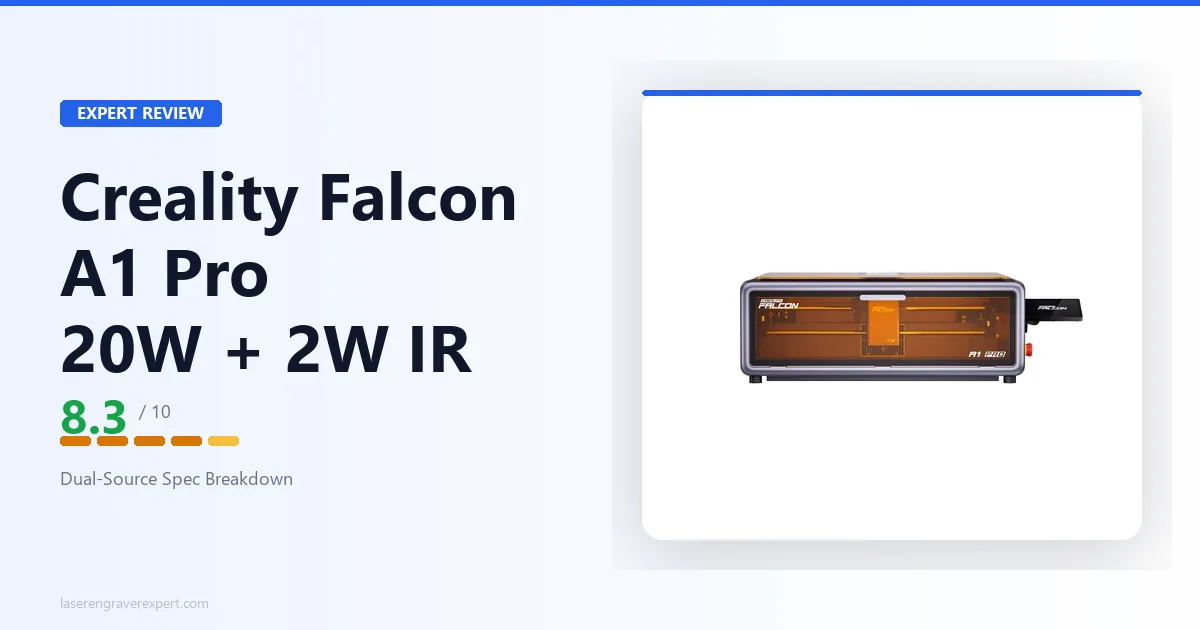
Most buyers shopping diode laser engravers eventually hit the same wall: the machine marks wood and acrylic beautifully, then stalls completely the moment a project calls for bare metal. The Creality Falcon A1 Pro 20W is built around that exact problem — it pairs a 20W diode with a bundled 2W IR module so you’re not stuck buying a second machine the first time a client asks for a marked stainless tumbler. Here’s how both laser sources actually work, what the IR module is really for, and where the details go quiet in ways worth knowing about before you buy.
Creality Falcon A1 Pro Specifications
| Specification | Creality Falcon A1 Pro 20W |
|---|---|
| Diode Laser | 20W optical, 455±5nm (semiconductor) |
| IR Laser | 2W, 1064±1nm (solid-state) |
| Engraving Area | 268×358mm (per Creality’s listing) |
| Machine Dimensions | 567×468×211mm |
| Net Weight | 16.8kg |
| Max Speed | up to 600mm/s (per Creality) |
| Motion System | CoreXY |
| Listed Cut/Engrave (20W) | 10mm basswood, 8mm black acrylic, 0.04mm stainless sheet |
| IR Spot Size | 0.03mm |
| Diode Spot Size | Not published by Creality |
| IR Work Area | Not published by Creality |
| Autofocus Accuracy | <0.3mm (<0.012") |
| Camera | HD overhead, positioning + batch recognition |
| Safety Class | Class 1 (FDA) |
| Certifications | FDA, CE, ROHS, FCC, PSE |
| Enclosure | Fully enclosed, smoke-filtering, air assist |
| Software | Falcon Design Space, LightBurn, LaserGRBL |
| Operating System | Windows, macOS |
| Supported Materials | Wood, bamboo, acrylic, leather, fabric, rubber, cardboard, plastic; metal via 2W IR |
A few figures are worth calling out for what’s missing: Creality hasn’t cleanly listed the diode spot size, IR module work area, kerf, or diode duty-cycle, so we won’t guess at them here — worth a direct question to Creality support if those numbers matter for your workflow.
The Dual-Source System: 20W Diode + 2W IR
Here’s the thing that actually separates the A1 Pro from the standard Falcon A1: it isn’t one laser, it’s two, and they’re not trying to do the same job. The 20W diode (455±5nm semiconductor) handles the bulk of cutting and engraving work — wood, acrylic, leather, the usual diode diet. The 2W IR module (1064±1nm solid-state) exists for a narrower, specific purpose: marking metal and plastic that the diode wavelength simply can’t touch. If you’re still untangling why a machine would need two separate laser sources in the first place, our breakdown of how diode, CO2, and fiber lasers actually differ covers the wavelength and material-compatibility reasons directly.
Creality markets the swap between the two as tool-free — about a three-step, plug-and-play process rather than a recalibration project. That matters more than it sounds like on paper. Plenty of “dual-purpose” laser setups on the market require you to physically remove and reinstall a whole laser head assembly, realign the gantry, and re-home the machine before the second module behaves correctly. A genuinely tool-free swap means moving between a wood engraving job and a metal marking job doesn’t eat your afternoon.
One thing to flag up front: Creality notes the IR module’s inclusion is bundle-dependent — check the specific listing you’re buying to confirm it’s actually in the box, rather than assuming every A1 Pro SKU ships with both sources. That’s not a hidden gotcha so much as a straightforward “read the box contents” situation, but it’s easy to miss if you’re comparison-shopping across multiple Falcon A1 Pro listings.
The CoreXY motion system underneath both lasers is what makes the swap practical at all. CoreXY frames are built for exactly this kind of repeat-positioning accuracy, and Creality lists speeds up to 600mm/s on this chassis — reasonably quick for a dual-source enclosed machine, though as always, that’s a manufacturer ceiling figure rather than a real-world average across every material and setting.
What the 2W IR Module Actually Does
This is the section most reviews skip past, and it’s the one that actually determines whether this machine fits your use case. A 2W IR laser at 1064nm is not a replacement for a dedicated fiber marking machine — it’s a narrower tool with a specific job: fine marking on metal surfaces and certain plastics, at a spot size Creality lists at 0.03mm.
That spot size number is genuinely tiny — small enough that Creality positions the IR module around detail work like photo reproduction on metal plates, jewelry engraving, business card marking, and fine identification marks on plastic housings. It’s not the module you’d reach for to deeply engrave a thick steel plate; it’s the module for a clean, precise surface mark. If metal marking is actually the core of your workflow rather than an occasional add-on, it’s worth comparing this bundled approach against dedicated fiber laser engravers built around metal from the ground up — a different tool for a different scale of job.
Per Creality’s listing, the 20W diode alone gets you 0.04mm stainless sheet cutting — thin stock, not structural metal. If your actual goal is marking metal tumblers, dog tags, or branded plastic components, the IR module is the part of this machine doing that job, not the diode. That’s worth sitting with if you’ve seen this machine marketed broadly as “cuts and marks metal” without the distinction — the diode and the IR source are doing genuinely different jobs here, and conflating them sets the wrong expectations.
Creality hasn’t published an IR work area figure separate from the main 268×358mm engraving area, so we’re not going to invent one. If your projects are small — the detail-work use cases the IR module is built for — this likely isn’t the limiting factor. If you’re planning larger metal panels, it’s a real open question worth asking Creality support directly before buying.
For anyone whose actual use case is metal tumblers and drinkware specifically, it’s worth comparing this dual-source approach against machines built around that one job — see our best laser engraver for tumblers breakdown for how dedicated setups stack up.
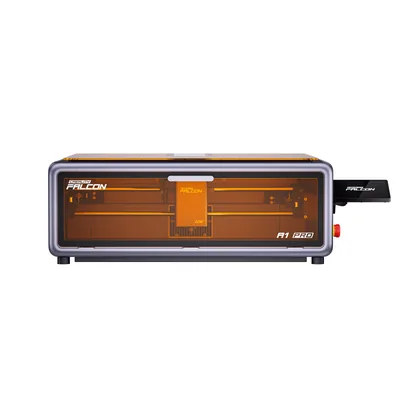
Creality Falcon A1 Pro 20W
8.3/10- Dual-source: 20W diode plus 2W IR module per Creality
- IR module marks metal and plastic a diode can't
- AI visual auto-focus rated to <0.3mm
- Full safety suite: flame detection, tilt/drop stop, airflow monitoring
- Fully enclosed Class 1 (FDA) with smoke filtering
- Smallest owner-review base in the Falcon lineup (about 18 reviews)
- Creality hasn't cleanly published diode spot size or IR work area
- IR module may be bundle-dependent
Smart Workflow and Safety Suite
Dual-source hardware is only half the pitch. The other half is how much Creality has automated around it, and on paper, it’s a genuinely complete package for anyone tired of manually dialing in focus and positioning on every single job.
The AI visual auto-focus is rated to complete in roughly 3 seconds, with measurement accuracy under 0.3mm (<0.012"). Paired with it is an HD overhead camera that handles positioning and — more usefully for anyone running repeat jobs — batch shape recognition, so you can fill patterns across multiple same-shaped objects without manually marking out each one. If you’re running small-batch production rather than one-off projects, this pairing is the actual time-saver, not just a demo feature.
Control is built around a phone-like touchscreen plus a mobile app, with Creality marketing the workflow as design-on-phone, send, and tap-to-engrave — complete with one-click preset parameters and a library Creality lists at 1,000+ ready project ideas. That’s a meaningfully lower barrier than tuning power and speed settings from scratch for every material.
Safety is where the enclosed Class 1 (FDA) design earns its keep. A Class 1 rating under the FDA’s laser-product standard means the housing is built to contain the beam during normal operation, which is the practical reason an enclosed machine doesn’t demand safety glasses the way an open-frame diode does. The suite Creality lists includes active flame detection, a tilt/drop emergency stop, airflow monitoring, a lid-open safety stop, a physical emergency-stop button, and a smoke-filtering enclosure with built-in air assist plus an extraction fan and two head-cooling fans. That’s a genuinely layered approach — not just “the box is sealed,” but multiple independent triggers that stop the machine if something goes wrong mid-job. Creality also sells an optional Falcon AP1 smoke purifier alongside it, rated to remove 99% of PM2.5 particulates and VOCs, for anyone running this in a space without strong existing ventilation.
Certifications across FDA, CE, ROHS, FCC, and PSE round out the safety picture — a reasonably thorough compliance stack for a machine in this category.
Who Should Buy the Creality Falcon A1 Pro
- Makers who need occasional metal marking without buying a second machine. If 90% of your work is wood and acrylic but you periodically get asked for a marked metal tumbler or nameplate, the bundled IR module covers that gap without a separate fiber laser purchase.
- Small-batch sellers running repeat jobs. The HD camera’s batch shape recognition and the AI autofocus genuinely cut down setup time across multiple identical pieces — see our notes on best laser engraver for small business use cases for how that plays out at scale.
- Beginners who want the barrier lowered, not removed. The phone-to-engrave workflow and one-click presets are a real head start; our best laser engraver for beginners guide covers how this stacks up against simpler single-source machines.
- Anyone prioritizing enclosed safety in a shared or home workspace. The full safety suite and Class 1 rating matter if you’re not working in a dedicated, ventilated shop.
Who shouldn’t buy this: if you need serious metal cutting (not marking) at any real thickness, this isn’t that machine — the IR module is a marking tool, not a metal-cutting laser. And if you’re only ever working in wood, the plain Falcon A1’s single 10W diode will save you money you don’t need to spend on a dual-source system you won’t use. If wood is your whole workflow, our best laser engraver for wood guide covers simpler machines built for exactly that. And if you’re cross-shopping enclosed diode machines across brands entirely, our look at how Creality’s enclosed diode lineup stacks up against xTool’s is the direct head-to-head.
The Honest Limitations
The biggest one is how thin Creality’s published spec sheet is in a few specific spots. Diode spot size, the IR module’s actual work area, kerf width, and diode duty-cycle figures are all absent from the listing. For most buyers doing hobby-scale work, that gap won’t be the thing that ruins a project — but if you’re trying to plan tight-tolerance production work around this machine, you’re working with meaningfully less published data than you’d get from some competing setups.
The second limitation is the owner base itself. At roughly 4.5 stars across about 18 owner reviews, the A1 Pro has the smallest review footprint in the entire Falcon lineup right now. That’s not a performance claim one way or the other — it’s a statement about how much real-world owner feedback actually exists to lean on. A handful of those owners mention shipping delays and, notably, an IR module that hadn’t arrived with their order yet — which lines up directly with Creality’s own bundle-dependent note on module inclusion. Worth checking your specific listing’s contents before you buy, not after.
Treat owner signal here as secondary and thin, not as proof of reliability either direction. This machine simply hasn’t accumulated the review volume that the older Falcon A1 or the Falcon 2 Pro have.
Creality Falcon A1 Pro Review: Final Verdict
The Creality Falcon A1 Pro 20W earns an 8.3/10. The dual-source design solves a real problem — needing occasional metal or plastic marking without buying a second machine — and backs it with a genuinely complete automation and safety stack: AI autofocus under 0.3mm, an HD camera with batch recognition, and a layered safety suite built around a Class 1 enclosure.
The deductions are specific, not vague. Creality’s spec sheet leaves real gaps — diode spot size, IR work area, kerf, and duty-cycle figures are all unpublished — and the review base backing this machine up is the thinnest in the Falcon lineup. Bundle-dependent IR module inclusion adds one more thing to verify before you buy rather than after.
Here’s the simple version:
- If you need a single enclosed machine that handles wood, acrylic, and occasional metal/plastic marking → the A1 Pro is built for exactly that.
- If you’re only ever working in wood and acrylic → the plain Falcon A1 saves you from paying for a second laser source you won’t use.
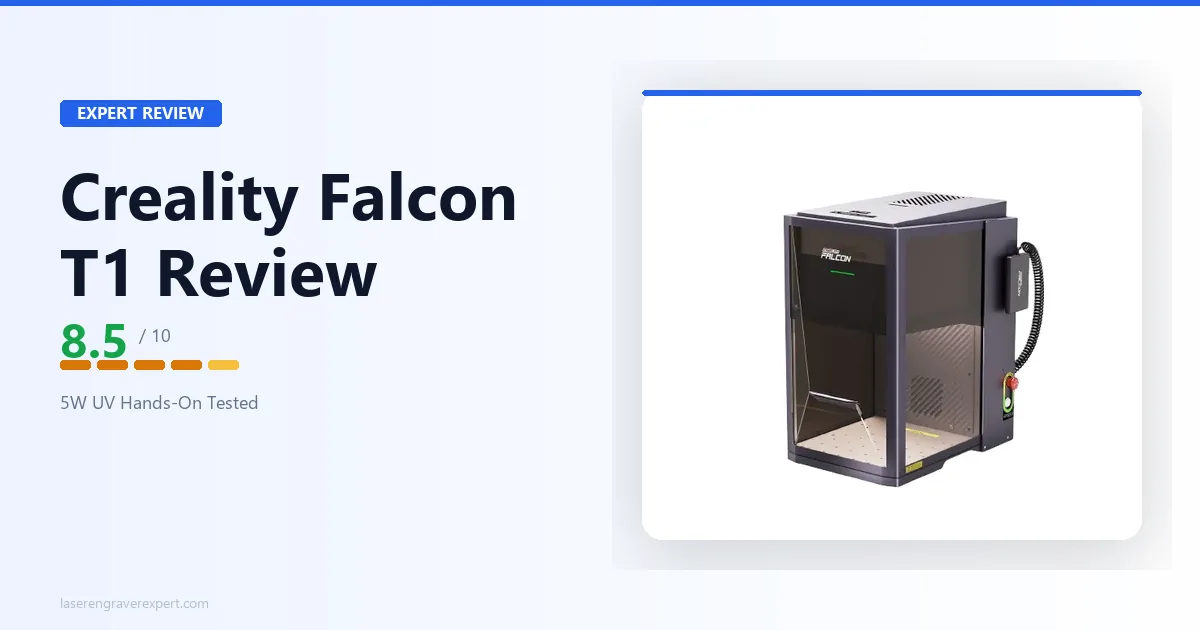
- If you want a larger enclosed workspace or a different wavelength entirely for glass and crystal → our Creality Falcon2 Pro review and Creality Falcon T1 review cover those cases directly.
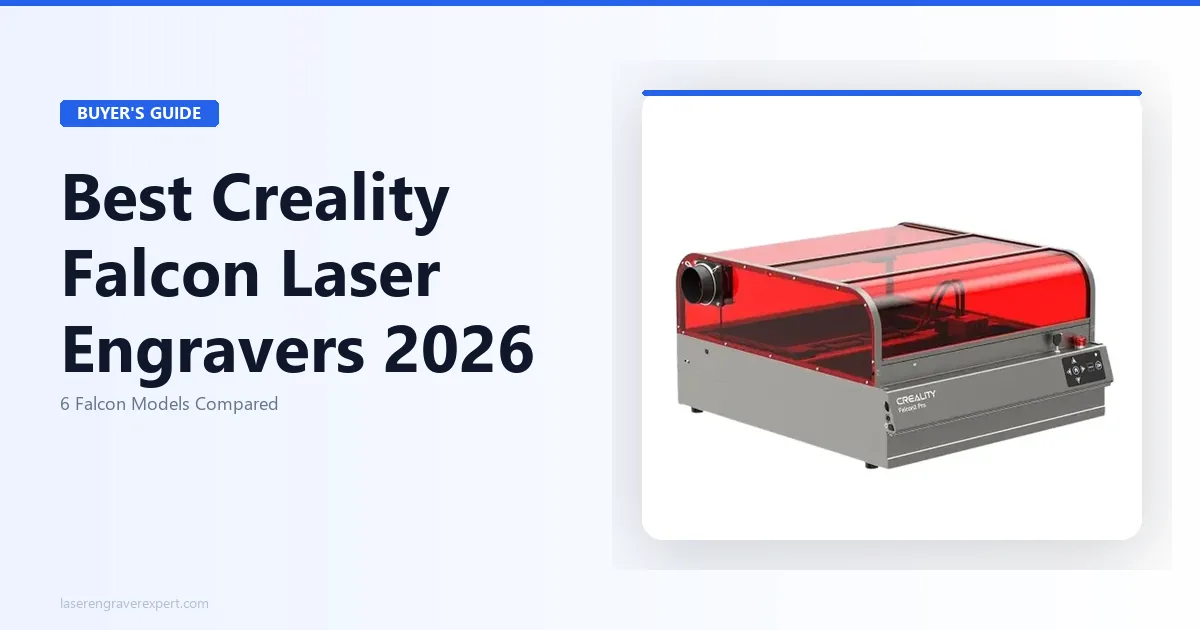
- For the full lineup comparison across every current Creality Falcon machine, see our best Creality laser engraver roundup.
Ready to buy?
Check Price on Amazon →