Disclosure: This article contains affiliate links. If you buy through my links, I may earn a small commission at no extra cost to you.
Genuine MOPA fiber laser sources usually start north of $4,000, so the Monport GM60 MOPA Pro’s $3,499 price for a true 60W JPT MOPA source stands out fast. This Monport GM60 review answers what every budget MOPA laser buyer wants to know: did Monport cut corners, or just cut the markup?
Monport GM60 MOPA Pro Specifications and Price
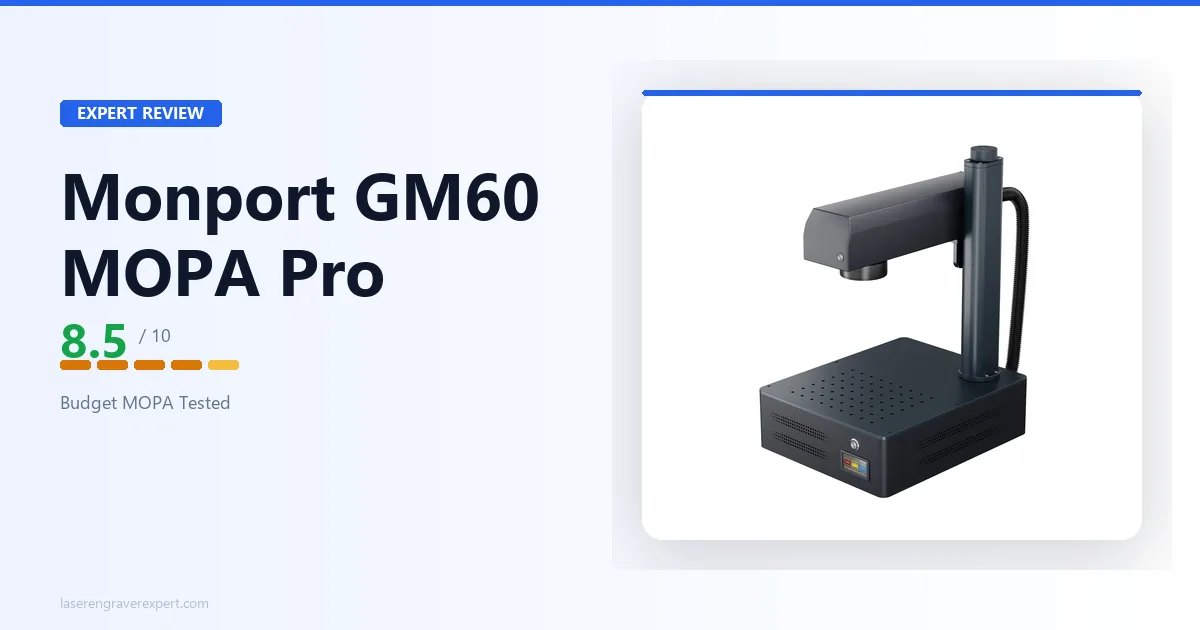
The Monport GM60 price is $3,499. The spec table below shows exactly what that buys. The Monport GM60 MOPA Pro is a 60W JPT MOPA fiber laser engraver with a 175 x 175mm engraving area, autofocus electric lifting column, and rotary axis compatibility. Here’s the full spec sheet, pulled directly from the manufacturer’s listed data.
This machine sits in our best fiber laser engraver guide as the budget MOPA entry point. See that roundup for how it stacks up against nine other fiber lasers across the full price range.
| Specification | Detail |
|---|---|
| Laser Source | JPT MOPA, 60W, 1064nm |
| Laser Type | MOPA Fiber Laser |
| Engraving Area | 175 x 175mm (6.9 x 6.9 in.) |
| Max Engraving Speed | 10,000mm/s |
| Max Marking Depth | 0.10mm (single pass, material dependent) |
| Engraving Accuracy | 0.01mm |
| Positioning Accuracy | ±0.1μm |
| Beam Quality (M²) | <1.5 |
| Beam Diameter | 7 ± 1mm |
| Max Pulse Energy | 2mJ |
| Frequency Range | 1-4000kHz |
| Pulse Width | 2-500ns |
| Max Z Height | 400mm |
| Laser Service Life (MTTF) | 100,000 hours |
| Cooling | Air cooling |
| Focus Mode | Autofocus (electric lifting column) |
| Rotary Support | Rotary axis compatible |
| Connectivity | USB |
| Software | BslAppSimple, LightBurn |
| OS Compatibility | Windows, macOS |
| Input Voltage | 110-120V AC, 60Hz |
| Machine Dimensions | 400 x 330 x 620mm (15.75 x 13.00 x 24.41 in.) |
| Net Weight | 16.6kg (36.6 lb) |
| Package Dimensions | 590 x 440 x 390mm |
| Package Weight | 20.5kg |
| Warranty | 2 years machine, 1 year laser source |
| Price | $3,499 |
Monport GM60 MOPA Pro Setup and First Use
This next section of the Monport GM60 review covers setup. Out of the box, the GM60 MOPA Pro is a compact unit: at 16.6kg net weight and 400 x 330 x 620mm, it’s light enough for one person to position on a bench without help, which matters if you’re setting this up solo in a home shop or garage.
The autofocus electric lifting column is the standout convenience feature here. Instead of manually jogging the Z-axis and eyeballing focal distance with a focus card (the norm on a lot of budget fiber lasers), the column handles it electronically, with a max Z height of 400mm to accommodate taller parts and jigs.
Here’s what nobody selling this machine tells you upfront: there’s no listed enclosure and no listed safety class. This is a Class 4 laser device operating in open air unless you build or buy your own enclosure for the Monport GM60 MOPA Pro.
If you’re coming from a Class 1 desktop diode machine, this is a meaningful step up in the safety infrastructure you need to plan for: rated eyewear at minimum, ideally a proper enclosure or dedicated marking booth. A 60W MOPA source is not a toy-tier laser. Don’t skip this.
Once positioned and connected via USB, getting to a first mark is straightforward mechanically on the Monport GM60 MOPA Pro: there’s no complex assembly sequence, just cable connections and the standard focus/calibration routine that any fiber laser owner will recognize.
Rotary Axis Setup
The GM60 MOPA Pro is rotary axis compatible, which opens up cylindrical marking (tumblers, rings, pens, tool handles) without needing a different machine. This is often absent or sold as a pricier add-on on comparable machines, so having it confirmed here is a genuine plus for anyone marking round stock.
Monport GM60 MOPA Pro Software: BslAppSimple vs LightBurn
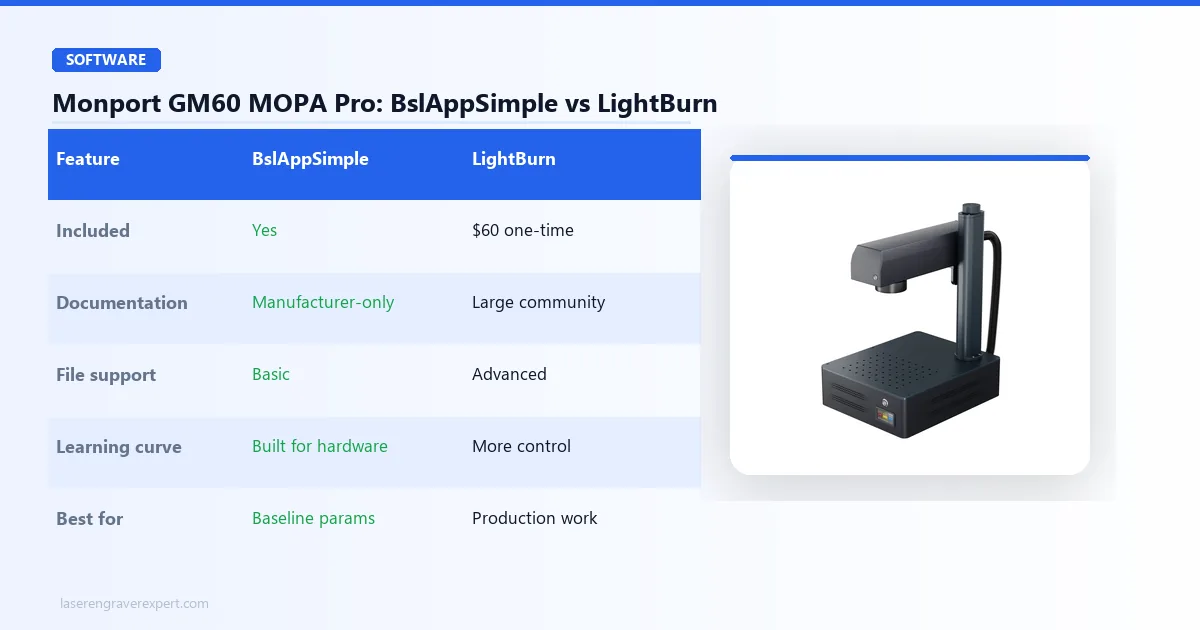
The GM60 MOPA Pro ships with Monport’s own BslAppSimple software and is confirmed compatible with LightBurn, a combination that gives you a real choice depending on your comfort level and existing workflow.
BslAppSimple
BslAppSimple is Monport’s proprietary marking software. It’s a smaller, less-documented ecosystem than something like EZCad, which has years of shared community parameter files and troubleshooting threads behind it, or xTool’s software suite, which benefits from a large, active user base.
If you’re new to fiber lasers and want the manufacturer’s own tool to get you marking quickly, BslAppSimple does the job; it’s built specifically for this hardware. Expect to lean on trial-and-error more than you would with a more established platform, simply because there’s less shared knowledge floating around online.
LightBurn
LightBurn is the better call if you already run it on another machine, or if you want access to LightBurn’s more mature layer management, file format support, and the broader documentation and forum ecosystem that comes with the most widely-used laser software on the market.
Confirmed LightBurn compatibility on a sub-$3,500 MOPA machine is not something you can take for granted; some budget fiber lasers lock you into proprietary software only, so this is worth crediting Monport for.
Our practical recommendation for the Monport GM60 MOPA Pro: start in BslAppSimple to learn the machine’s baseline marking parameters on scrap stock, then move complex jobs into LightBurn once you’re comfortable and need finer control.
Monport GM60 MOPA Pro
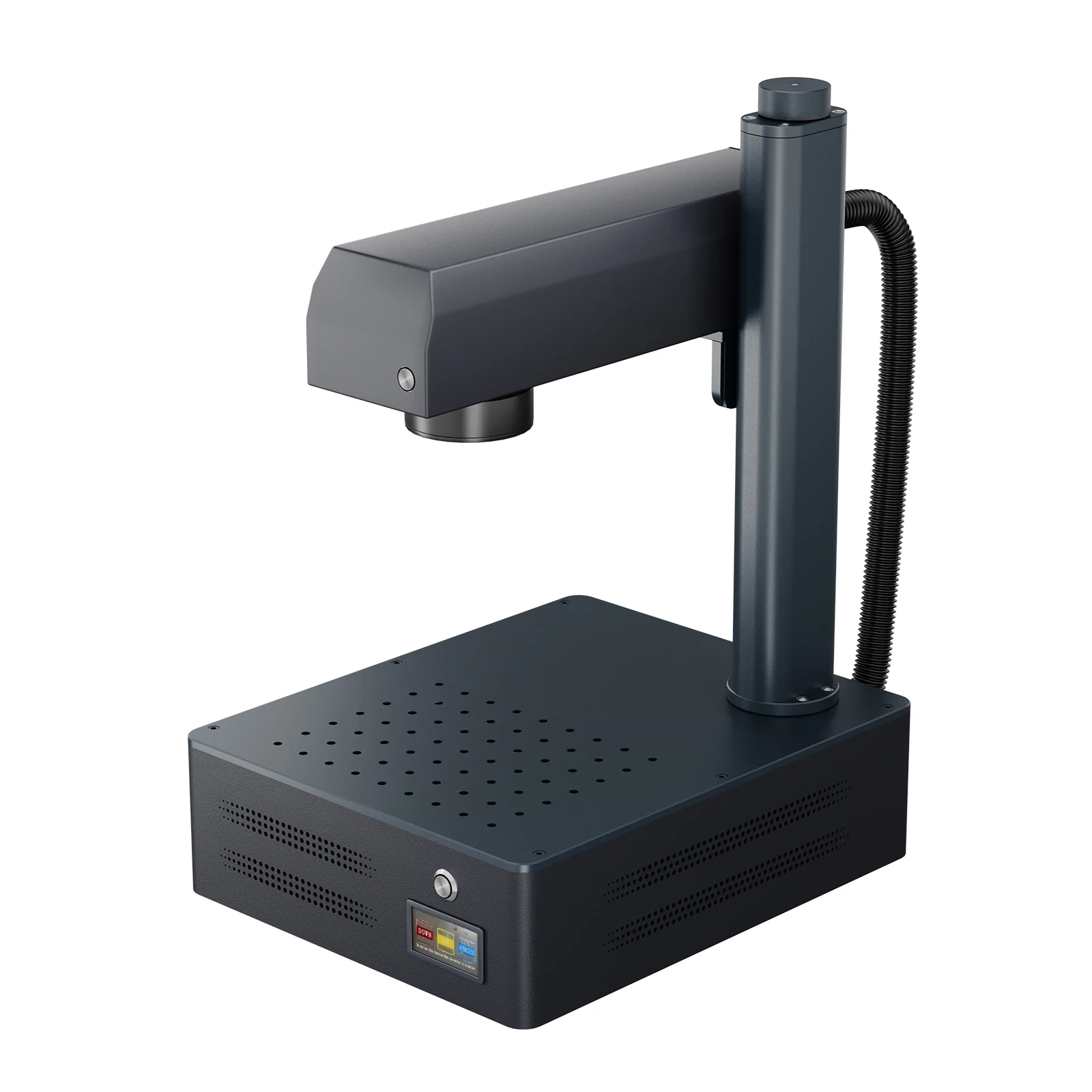
8.5/10- Genuine 60W JPT MOPA source at the lowest price in this category, autofocus with electric lifting column, 175x175mm engraving area larger than most 60W MOPA competitors, rotary axis compatible, LightBurn support alongside BslAppSimple
- Only 1-year warranty on the laser source itself, no listed enclosure or safety class, no built-in camera, smaller software community than EZCad or xTool ecosystems
Monport GM60 MOPA Pro Performance: What a Budget MOPA Source Actually Delivers
This part of the Monport GM60 review gets at the thing most buying guides skip past: the laser source itself, the JPT MOPA module, is the expensive, hard-to-manufacture part.
It’s also, in our assessment, the part where budget and premium machines are most likely to actually match each other, because there are only so many companies making MOPA sources at scale, and JPT is one of the biggest names supplying that component industry-wide regardless of which brand puts a case around it.
The Laser Source Specs That Actually Matter
What that means practically: the GM60 MOPA Pro’s rated 100,000-hour MTTF laser service life, its 2-500ns adjustable pulse width, and its 1-4000kHz frequency range are the same caliber of numbers you’ll see quoted on 60W MOPA machines costing meaningfully more.
The pulse width range in particular is the spec that actually enables color marking on stainless steel: narrower pulses concentrate energy differently than wider ones, producing different oxide layer thicknesses and different visible colors on the metal. A 2-500ns range gives you real room to dial that in.
Work Area: The Underrated Advantage
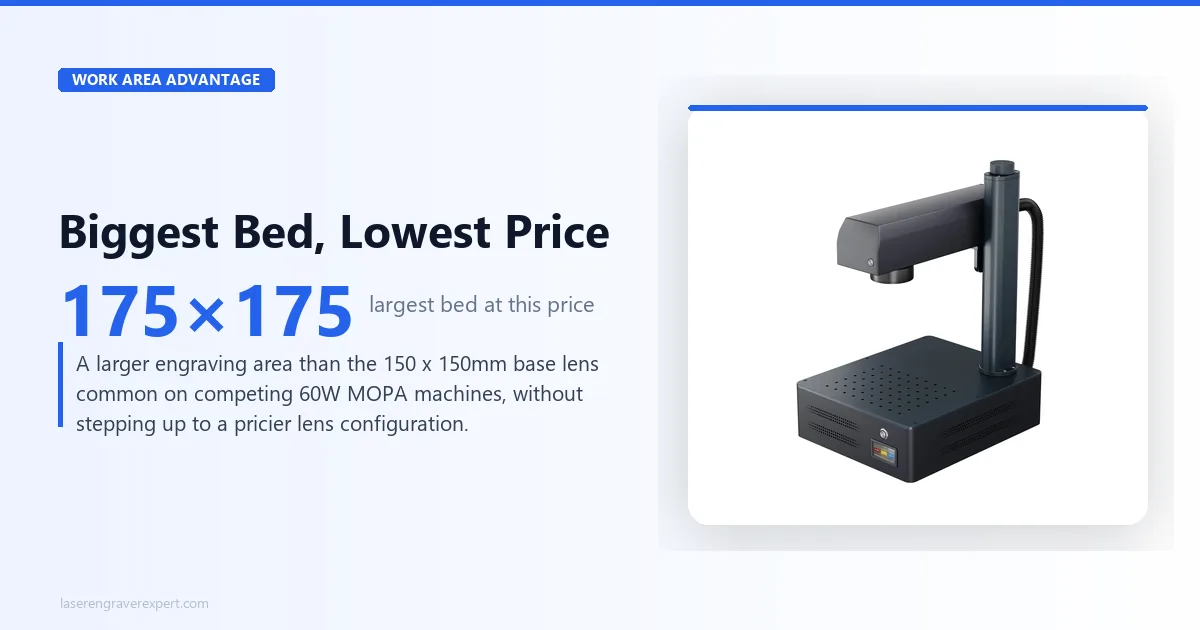
At 175 x 175mm, the GM60 MOPA Pro’s engraving area beats the 150 x 150mm base lens you’ll find on several other 60W MOPA machines in this price bracket, including some pricier competitors. That’s not a marginal difference; it’s roughly a 36% larger marking surface without needing to step up to a larger, more expensive lens configuration.
If you’re marking anything bigger than small parts, jewelry, or tags (think control panels, larger tool faces, or multi-part layouts in a single job), that extra room on the Monport GM60 means fewer repositions and less time spent re-registering material mid-job.
Metal Marking and Material Range
The supported materials list is broad for a machine at this price: brass, stainless steel, carbon steel, aluminum, titanium, gold, silver, tungsten, carbide, hard plastic, marble, granite, and brick.
In practice, that range covers the vast majority of what buyers actually use a 60W MOPA laser for: industrial part ID, tool marking, serial numbers, QR codes, and jewelry engraving on precious metals.
The max marking depth of 0.10mm in a single pass is respectable for a MOPA-class machine, and combined with the 0.01mm engraving accuracy and ±0.1μm positioning accuracy, this is a machine capable of fine, repeatable detail work.
Industrial ID marking and jewelry engraving both demand that level of precision, and multiple passes extend depth further for applications that need it, like deep tool marking or mold-adjacent work.
Speed
A max engraving speed of 10,000mm/s puts this in line with what you’d expect from a modern galvo-based fiber system, fast enough that speed isn’t the bottleneck in most real-world jobs; your fill density and pass count will matter more to total job time than the machine’s ceiling speed.
What Most People Get Wrong About Budget MOPA Machines
The common assumption is that a cheaper MOPA machine must be cutting corners on the laser itself. That’s backwards.
The laser source, the JPT MOPA module, is largely the same tier of component whether you’re paying $3,499 or considerably more, because there are a limited number of companies actually manufacturing MOPA sources at scale, and this machine uses one of the established names in that space.
Where the savings actually come from is everything wrapped around the laser: software polish, brand-name customer support infrastructure, community size, warranty length, and included accessories like a camera or enclosure. Those are real trade-offs, and we’re not dismissing them.
But they’re a different category of trade-off than “worse laser,” and conflating the two is the single most common mistake we see in how people evaluate budget MOPA machines.
Monport GM60 MOPA Pro: Pros and Cons
Here’s the honest breakdown of what the Monport GM60 MOPA Pro delivers.
Pros
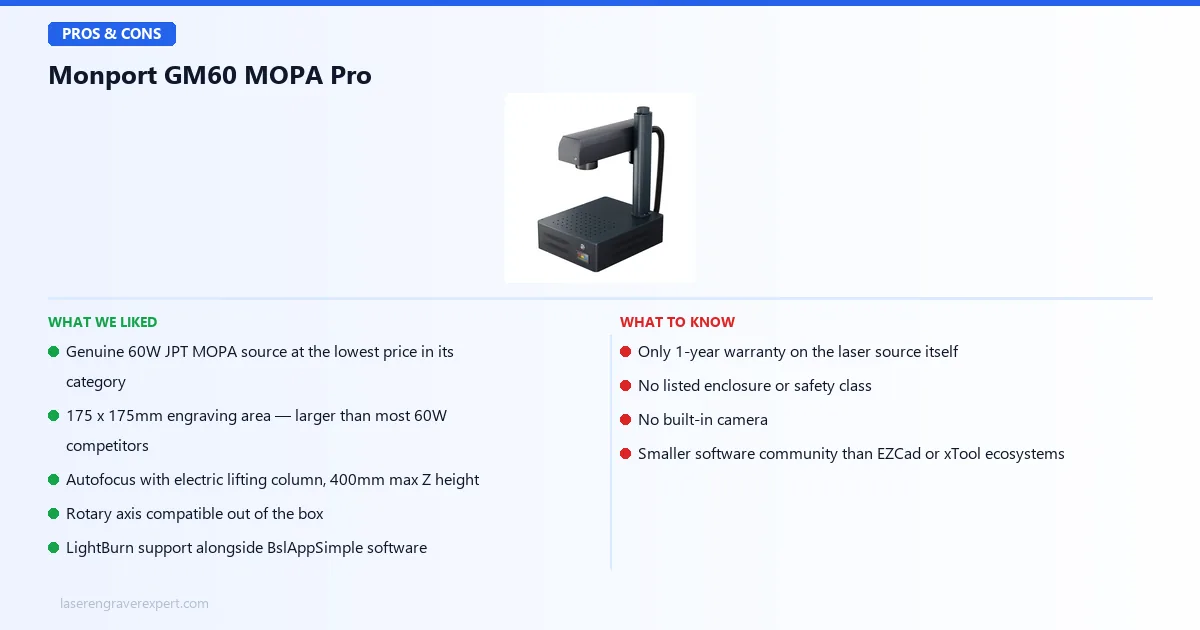
- Genuine 60W JPT MOPA laser source: the same caliber of component used in pricier competing machines, not a stripped-down substitute
- The Monport GM60 price ($3,499) is the lowest of any true 60W MOPA fiber laser we’ve evaluated
- 175 x 175mm engraving area, larger than the 150 x 150mm base lens common on competing 60W MOPA machines
- Autofocus via electric lifting column with 400mm max Z height, a convenience feature often missing at this price tier
- Rotary axis compatible out of the box for cylindrical marking
- LightBurn confirmed compatible alongside included BslAppSimple software
- 2-500ns adjustable pulse width enables real color marking, not just fixed black output
- 100,000-hour rated laser service life (MTTF), matching industrial-grade expectations
Cons
- Laser source warranty is only 1 year, versus 2 years on the machine itself: shorter coverage on the most expensive component than some competitors offer
- No listed enclosure or safety class: this is an open Class 4 device requiring your own safety infrastructure (rated eyewear at minimum, enclosure recommended)
- No built-in camera for positioning or placement assistance
- BslAppSimple is a smaller, less-documented software ecosystem than EZCad or the xTool suite: expect to do more of your own parameter testing
- Smaller overall brand community than xTool or OMTech, meaning fewer shared settings and troubleshooting threads to draw from
Monport GM60 MOPA Pro vs OMTech MOPA 60W
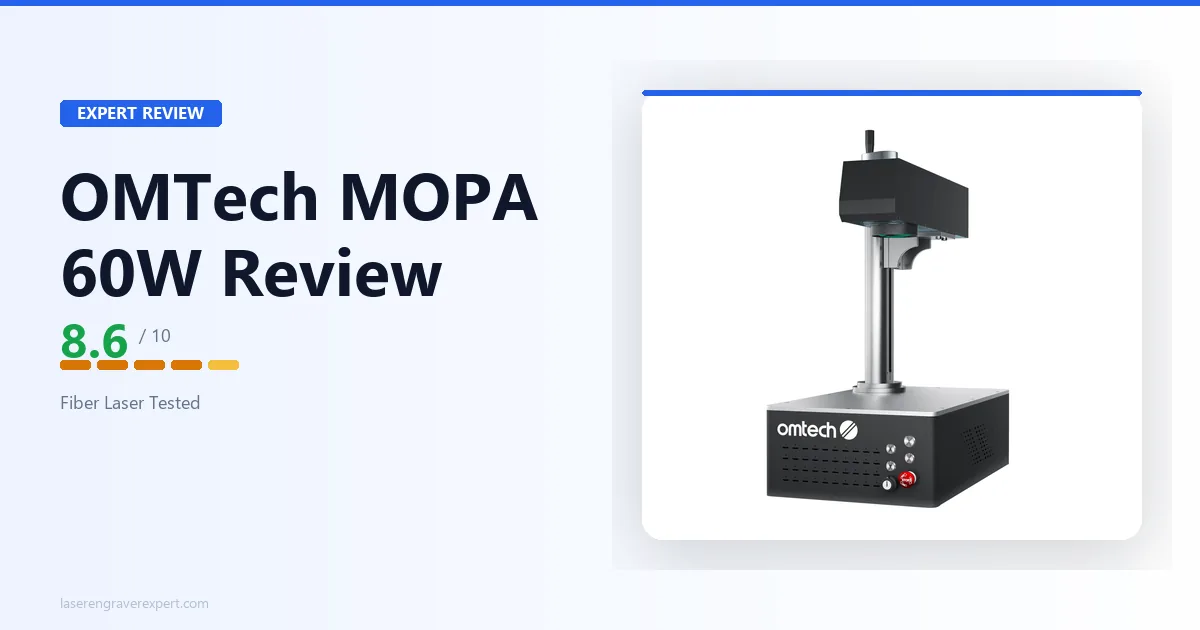
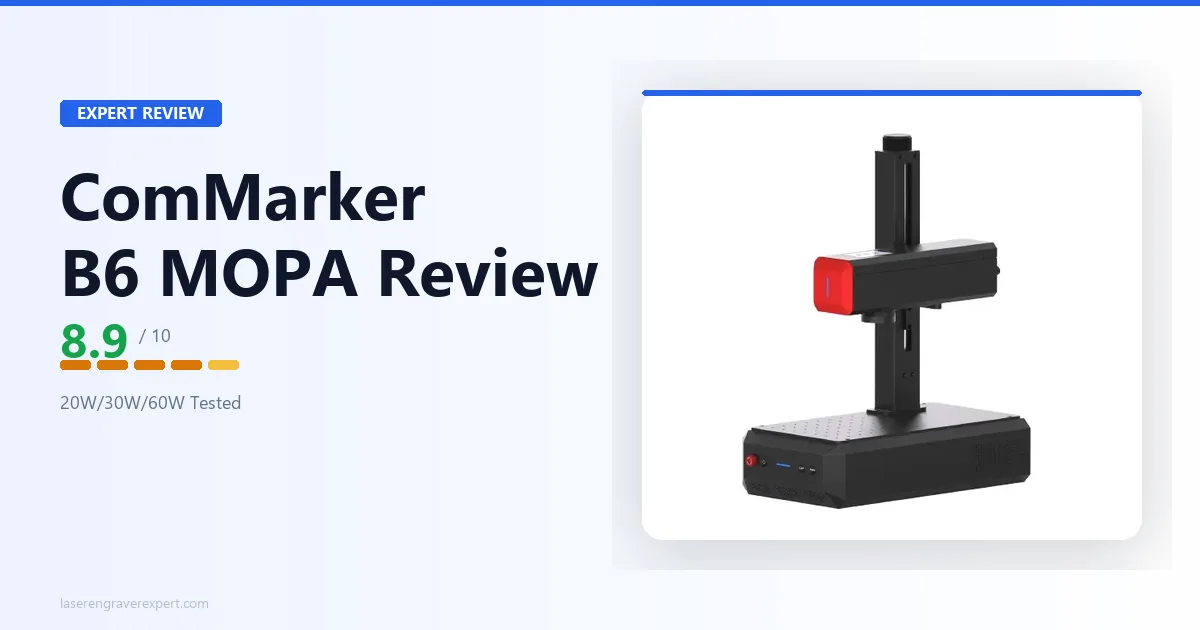
The most natural comparison for the GM60 MOPA Pro, and the one every Monport GM60 price comparison eventually lands on, is the OMTech MOPA 60W ; both run genuine 60W JPT MOPA sources and sit in the same power tier. Buyers who value field-configurable power over a fixed 60W source should also see our ComMarker B6 JPT MOPA review .
Both machines show up on most shortlists for buyers moving up from a standard fiber laser into true MOPA capability.
| Feature | Monport GM60 MOPA Pro | OMTech MOPA 60W |
|---|---|---|
| Laser Source | 60W JPT MOPA | 60W JPT MOPA |
| Engraving Area | 175 x 175mm | 150 x 150mm |
| Price | $3,499 | Higher |
| Autofocus | Yes, electric lifting column | Varies by configuration |
| Software | BslAppSimple + LightBurn | EZCad + LightBurn |
| Brand Track Record | Smaller community | More established |
Where the Monport GM60 MOPA Pro wins: price and work area. You get a larger 175 x 175mm engraving surface and a lower entry cost, without giving up the core MOPA capability: same power tier, same fundamental laser source category.
Where the OMTech wins: brand infrastructure. OMTech has a longer track record and a larger community generating shared parameters, troubleshooting guides, and general documentation. If something goes wrong and you want more people to have already solved your exact problem online, that established base has real value.
Our call: if you’re optimizing for the lowest cost of entry into genuine MOPA capability and want the larger work surface, the Monport GM60 MOPA Pro is the stronger value pick. If you’d rather pay more for a more established brand ecosystem and don’t mind the smaller base work area, the OMTech is the safer, more conventional choice.
Who Should Buy the Monport GM60 MOPA Pro
Buy this if:
- You want genuine MOPA capability (color marking, adjustable pulse width, fine depth control) without paying the premium-brand markup that pushes past the Monport GM60 price
- You’re scaling up from a standard fiber laser and need MOPA’s pulse-width flexibility for the first time, but don’t yet need industrial-grade support infrastructure
- Work area matters to your projects: the 175 x 175mm surface gives you more room than most 60W competitors at this price
- You’re comfortable handling your own safety setup (enclosure or rated eyewear) and don’t need a machine that arrives pre-certified
- You already run LightBurn and want a machine you can drop straight into an existing software workflow
Look elsewhere if:
- You need a longer warranty on the laser source specifically: the 1-year coverage here is shorter than what some competitors back their MOPA source with
- You want a built-in camera for placement assistance
- You’re not prepared to source or build your own enclosure and need a machine with a documented, certified safety class out of the box
- You want the reassurance of a large, established user community for troubleshooting and shared parameters
Monport GM60 MOPA Pro Buying Guide: What to Expect from Budget MOPA Machines
Shopping for a MOPA fiber laser at the budget end of the category means understanding what you’re actually trading off, and it’s not what most people assume.
The Laser Source Is Not Where the Savings Come From
The JPT MOPA module inside the GM60 MOPA Pro is built to the same fundamental specification class as what you’ll find in pricier competing machines: adjustable pulse width, comparable frequency range, and a 100,000-hour rated service life.
A handful of manufacturers supply MOPA sources at scale industry-wide, and paying more for a different-branded machine doesn’t necessarily mean a fundamentally different laser inside it.
Where the Price Difference Actually Goes
The real cost differences between the Monport GM60 price and premium MOPA machines show up in software maturity, warranty length on individual components, included accessories like cameras, brand support infrastructure, and community size.
Those are legitimate reasons to pay more, but they’re a different question than “is the laser worse,” and buyers frequently conflate the two.
Safety Infrastructure Is Your Responsibility at This Price Tier
Several budget MOPA machines, including this one, don’t ship with a listed enclosure or safety class. That’s not a defect; it’s a category norm at this price point, but it means the safety planning falls on you.
Budget for rated eyewear at minimum, and strongly consider a proper enclosure if this machine will run in a shared space or anywhere near foot traffic.
Red Flags to Avoid When Shopping Budget MOPA
- No mention of the actual laser source manufacturer (JPT, Raycus, etc.): vague “MOPA fiber laser” claims without a named source are a warning sign
- No listed pulse width range: this is the spec that actually defines MOPA capability; its absence suggests a re-badged Q-switched unit
- Warranty terms that aren’t broken out by component: know exactly what’s covered on the laser source versus the machine body
- No confirmed LightBurn compatibility if that’s part of your existing workflow
Monport GM60 MOPA Pro Final Verdict: Here’s How to Choose
This Monport GM60 review comes down to weighing genuine MOPA capability against what it usually costs to get there.
Here’s the simple version:
- If you want the lowest-cost entry into true 60W MOPA fiber engraving with the largest work area in its price bracket → the Monport GM60 MOPA Pro is the clear pick.
- If you’d rather pay more for a more established brand community and don’t mind a smaller base work area → look at the OMTech MOPA 60W instead.
- If you’re still deciding whether MOPA is even the right category for your work → our best fiber laser engraver guide breaks down power tiers from 10W to 100W and where each one actually fits.
- If you’re still not sure → the Monport GM60 MOPA Pro is the safe bet, because the laser source quality matches pricier competitors and the savings come from areas (software polish, warranty length, community size) that don’t affect what actually ends up marked on your material.
That’s the full picture from our Monport GM60 review.
Monport GM60 MOPA Pro: Frequently Asked Questions
Is the Monport GM60 MOPA Pro a real MOPA fiber laser?
Yes. It runs a genuine JPT MOPA source rated at 60W with a 1064nm wavelength, adjustable pulse width from 2-500ns, and a frequency range of 1-4000kHz.
That pulse-width flexibility is what defines a true MOPA laser and separates it from a standard Q-switched fiber laser, including color marking on stainless steel and fine control over mark depth.