Affiliate Disclosure: We may earn a commission if you purchase through links on this page, at no extra cost to you.
This review covers whether the genuine 60W JPT MOPA fiber laser engraver delivers premium-tier results — metal marking, color oxidation, and deep engraving — at a $4,099 price, with an honest look at whether its value proposition holds up once you start marking real parts.
OMTech MOPA 60W Specifications
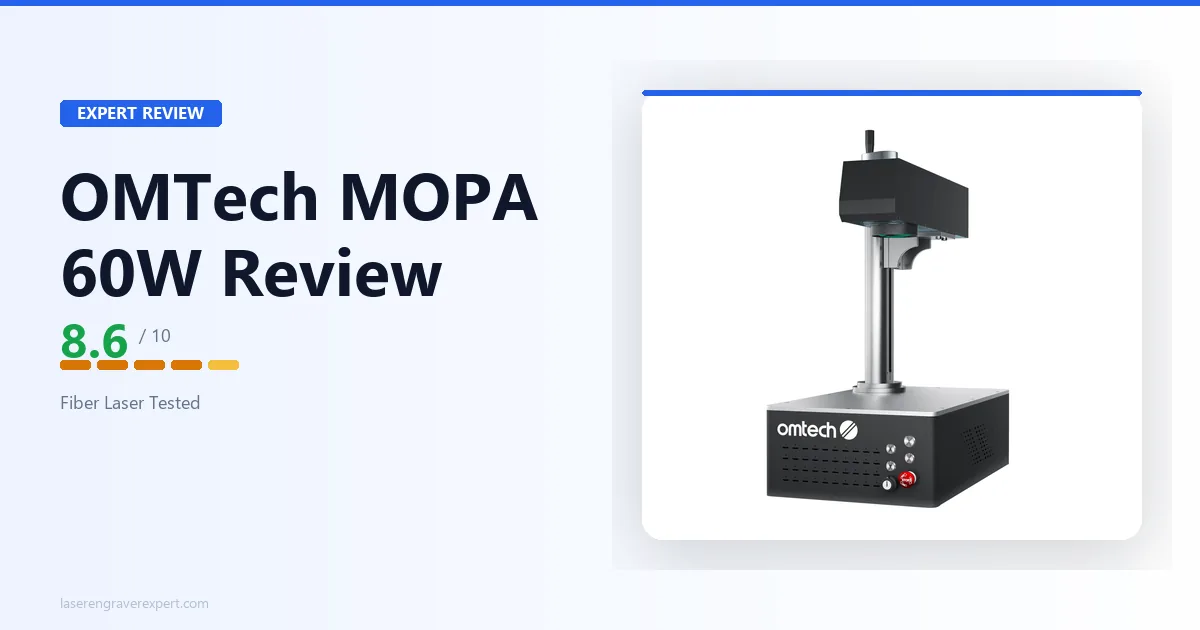
The OMTech MOPA 60W is a 60W JPT MOPA fiber laser with a 150 x 150mm marking area, a 300 x 340mm workbed, autofocus, and EZCad2 software support. This OMTech MOPA 60W review section covers the full spec sheet from the manufacturer.
For how this machine stacks up against nine other fiber lasers, see our best fiber laser engraver guide . Note: if you’re looking for OMTech’s 60W CO2 machine for cutting wood and acrylic rather than marking metal, that’s a different machine — see our OMTech 60W review instead.
| Specification | Detail |
|---|---|
| Laser Type | MOPA Fiber Laser |
| Laser Power | 60W |
| Laser Wavelength | 1064nm |
| Laser Frequency | 1–4000kHz |
| Pulse Width | 2–500ns |
| Estimated Laser Service Life | 100,000 hours (MTTF) |
| Working (Marking) Area | 150 x 150mm (5.9 x 5.9 in.) |
| Workbed Area | 300 x 340mm (11.8 x 13.4 in.) |
| Field Lens Focal Length | 210mm |
| Max Engraving Speed | 10,000mm/s |
| Max Engraving Depth | 0.1mm |
| Positioning Accuracy | ±1mm |
| Marking Accuracy | ±0.01mm |
| Focus Method | Autofocus |
| Safety Class | Class 4 |
| Software | EZCad2 |
| Operating System | Windows 7, 8, 10, 11 |
| Supported File Types | AI, BMP, DX, DXF, GIF, JPG, PLT, PNG, TGA, TIF |
| Operating Temperature | 0–40°C |
| Machine Dimensions | 555 x 335 x 720mm |
| Net Weight | 28kg |
| Package Dimensions | 770 x 460 x 460mm |
| Package Weight | 32kg |
| Price | $4,099 |
OMTech MOPA 60W Price: What $4,099 Actually Buys
Before getting into setup, it’s worth putting the OMTech MOPA 60W price in context. At $4,099, you’re getting a source-verified JPT MOPA engine, autofocus, a 300 x 340mm workbed, and a 100,000-hour rated laser life — specs that on other brands often carry a $5,000+ price tag.
The trade-offs that keep the OMTech MOPA 60W price down are covered honestly below: no built-in enclosure, ±1mm positioning accuracy, and a dated EZCad2 interface.
OMTech MOPA 60W Setup and First Use
Unboxing and Assembly
The OMTech MOPA 60W arrives heavier than most desktop lasers you’ll unbox — 32kg in the shipping crate — so plan for two people or a hand truck before you start. It’s not a machine you casually lift onto a bench solo.
Once out of the box, the physical setup is mechanically simple: the laser head, gantry, and workbed arrive largely pre-assembled, and the bulk of first-use time goes into driver installation and getting EZCad2 talking to the machine over USB, plus focusing the autofocus system on your first material.
The autofocus is the feature that actually saves the most time here. Instead of manually racking the Z-height with a focus gauge — the old-school way most fiber lasers still require — you let the machine find focus automatically before each job.
On a machine with a 210mm field lens and a fixed marking field, that consistency matters more than it sounds like it should, especially if you’re switching between parts of different thicknesses throughout the day.
Safety Setup Before Your First Job
The Class 4 rating is worth internalizing before you even plug it in. This machine ships without a built-in enclosure, which means your setup plan needs to include:
- Laser safety glasses rated for 1064nm — non-negotiable, worn by anyone in the room whenever the beam is active
- A physical barrier or dedicated marking station — not just “don’t look at the beam,” but a real containment plan
- A controlled-access work area — bystanders and pets should not be able to wander into the beam path
Budget this as part of the real setup cost, not an optional accessory you can skip to save money.
OMTech MOPA 60W Software: EZCad2
The OMTech MOPA 60W runs on EZCad2, the software OMTech ships as the compatible platform for this machine. It’s not the most modern interface — the UI looks and feels like industrial marking software from a decade ago, because in large part it is.
Working in EZCad2 Day-to-Day
EZCad2 does the job it needs to do. It handles the file types the machine supports and gives you direct control over laser frequency, pulse width, and power — the exact parameters you need to dial in for both standard black marking and MOPA color oxidation.
- Supported file types: AI, BMP, DX, DXF, GIF, JPG, PLT, PNG, TGA, TIF
- Direct parameter control: frequency, pulse width, and power exposed for both black marking and color oxidation work
- Community knowledge: the same software family used across most of the fiber laser marking industry, so tutorials and shared presets are widely available
The learning curve is real if you’re coming from a consumer-friendly platform like xTool Creative Space or LightBurn. Expect to spend real time in the manual and in parameter grids before you’re confidently producing repeatable color results.
Does It Work With LightBurn?
LightBurn is not listed as supported for this specific OMTech model — if that’s a dealbreaker for your shop, confirm directly with OMTech before buying rather than assuming it carries over from other machines in their catalog.
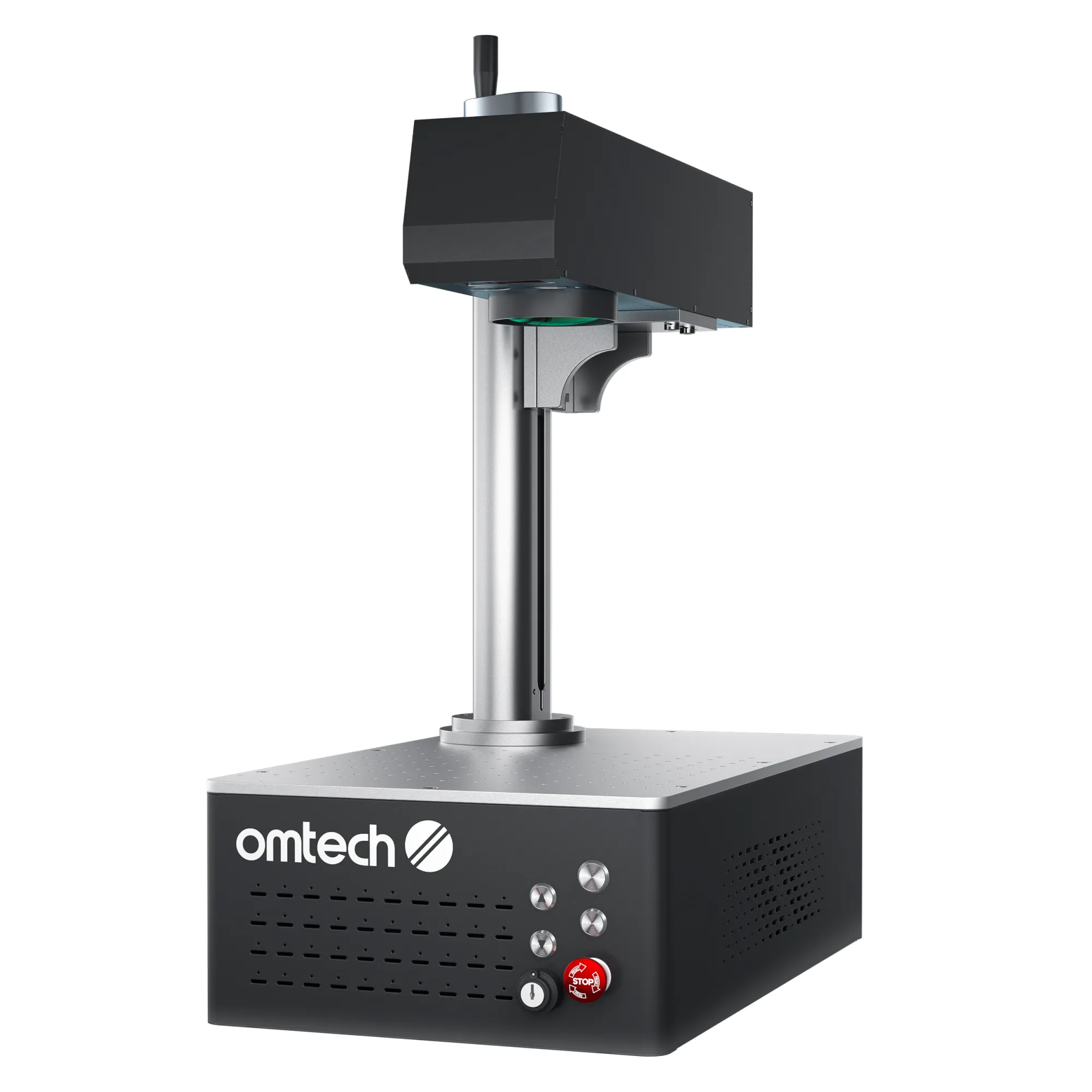
OMTech MOPA 60W Fiber Laser
8.6/10- 60W JPT MOPA source at a mid-range price, larger 300x340mm workbed option, autofocus, EZCad2 compatibility, 100,000-hour rated laser source life
- Class 4, ±1mm positioning accuracy is looser than the split-body and B6 machines, heaviest mid-tier machine at 28kg
OMTech MOPA 60W Performance: Metal Marking, Color Oxidation, and Deep Engraving
This section of our OMTech MOPA 60W review is where the MOPA distinction actually earns its keep. A standard fiber laser gives you black or grey marks on metal and nothing else.
The OMTech MOPA 60W’s adjustable 2–500ns pulse width and 1–4000kHz frequency range open up a completely different set of results — and that’s the reason to pay the MOPA premium over a standard fiber unit in the first place.
Metal Marking Across the Board
As a JPT MOPA source, this machine is built for the same core material set every serious fiber laser targets: stainless steel, aluminum, brass, copper, titanium, and precious metals like gold and silver. It also handles harder industrial materials like tungsten and carbide, along with select hard plastics.
The 60W power level puts it comfortably ahead of the 20-30W fiber machines that dominate the hobbyist tier — you get faster mark times and cleaner deep engraving at the same settings, without needing multiple passes that lower-power units require.
Color Marking — The MOPA Party Trick That’s Actually Useful
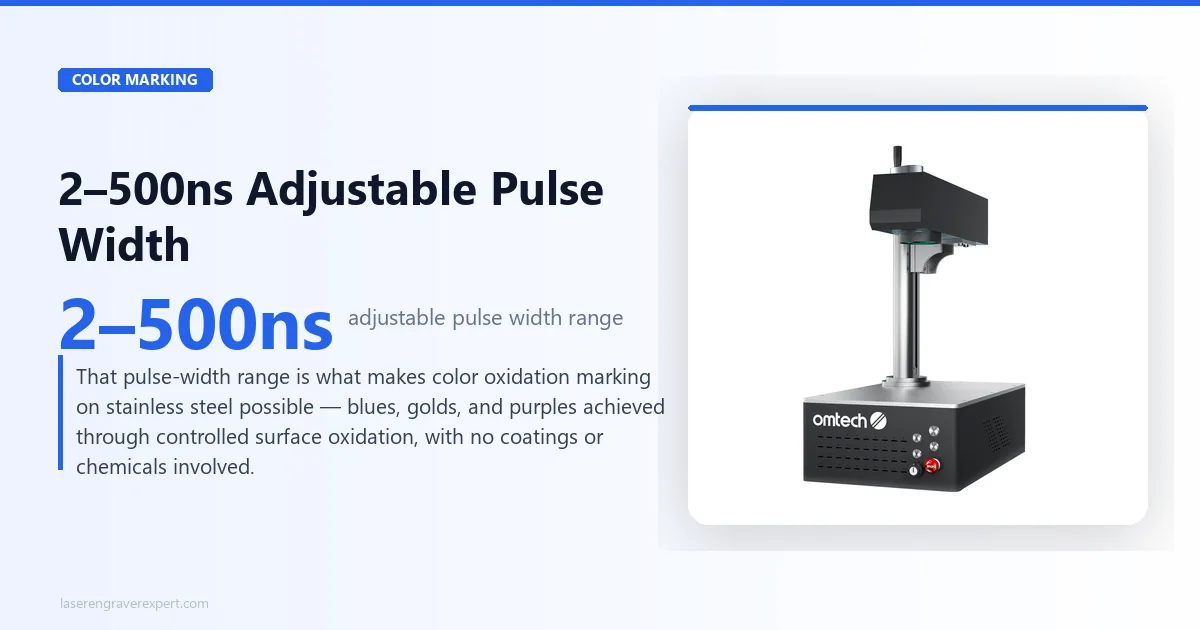
Color oxidation marking is the feature that separates MOPA from standard fiber, and it’s not a gimmick. By controlling pulse width at low power, you generate a controlled oxide layer on stainless steel that refracts light into blue, gold, purple, and other colors — without any coating, dye, or chemical process.
It’s a permanent structural color change in the metal surface itself.
Getting good, consistent color out of any MOPA machine — this one included — takes real parameter tuning. Nobody hands you a one-click “make it blue” button.
You’re working through pulse width, frequency, speed, and power combinations in EZCad2 until you land on repeatable results for your specific metal stock. Budget real bench time for this before you promise color work to a paying customer.
Deep Engraving and Industrial Marking
With a max engraving depth of 0.1mm and marking accuracy rated at ±0.01mm, this machine handles the kind of deep, permanent marking that industrial part identification and serial numbering require. Tool marking, asset tags, and jewelry engraving all fall well within its capability range.
QR Codes and Data Matrix Marking
Fiber lasers are the standard tool for permanent QR codes and data matrix codes on metal parts — traceability marks that need to survive years of handling, cleaning, and outdoor exposure.
The ±0.01mm marking accuracy here is more than tight enough for small-format codes, and the 10,000mm/s max engraving speed keeps per-part cycle times reasonable even on batch runs.
What Most People Get Wrong About This Machine
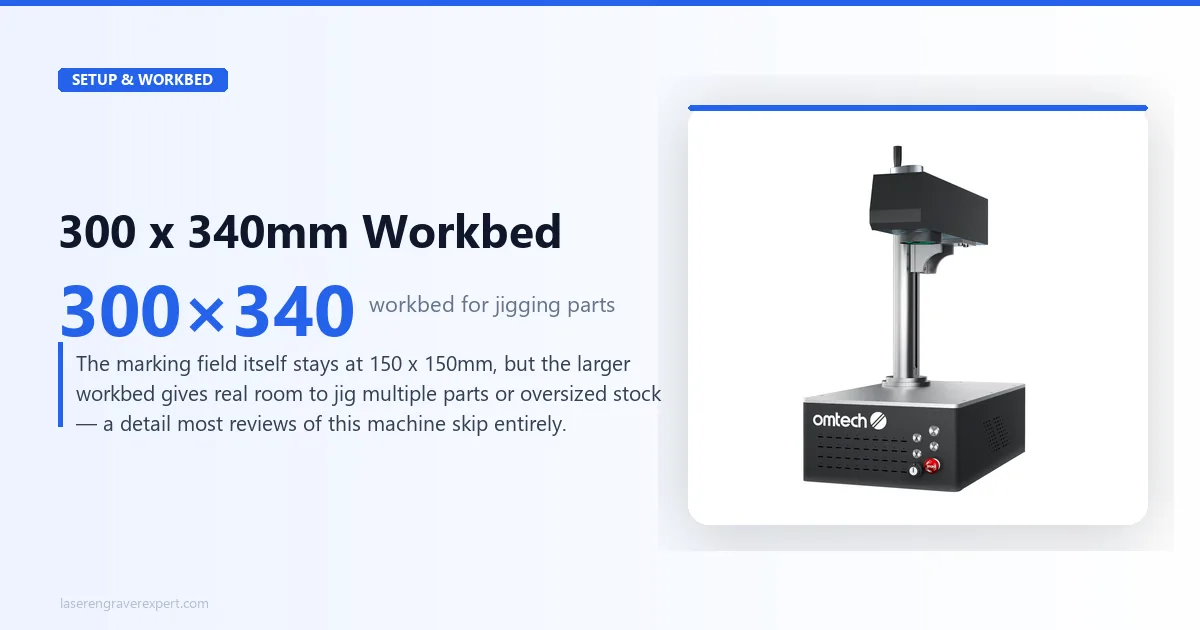
Most buyers comparing MOPA fiber lasers fixate on the marking area number — 150 x 150mm — and assume that’s the whole story on capacity. It isn’t.
The 300 x 340mm workbed is the number that actually matters for production workflows, because it determines how much jigging and fixturing room you have around that 150mm marking field.
Multiple small parts can be jigged within the workbed and indexed into the marking field between jobs, which meaningfully speeds up batch runs compared to machines with a workbed that barely exceeds the marking area itself.
Nobody else reviewing this machine talks about the workbed-to-marking-area ratio, and it’s genuinely one of the more useful practical details for anyone running repeat production jobs.
OMTech MOPA 60W: Pros and Cons
Pros
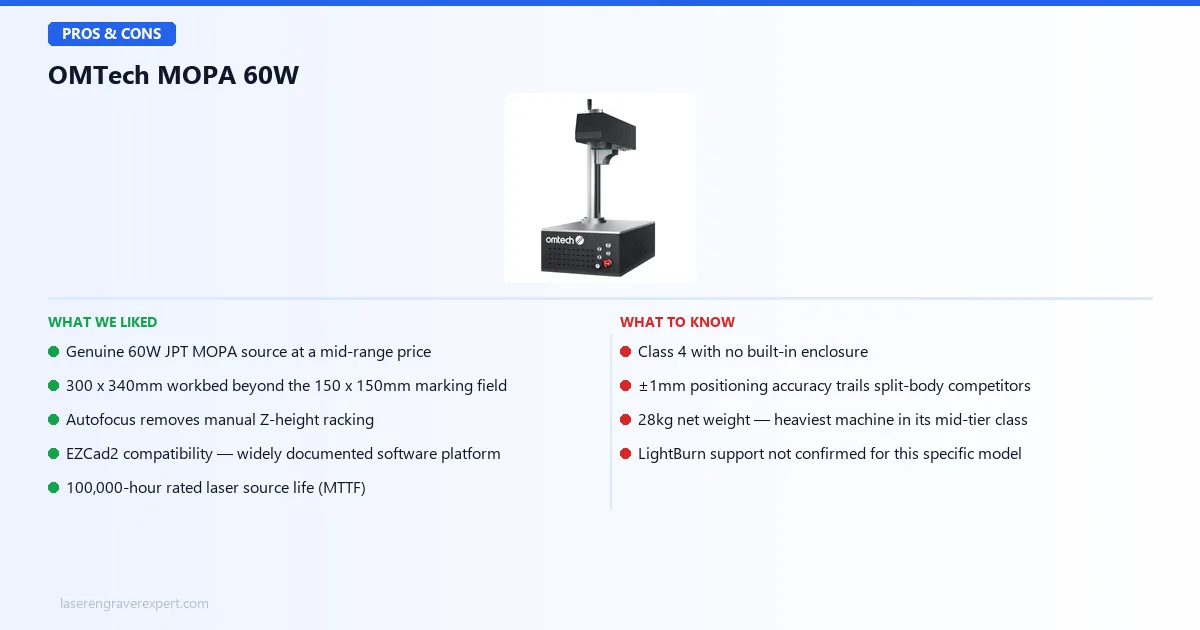
- Genuine 60W JPT MOPA source at a mid-range price — you’re not paying premium-tier money for premium-tier power
- 300 x 340mm workbed gives real jigging and fixturing room beyond the 150 x 150mm marking field
- Autofocus removes manual Z-height racking between jobs and material thicknesses
- EZCad2 compatibility puts it on the same software platform as most of the industrial fiber marking world — widely documented, widely supported
- 100,000-hour rated laser source life (MTTF) means this isn’t a machine you’re budgeting to replace in a few years
Cons
- Class 4 with no built-in enclosure — you need to budget for safety glasses and likely a physical enclosure or dedicated marking booth as part of the real setup cost
- ±1mm positioning accuracy is looser than the split-body and configurable-power competitors in this class, which matters if your work demands tight repeat-placement tolerances across a batch
- 28kg net weight makes this the heaviest machine in its mid-tier comparison set — not something you’re relocating between stations casually
- EZCad2’s dated interface has a real learning curve if you’re coming from consumer-friendly software, and LightBurn support is not confirmed for this specific model
Who Should Buy the OMTech MOPA 60W — And Who Shouldn’t
Buy the OMTech MOPA 60W if:
- You know you need 60W of MOPA power on a permanent basis — a small metal shop doing part ID marking, or a jewelry engraver adding color work to their service list
- You’re a maker business scaling from a lower-power fiber unit into something that can handle harder materials and deeper marks without upcharging every job into multiple passes
- You value working surface over portability — the larger workbed means less time re-jigging between batches, which adds up if you’re running repeat production
Look elsewhere if:
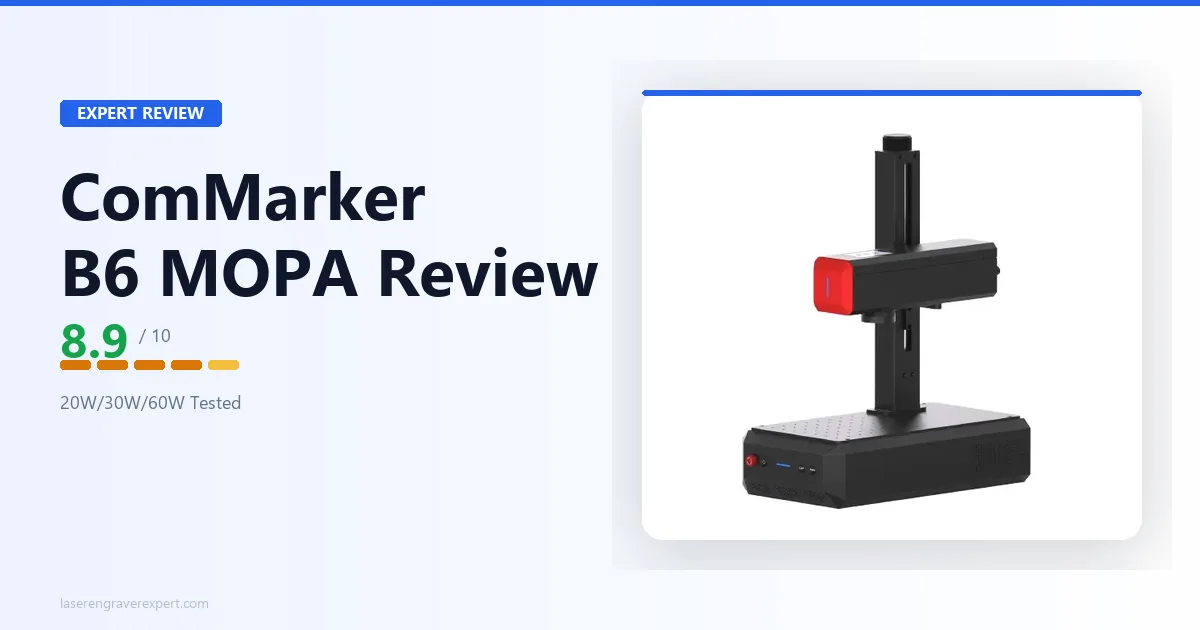
- You need to move the machine between stations regularly, or want the flexibility to dial power down to 20W or 30W for delicate work without buying a second machine — see our ComMarker B6 JPT MOPA review instead, since its field-configurable power and lighter 13.5kg frame solve for exactly that use case
- Positioning precision at the sub-millimeter level is non-negotiable for your work — our OMTech MOPA 100W Split review covers a machine whose ±0.1μm accuracy is in a different league entirely, at a correspondingly higher price
OMTech MOPA 60W vs ComMarker B6 JPT MOPA
Both machines sit in the same rough price and power bracket, and both are genuine MOPA sources — but they solve different problems.
| Feature | OMTech MOPA 60W | ComMarker B6 JPT MOPA |
|---|---|---|
| Laser Power | 60W (fixed) | 20W/30W/60W (field-configurable) |
| Marking Area | 150 x 150mm (300 x 340mm workbed) | 150 x 150mm (300 x 300mm optional) |
| Net Weight | 28kg | ~13.5kg |
| Software | EZCad2 | EZCad2 |
| Color Marking | Yes | Yes |
| Autofocus | Yes | Not confirmed |
| Safety Class | Class 4 | Class 4 |
Where the OMTech wins: the larger 300 x 340mm workbed gives more room to jig and fixture parts, confirmed autofocus removes manual focusing steps, and the fixed 60W source means you’re not paying for configurability you may never use.
Where the ComMarker B6 wins: field-configurable power means one machine can handle delicate 20W jewelry work and heavy-duty 60W marking without swapping equipment, and at roughly half the weight, it’s dramatically easier to move or reposition.
Our take: if your workload is consistently at the higher power end and you value working surface, the OMTech MOPA 60W is the more straightforward buy. If your jobs vary widely in required power or you need a lighter, more portable unit, the B6’s configurability is worth the trade-off.
OMTech MOPA 60W Buying Guide — What Actually Matters Before You Spend a Dollar
MOPA fiber lasers all look similar on a spec sheet. Here’s what actually separates a good buy from a regret.
MOPA vs Standard Fiber — Know Which One You Actually Need
The single biggest factor in this purchase decision is whether you need color marking capability at all. A standard fixed-pulse fiber laser marks black or grey on metal and does it well, usually for less money. A MOPA laser like this one adds adjustable pulse width — 2 to 500ns here — which unlocks color oxidation marking on stainless steel.
If your work is exclusively part ID, serial numbers, or logos in black, you may be paying for a capability you won’t use. If color work, jewelry engraving, or premium branding is part of your business, MOPA is the only technology that gets you there on a desktop machine.
Marking Area vs Workbed Size
Don’t just look at the marking field number. The 150 x 150mm marking area on this machine is standard for the class — check the actual workbed size, since that determines how much room you have to jig multiple parts or oversized stock around that marking field, which matters enormously for production throughput.
Positioning Accuracy for Your Actual Tolerance Needs
±1mm positioning accuracy is fine for most part marking, serial numbers, and general engraving work. If your application demands tight repeat-placement across a large batch — microelectronics, precision jewelry components — you’ll want to look at machines rated in the micron range instead, which typically come at a significant price premium.
What Most People Get Wrong About Fiber Laser Buying
Most buyers shopping in this price range obsess over wattage as the deciding factor. Here’s the problem: at 60W, marking speed differences between competing machines in this bracket are often marginal for typical job sizes.
What actually differentiates machines at this tier is the software ecosystem, the workbed-to-marking-area ratio, and whether the safety class matches your existing shop setup. A 60W machine you can’t safely enclose in your space is a worse buy than a 30W machine that fits your actual working conditions.
Red Flags to Avoid
- Listings that don’t specify JPT (or another named brand) as the MOPA source — generic “MOPA fiber laser” claims without a source brand are worth questioning
- No published pulse width range — if a listing calls itself MOPA but won’t tell you the adjustable pulse width, verify before buying
- Vague or missing safety class rating — Class 4 machines need documented safety planning, and a listing that omits this is skipping a real cost
- No stated laser source life (MTTF) — this is a meaningful long-term value indicator and its absence is a gap worth asking about
OMTech MOPA 60W Final Verdict — Here’s How to Choose
You’ve read this far, which means you’re weighing this against other MOPA fiber lasers in the same bracket. Here’s the simple version:
- If you need a genuine 60W MOPA source at a price closer to entry-level fiber machines than premium ones → the OMTech MOPA 60W is the straightforward pick
- If you need field-configurable power or a lighter, more portable machine → the ComMarker B6 JPT MOPA fits that use case better
- If sub-micron positioning precision is non-negotiable for your work → the OMTech MOPA 100W Split is worth the higher price
- If you’re still comparing across the full field of MOPA and standard fiber options → our best fiber laser engraver guide ranks all ten machines side by side
That’s the full picture from our OMTech MOPA 60W review: for shops that know they need real 60W MOPA power and value working surface over portability, the OMTech MOPA 60W earns its spot as the value pick in this category.